Vaadin Blog
.png)
Most "best AI coding tools" lists are written for JavaScript and Python developers. Java teams have different problems: codebases that are a decade old, strict typing, Spring and Jakarta EE conventions, and security reviews before anything new reaches production.
An AI coding tool that writes good React snippets can still get your Spring Boot service, your build file, and your UI layer wrong at the same time. So we looked at today's AI coding assistants and agents with one question in mind: which ones actually help Java developers ship?

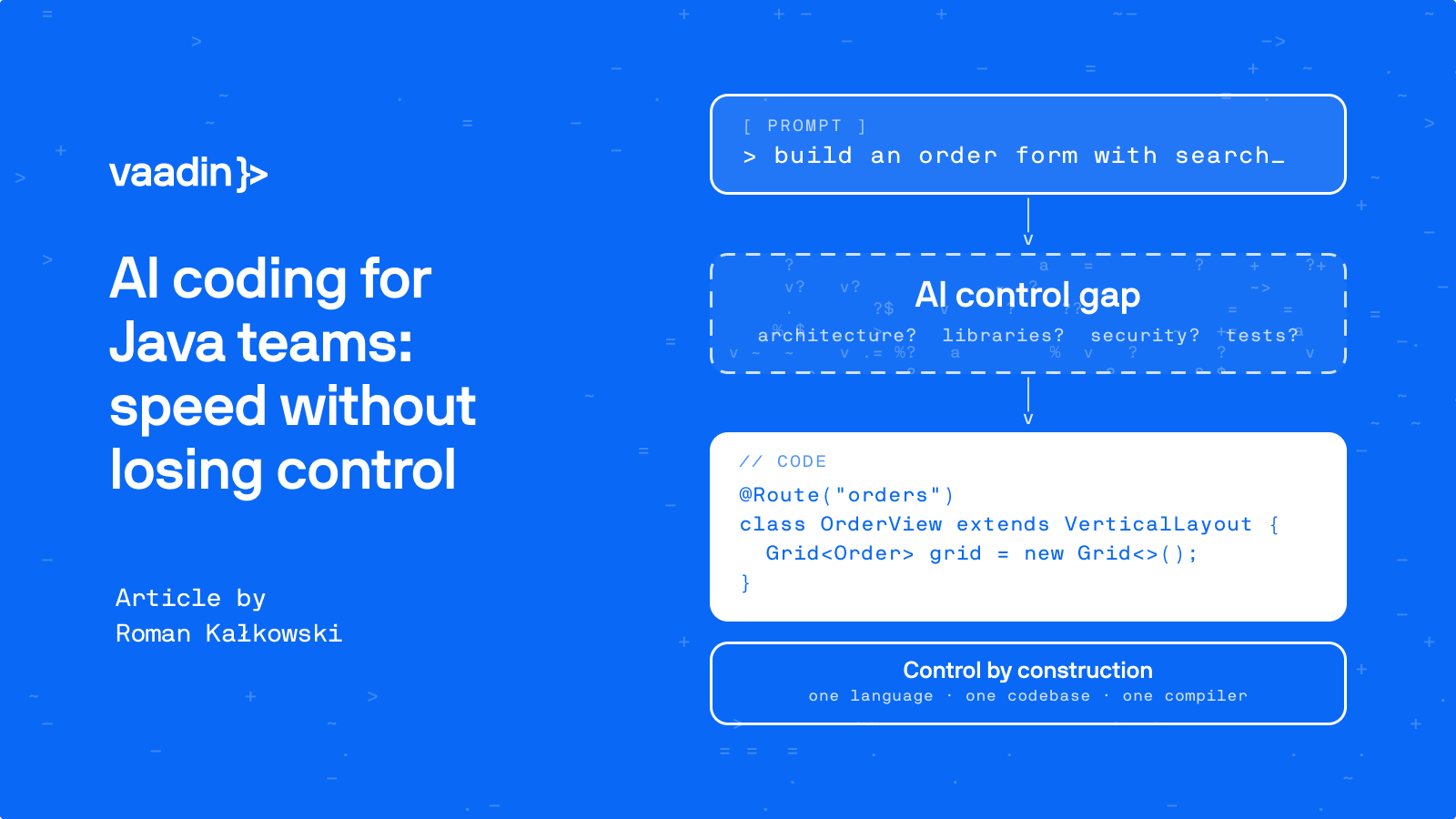
AI Coding for Java Teams: Get the AI Speed Without Losing Control
AI assistants now write code faster than any of us can read it. Whether we can trust that code is a different question, and for a lot of Java teams the answer is still "not really". If you build software with an AI assistant, you control two things: the prompt you write and the code you accept. ...

SwingBridge Emulators: Java Swing to Web by swapping imports
If you have a Java Swing application and migrating one view at a time, you have had two ways to do that. Either take on a rewrite project with your favorite web framework or stream it to the web using solutions like SwingBridge Streamer. Now we are giving you a third option, SwingBridge Emulators. ...


Driving Vaadin apps with macros, automation, and AI
Every business application has a list of things users wish it did. "Let me do this for all 40 rows at once." "Remind me every Monday and fill in the usual." "Take the numbers from this app and put them in that one." Most of these never make it to the roadmap, and fair enough: there are always more ...


Building a pipeline that migrates a JSF 2 application to Vaadin 25
I spent more than ten years writing JSF. JSF 1.2 first, then years of JSF 2 and PrimeFaces in a corporate environment, and teaching other people to do the same. We wrote a lot of our own components. That meant Java and templates in the same screen, and long afternoons working out what was happening ...


Vaadin 25.3: AI you can audit, and observability without the Java agent
Vaadin 25.3 is the third feature release in the 25.x line. Three of its larger additions answer the same question in different places: what just happened? You can see which form fields the AI filled and how confident it was, what your application is doing in production, and whether a coding agent's ...


Does Vaadin Support Mobile? Two New Add-ons Close the Last Gap
It is a common misconception that Vaadin is a desktop framework with little to no mobile support. The assumption is that when opening a Vaadin application on a phone, it just gets a cramped version of it. It is not true, and it has not been true since version 10. What the framework never shipped ...

.png)
How I benchmarked SwingBridge by counting Swing users
Vaadin SwingBridge is a solution that allows you to run Swing apps in the web browser just by adding your app jars in the Vaadin skeleton app. I got a task to measure the memory consumption since we were getting many requests from customers related to that. So, I set out to build a test harness ...
.png)
VaadinBench: Which AI coding tools work with Vaadin? We started measuring.
Every few weeks, a new model or agentic coding tool claims it writes better code than the last one. Those numbers are useful signals about general code writing, but for a Java shop building or maintaining real Vaadin applications, the relevant questions are narrower: can an agent wire Vaadin's ...


Vaadin 25 Training: New Videos, Exercises & Certification Now Available
We have new training videos, exercises, and certifications for Vaadin 25. What took us so long? I'm glad you asked. Why updating training content is hard Updating training materials to a new major Vaadin version has always been a big task. Ideally, when a new release ships, we'd be ready to train ...