>_ Practical woskhop - FIGMA MCP + Vaadin Copilot

Turn Figma designs into working Vaadin UI in minutes

A two-day hands-on workshop for Java teams

Bridge the gap between design and development. Learn to leverage the Figma MCP and Vaadin Copilot to drastically reduce manual UI development time and ensure perfect alignment between designers and developers.
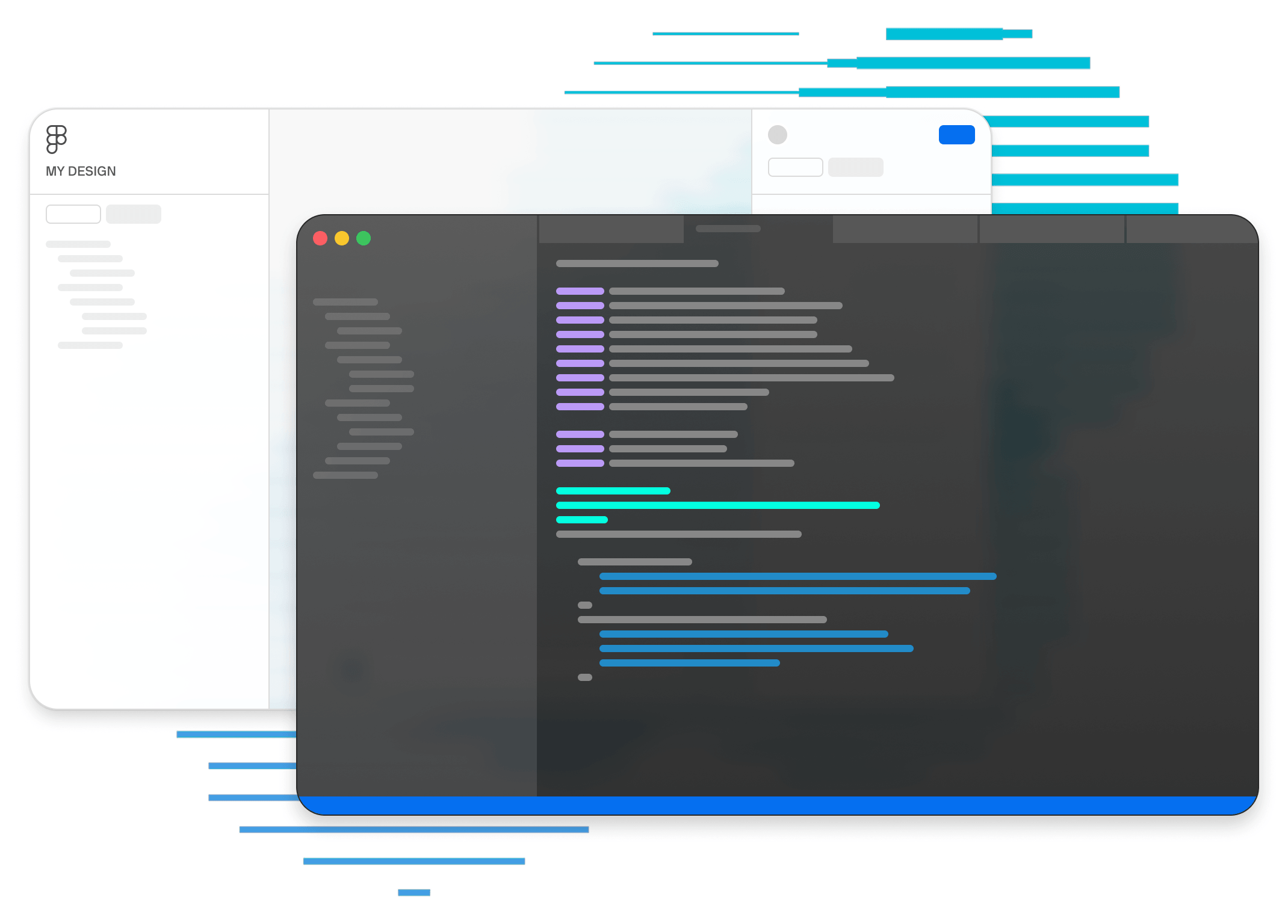
FigmaVaadinWorkshop3

Business Impact

Quantifiable results for your engineering team.

5-15 min

To first working draft

30-60%

Reduction of manual UI work

2x faster

From Figma design to production-ready UI 

>_ The real problem

UI development is still slower than it should be

Even with modern tools, going from a Figma file to a polished Vaadin view costs hours per screen — and the gap between design and implementation keeps growing.
REQUEST MORE INFORMATION
> Translating high-fidelity Figma designs into Java/Vaadin code is slow and manual

> Developers spend hours interpreting design specifications, adjusting layouts, and tweaking CSS

> Slow iteration loop between designers and developers

> Potential implementation inconsistencies and delayed time-to-market

>_ How it works

A repeatable workflow your team owns

Not one-click magic - a streamlined process from concept to code.
Generate a Vaadin draft from Figma using MCP, then refine it on the running app with Vaadin Copilot.


01 - Figma
Design view

Create your UI in Figma using standard components.

02 - MCP
Generate draft

Generate first draft of UI using MCP (design -> Vaadin code)

03 - Vaadin Copilot
Refine layout

Refine & tweak the generated Java/Vaadin code within your IDE.

04 - Vaadin
Wire logic & deliver app
Bind data and deploy to production-ready UI

Why Vaadin workshop?

50%+ Time Savings

Drastically reduce the hours spent on tedious UI coding.

Better Team Alignment

Ensure what is designed is exactly what is built, without compromise.

Faster AI adoption

Accelerate the practical adoption of AI-assisted web app development

>_ Ready?

Let's accelerate your Figma to Vaadin process

Two days, on-site, fixed price, hands-on with your codebase. By the end of it,
your team has a real workflow — not a notebook.


€2,000 + travel costs · 2 days 

  • 1-day setup & tooling configuration
  • 1-day hands-on, end-to-end practical training
  • Remote or on-site workshops


Trusted by Industry Leaders

autodesk
accenture
volkswagen
puma
ibm
european-commission