Vaadin UI components
for Jmix
Enterprise-grade UI components
Build interactive, data-driven dashboards with drag-and-drop widgets, real-time updates, and responsive layouts — all inside your Jmix project.
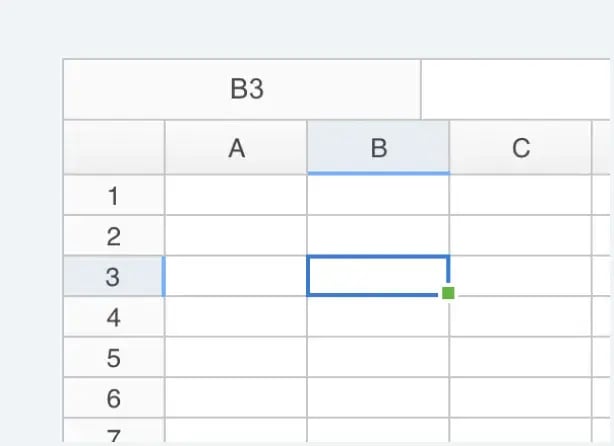
A full-featured spreadsheet component with Excel-like functionality—formulas, formatting, charts, and large dataset support right in the browser.
Simple, transparent pricing
One subscription gives you access to both Dashboard and Spreadsheet
componentsfor use within your Jmix applications.
Frequently asked questions
What components are included?
This license includes the Vaadin Dashboard and Spreadsheet Pro components for use within Jmix applications.
How does the license work?
Each license covers one developer seat for one year. The license allows you to use both Pro components in any number of Jmix projects.
Do I need a Jmix subscription?
Yes, you need an active Jmix paid plan (Enterprise or higher) in addition to this Vaadin Pro component license.
How do I activate my license?
After purchase, you'll receive a license key via email. Follow the instructions provided to activate it within your Jmix development environment.
How is technical support handled for Vaadin components within a Jmix application?
Support is shared between Vaadin and Jmix:
Vaadin handles the components themselves (Dashboard, Spreadsheet): bugs, performance, rendering, and core behavior.
Jmix handles how these components are used inside Jmix apps: integration, configuration, and development guidance.
The Jmix team can help with initial triage, but component-specific issues may be forwarded to Vaadin support.