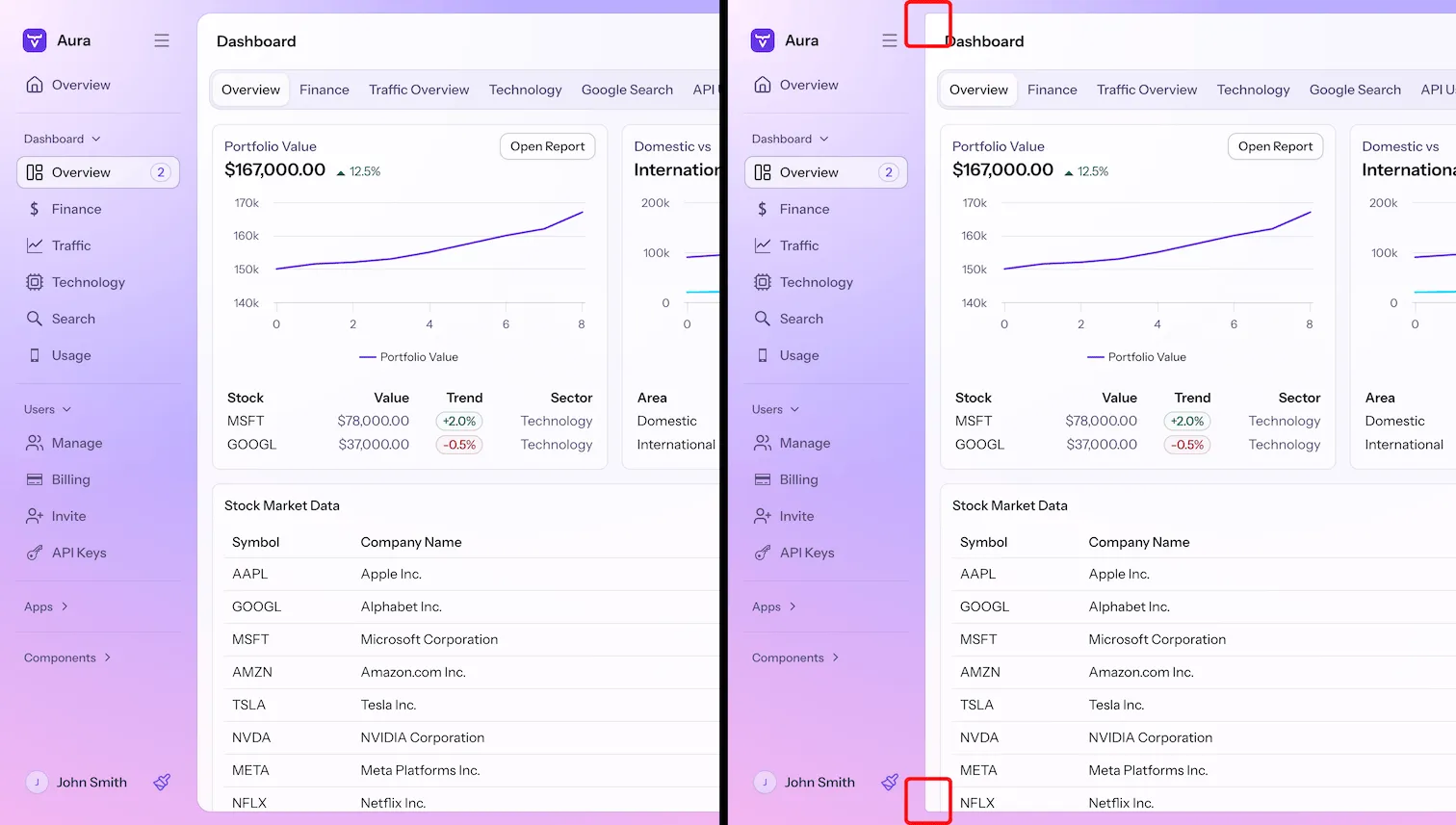
Aura App Layout
Aura offers customization options how the App Layout component renders the main content area.
|
Note
|
Always use a unit when setting these property values to zero
These properties are used in CSS calc() functions and require a unit when setting the value to zero, e.g., 0px.
|
Inset
--aura-app-layout-inset-
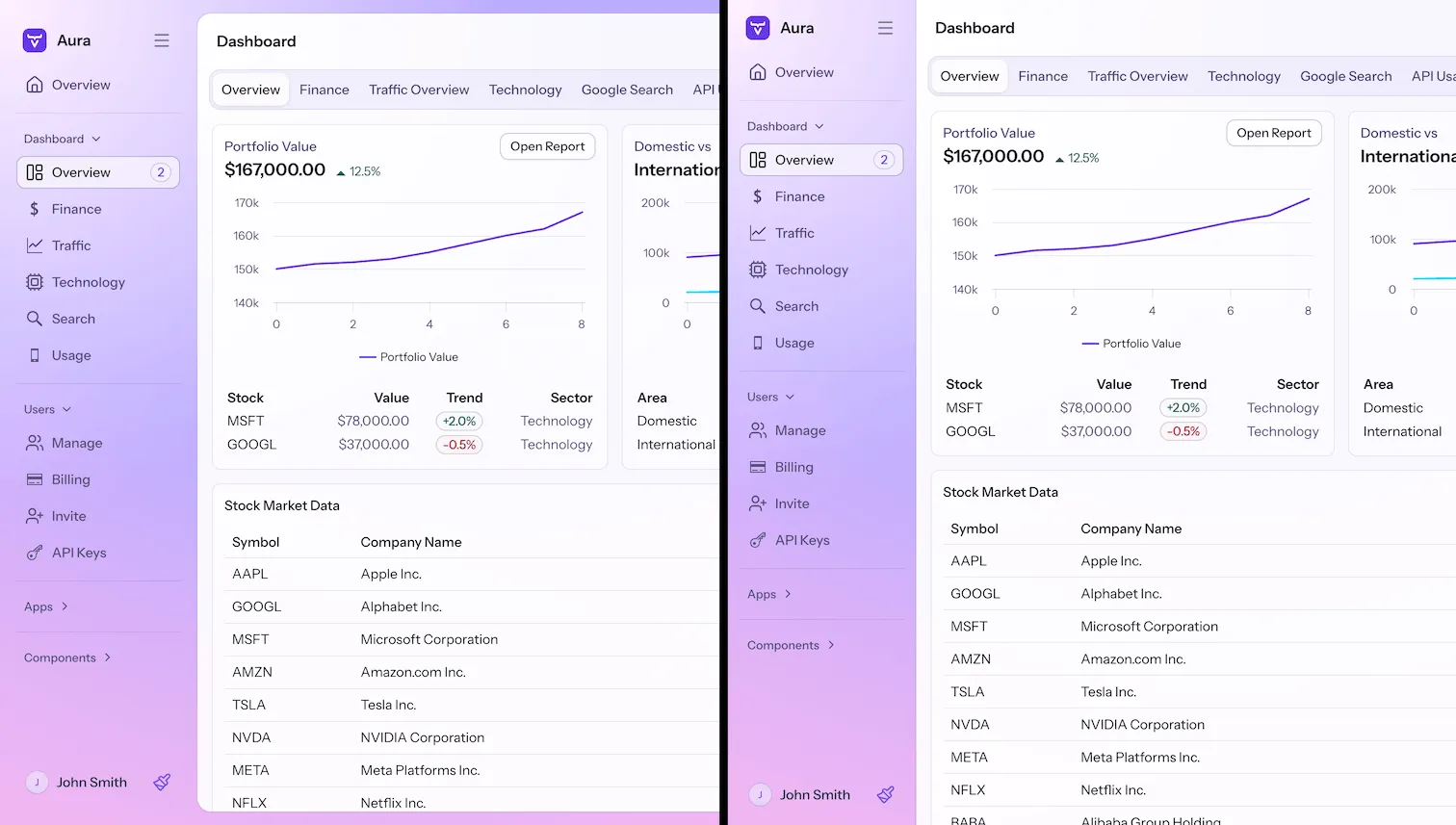
A length value that defines how much the navigation and content areas are inset within the browser viewport. The default is
1.5vmin. You can set it to zero if you want to maximize the space that is available for the UI.The inset is set to zero automatically once the browser viewport is below 800px width or 600px height. That rule uses
!important, so a plain declaration doesn’t override it at those viewport sizes.
Source code
CSS
html {
  --aura-app-layout-inset: 0px;
}
Border
--aura-app-layout-radius-
Sets the border radius of the content area within the App Layout component. Effective only if
--aura-app-layout-insetis not zero. Default is the base style L size border radius. --aura-app-layout-border-width-
The border width around the App Layout content area. The default is
1px. The border isn’t rendered at the viewport sizes where the inset is forced to zero.
Source code
CSS
html {
  --aura-app-layout-radius: 5px;
}