Import into NetBeans
Learn how to import your project into NetBeans using the Open Project option.
To import your project into NetBeans, click Open Project on the start screen.
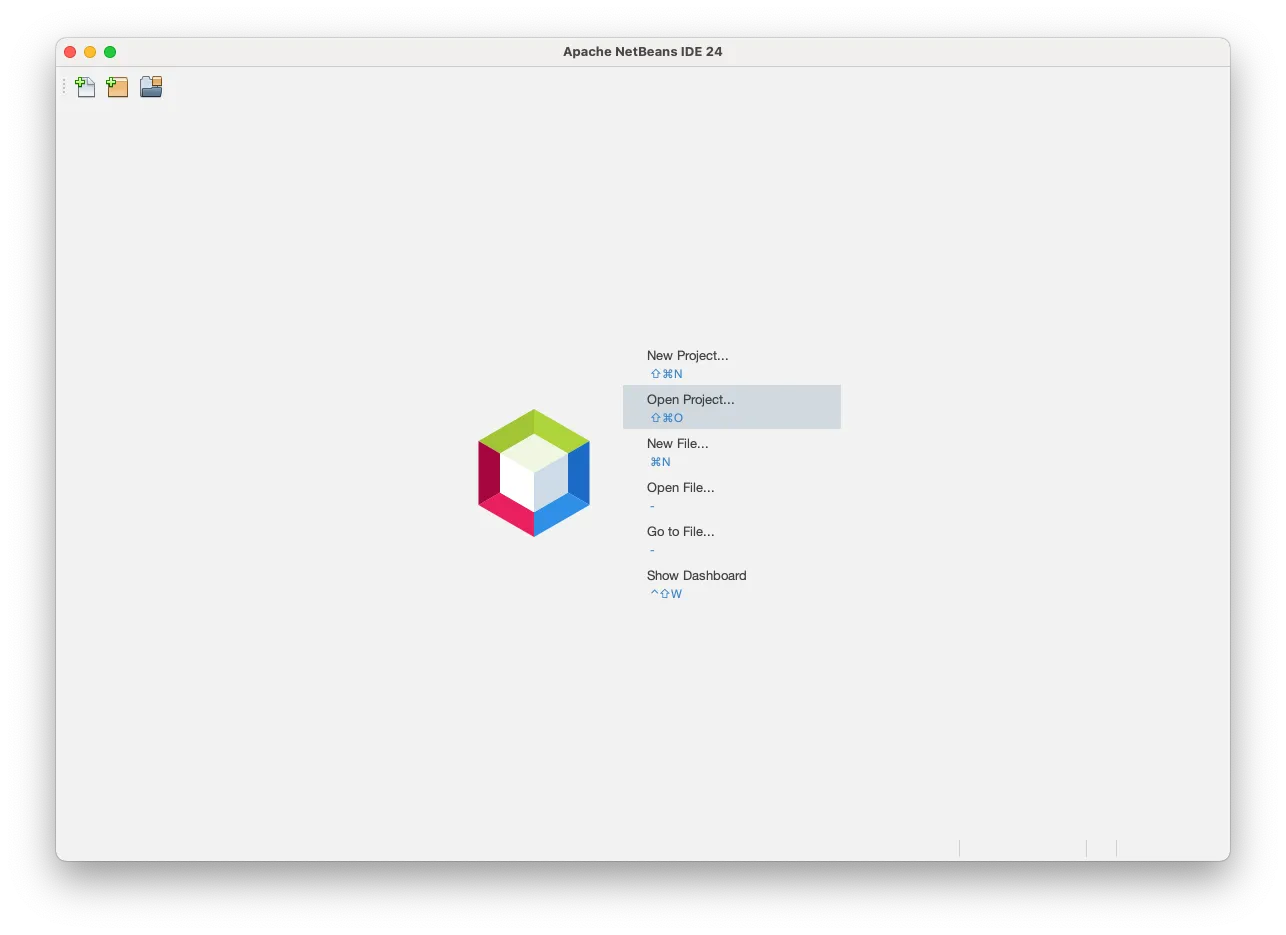
You can also select in the menu.
Next, find the project directory. Check Trust Project Build Script, and click Open Project.
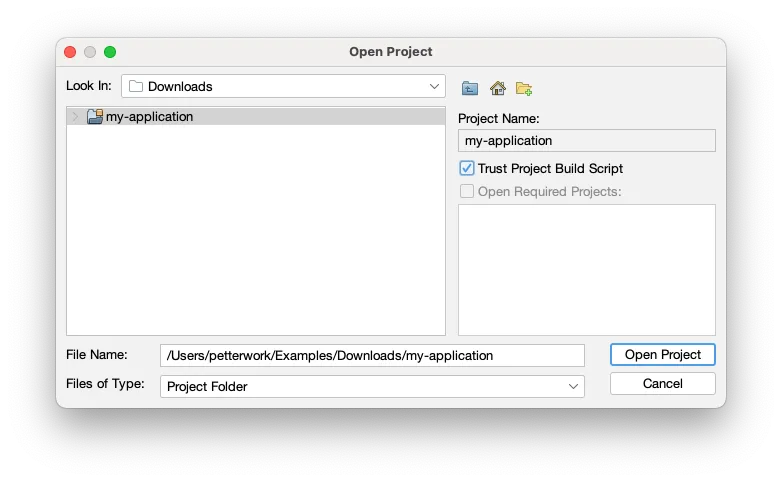
Your project is now imported.