Installing in Eclipse
Installing Eclipse and Plug-Ins
You need to install the following to use Vaadin Designer:
-
Eclipse for Java EE developers
-
Vaadin Designer from link: https://vaadin.com/eclipse
If you already have Vaadin Designer installed, it will be upgraded to the newest Vaadin Designer.
Installing Vaadin Designer
-
Open Eclipse
-
Choose Help > Install New Software…
-
Type https://vaadin.com/eclipse into the Work with field and hit Enter
-
On Vaadin, select Vaadin Designer.
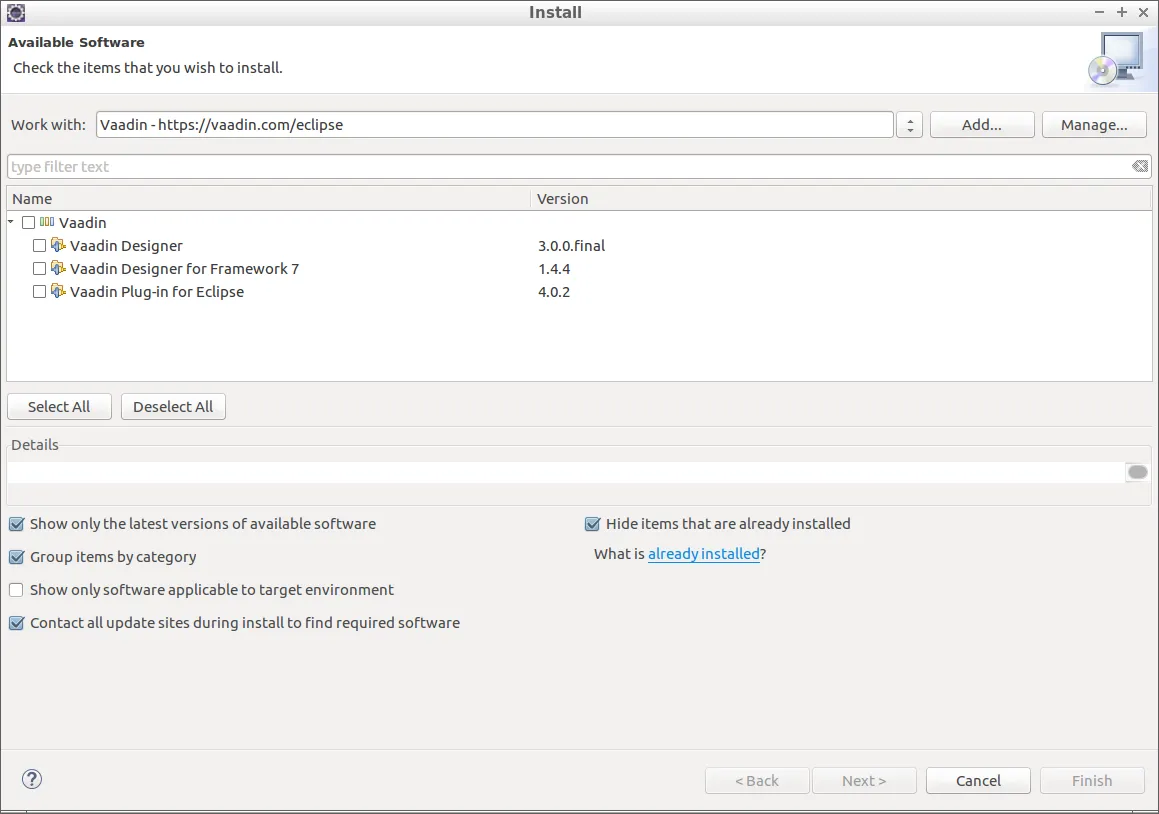
Select Vaadin Designer plugin
-
Follow the wizard to finish installing the plugin
-
Restart Eclipse to make the plugin active