Licensing
The first time you start Vaadin Designer, it will show a license dialog in the IDE and open vaadin.com in your browser. After logging in to vaadin.com and validating your license, you can start creating your designs. Remember to keep the IDE and the editor open while license validation is in progress.
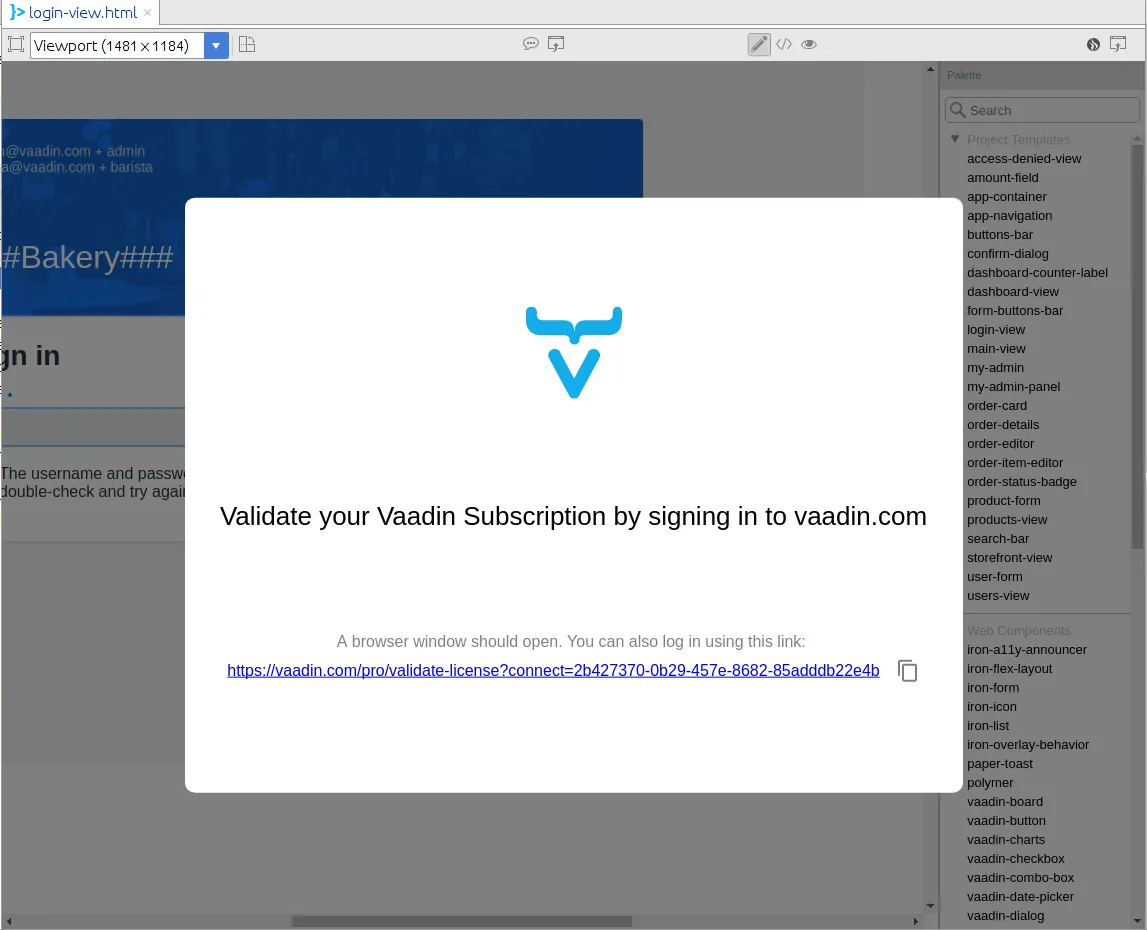
License dialog for Vaadin 10 design
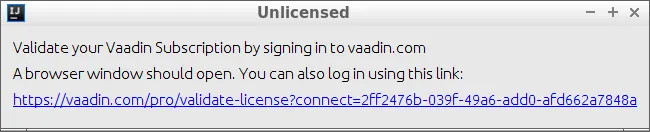
License dialog in IntelliJ IDEA for Framework design
Please note that a separate license key is required for each developer. If you choose not to supply a license, you will be unable to see your design.
If you for any reason need to remove or change a valid license, it is located in ~/.vaadin/proKey in UNIX systems and C:\Users\<username>\.vaadin\proKey in Windows.