sliding-pages:
[ This description is mirrored from README.md at github.com/alex-saunders/sliding-pages on 2019-05-10 ]

<sliding-pages>
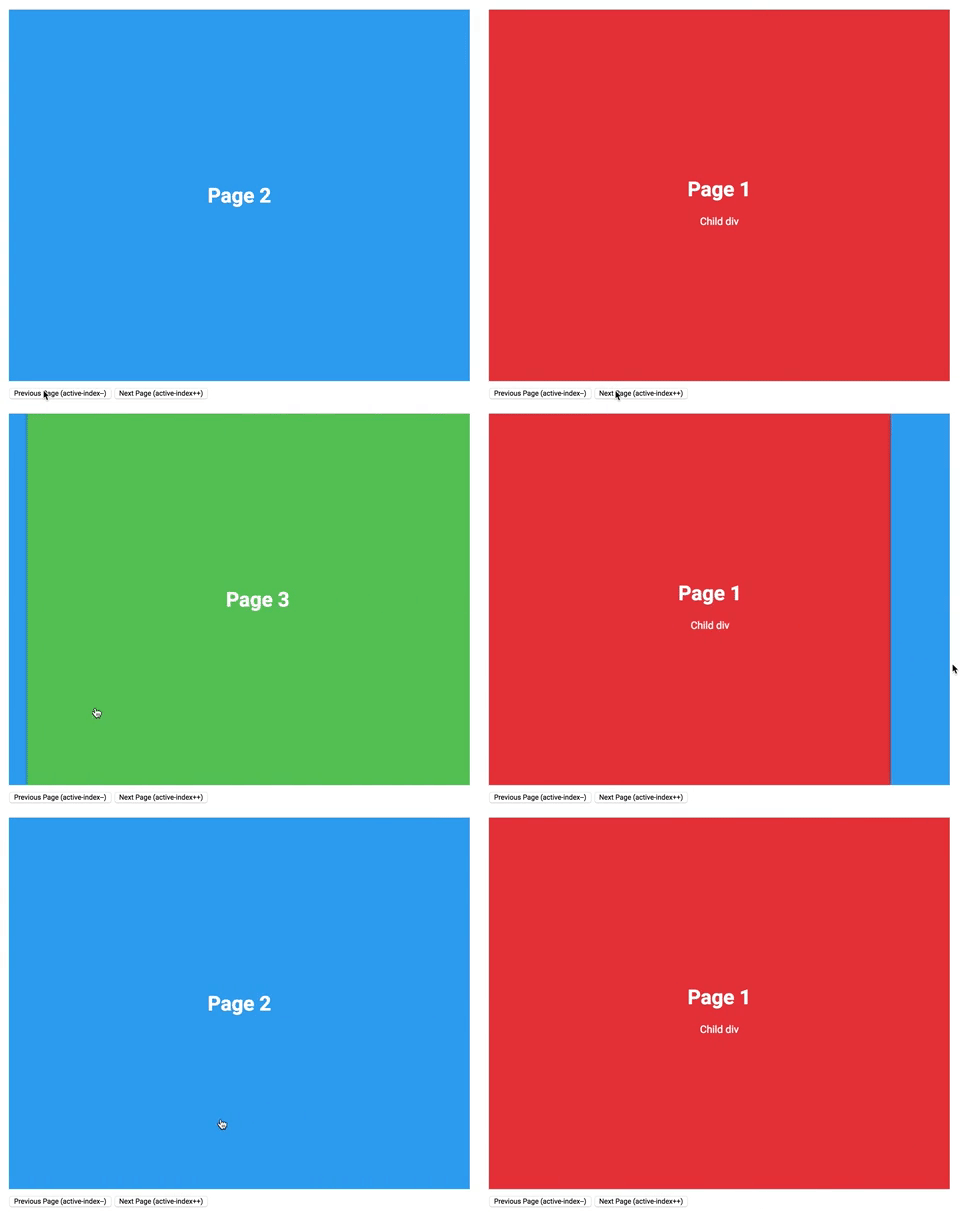
<sliding-pages> is a simple carousel style element for moving between pages. The transitions are based on native app transitions and are implemented using the FLIP animation technique for optimal performance. Page transitions can be actived by either swiping left or right or by chaing the active-index property.
Usage
sliding-pages looks for and defines pages as immediate div children and forms an array using these, which the property active-index is based on. Nested children of these divs will be ignored.
The following HTML implements the <sliding-pages> element:
<sliding-pages active-index="1">
  <div>
    <h1>
      Page 1
    </h1>
    <div>
      Child div
    </div>
  </div>
  <div>
    <h1>
      Page 2
    </h1>
  </div>
  <div>
    <h1>
      Page 3
    </h1>
  </div>
</sliding-pages>
With the corresponding JS:
<script>
const pages = document.querySelector('sliding-pages');

function prevPage() {
  const currIndex = parseInt(pages.getAttribute('active-index'));
  pages.setAttribute('active-index', (currIndex - 1));
}
function nextPage() {
  const currIndex = parseInt(pages.getAttribute('active-index'));
  pages.setAttribute('active-index', (currIndex + 1))
}
</script>
API Reference
Properties
| Property | Type | Description |
|---|---|---|
| active-index | Number | The index of the current active page (note, this is 0-based) |
Methods
<sliding-pages> has no public methods as it’s behaviour is purely defined by the active-index property. I.e. to go to the next page, increment active-index and to go to the previous page, decrement. This property is both observed and reflects to attribute i.e. one can manually change the active-index property to trigger a page change or if the page is swiped left or right, the active-index property will update to display this.