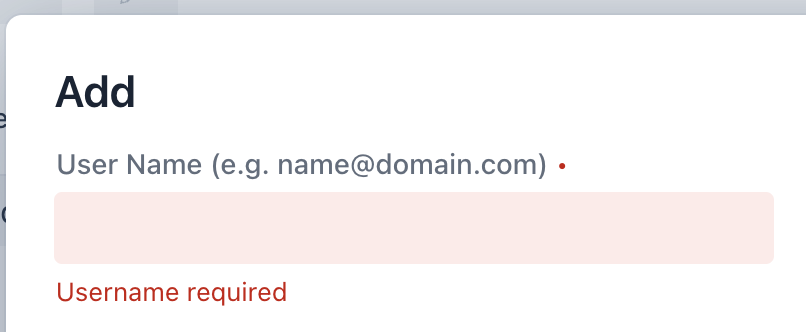
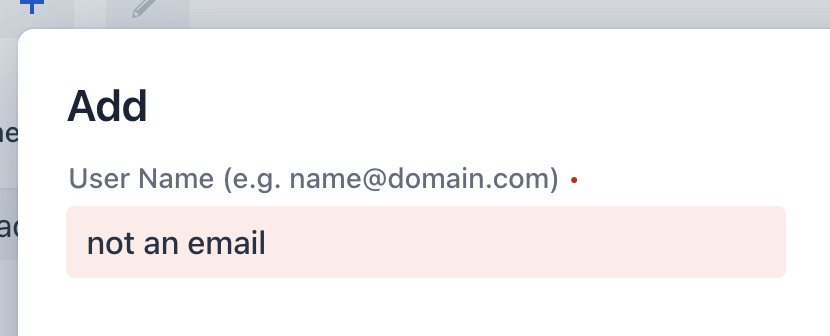
I don’t know any official component named GridCrud. Sounds like an addon, which might get better answers in the appropriate repository of that addon.
General point: it might be possible that the GridCrud is using an EmailField internally, which in this case define its own email validation. This validation takes precedence over yours and needs to be customized.
If you can get a reference to the EmailField created by the GridCrud, it should be possible to disable the component’s own validation using emailField.setManualValidation(true).
Edit: The “Customization” section on the add-on page lists several methods to customize the generated fields.
Update:
After several hours of trial and error, I have concluded, there might be something wrong with the EmailField + @Email combination
When I removed the form.setFieldType("userName", EmailField.class); everything started working properly.
I suppose it defaulted to a TextField since userName is a String.
So basically EmailField + @Email combination = didn’t work TextField + @Email combination = worked.