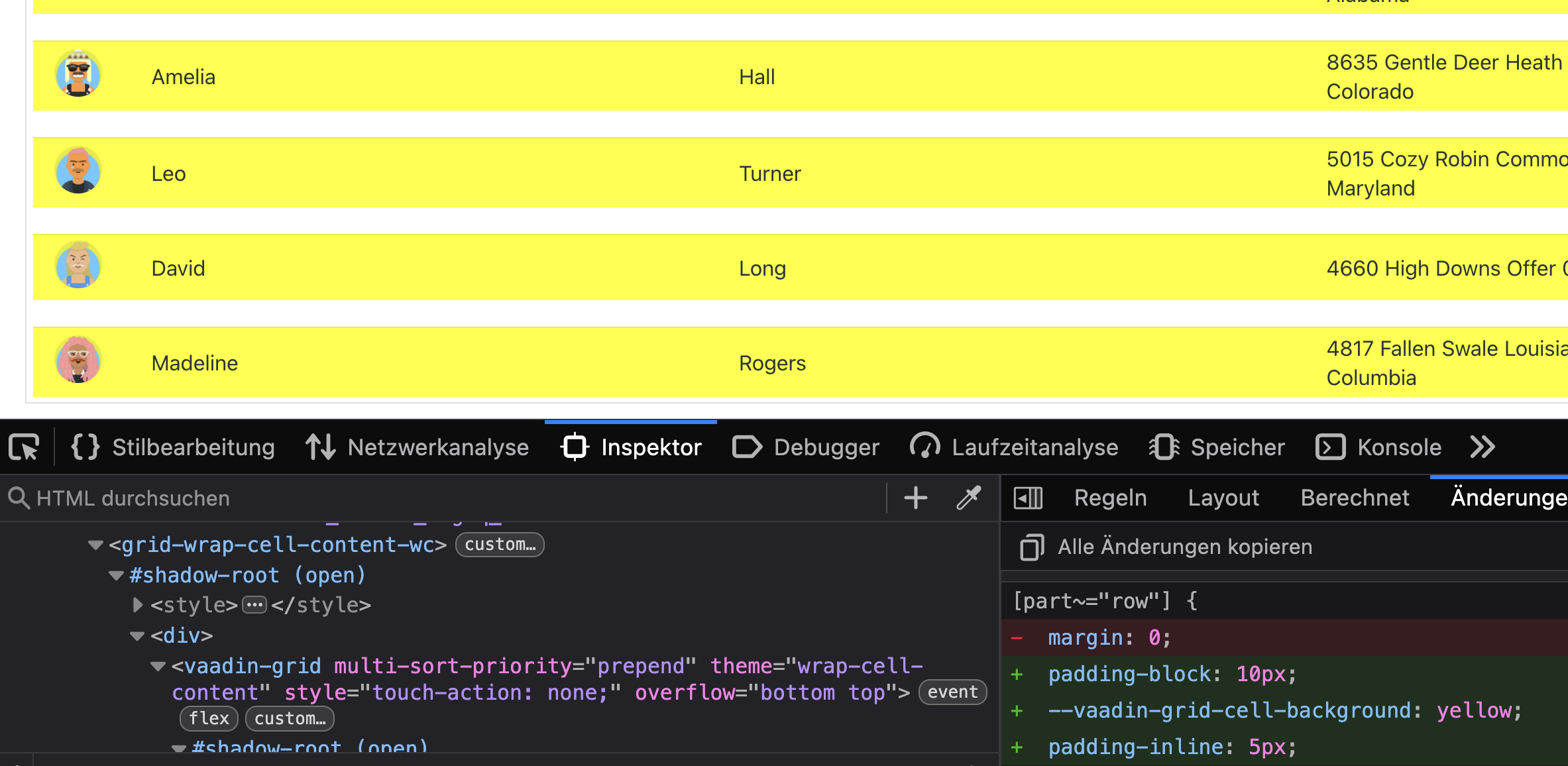
I tried it in vaadin 24 and in the 25 beta. added my own css.
I can see in the browser inspector that the table has the css properties, but they just show no effect.
There is no way to add gaps between rows in the grid.
Has anybody an idea why this si not working? I mean, its just html, so should work. But it is not working.
Wow, thanks. It made me Crazy not to know why it was not working.
Spent several hours investigating it.
Does this mean that we cannot have a space between rows in vaadin?
I am trying to create something similar to the look of stories and tasks in the Jira backlog.
Already tried it all. Padding is working, but I need something like margin, so that the background shines through. But margins are also not working.
The only thing that will do it is border-spaces.
I will test it tomorrow again, but pretty sure that margins are ignored inside of tables by most browsers.
I tested margin with standard html and as expected, it does not work inside at able.
Unfortunately I was not able to attach it. the forum does not allow html files attachments. So i added it as preformatted text to my answer.
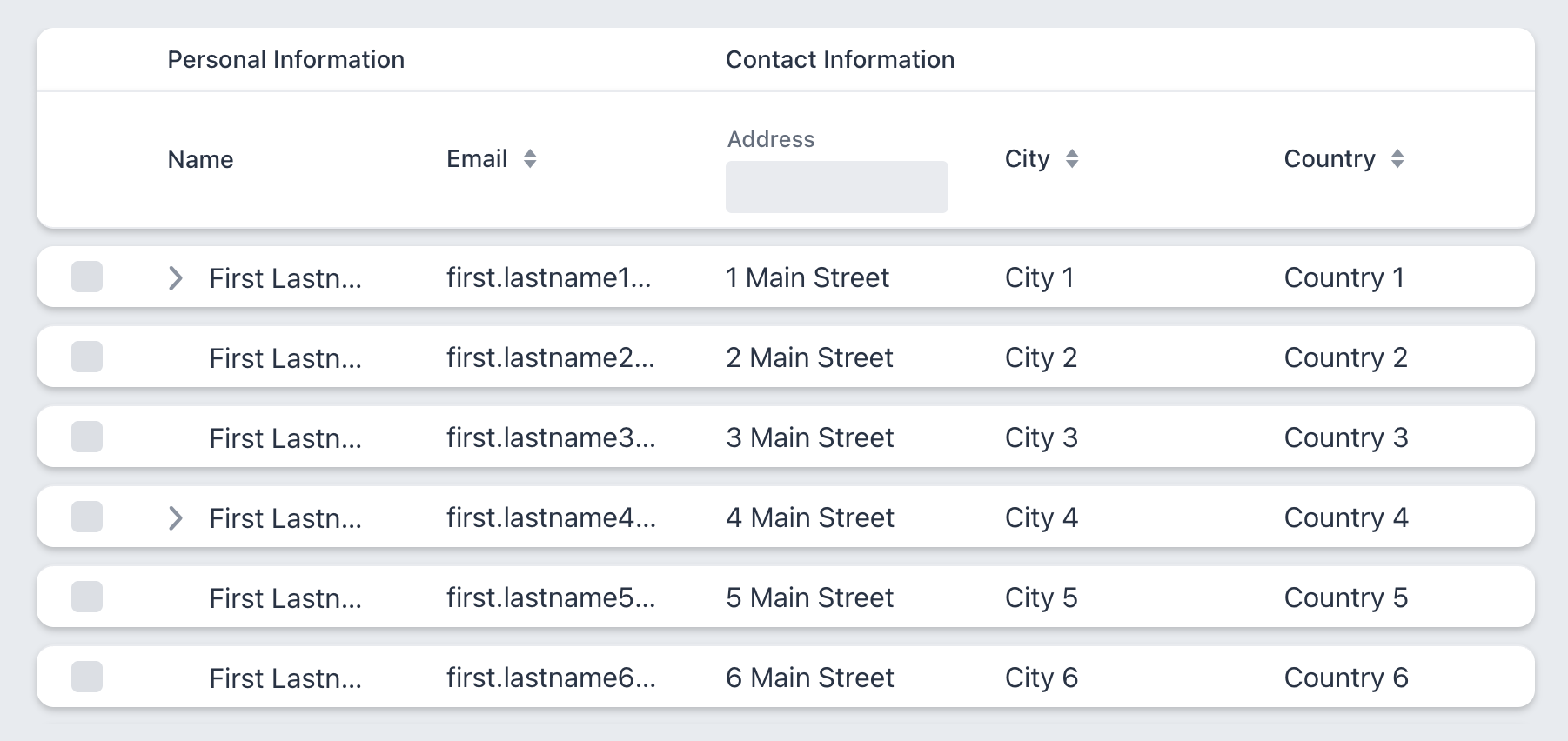
But i added a picture of how it is suppose to look using html.
I can see your other comments. They are marked as potential spam because of the embedded html.
From looking at the provided example, my first guess would be that you tried to apply “normal” CSS… Vaadin components are encapsulated using shadow dom so that you can’t manipulate everything freely. You need to target specific parts of it using the part-selector
Thank you. I know about shadow dom. The example was just to demonstrate what i want to do.
The css for vaadin looks a bit different. I always check using the inspector in chrome to make sure my css is actually applied to the html elements in the shadow dom.
The issue is simply: The only solution css/html provides for this problem is border-spacing and vaadin does not allow this or ignores it because it is rendered using display: flex.
In other words: there is no solution to get vaadin to look like the provided image. I mean, sure, there are hacks like using images and ugly stuff. But not by normal css/html means.
yes, that is possible with with padding, but the background cannot shine through and you cannot have per row shadow or rounded corners.
For all that you need border-spacing.
Can’t use regular box-shadow, but I hope the drop-shadow() filter would be enough. Here’s what it looks like (and that’s the page background color showing through, the grid itself is transparent):