vcf-popup: # <vcf-popup>
<vcf-popup> is a Web Component providing an easy way to hide extra content from your webpage and show them to the user whenever they need them.
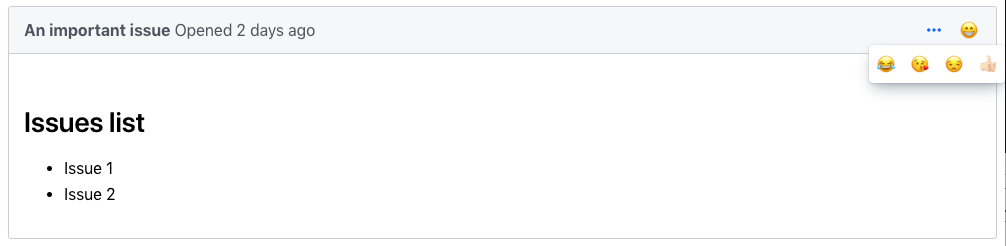
Example Usage
  <vaadin-button theme="icon tertiary" id="more">
    <iron-icon icon="vaadin:ellipsis-dots-h"></iron-icon>
  </vaadin-button>
  <vcf-popup for="more" close-on-click>
    <template>
      <style>
        [part="container"] {
          padding: 5px 10px;
        }
      </style>
      <div part="container">
        <vaadin-button theme="icon">
          <iron-icon icon="vaadin:edit"></iron-icon>
        </vaadin-button>
        <vaadin-button theme="icon">
          <iron-icon icon="vaadin:close"></iron-icon>
        </vaadin-button>
        <vaadin-button theme="icon">
          <iron-icon icon="vaadin:plus"></iron-icon>
        </vaadin-button>
      </div>
    </template>
