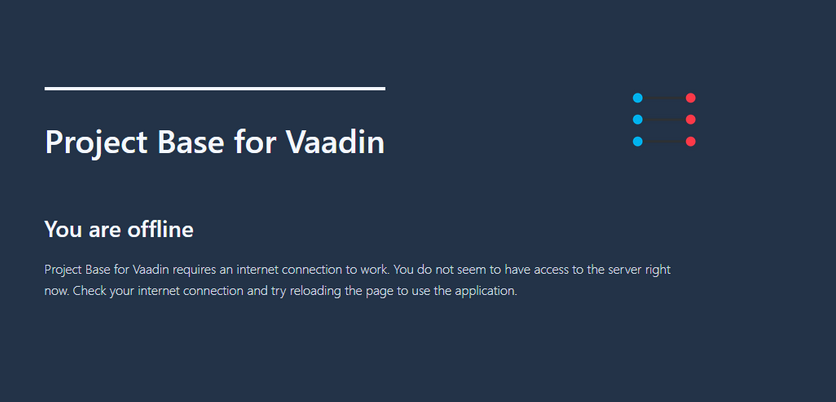
Now that I tried to dig into it, I don’t know where it is from or what actually triggers it.
I’m unable to reproduce it by pulling the network cable or stopping the server.
We don’t currently enable @PWA, but it might’ve been enabled earlier in our Vaadin20 upgrade, so might this be a cached service worker? or is it something Vaadin produces in certain cases even when PWA is off?
A cached version from when you used to have @PWA enabled sounds likely. In Chrome, try “Clear site data” from the Developer Tools’ Application tab, under the Storage subsection. Note that the cache is URL-specific, so if you have e.g. a production deployment and a test deployment, they need to be cleared separately.
It might even be from after I tried one of Vaadin’s starters on localhost.
I’ve removed all I could find in Firefox: about:serviceworkers.
If I get this page again I’ll check there first.