What’s something you’ve always wanted to do with the design or UX of a Vaadin app, but never got around to trying?
Maybe it’s something cool you’ve seen in another app and thought, “I wish my app did that.” Or maybe there’s something about the default Vaadin look or behavior that you’ve always wanted to change, but weren’t sure how—or whether it was worth the effort.
I’m looking for all kinds of ideas:
visual styles or effects
interesting layouts or UI patterns
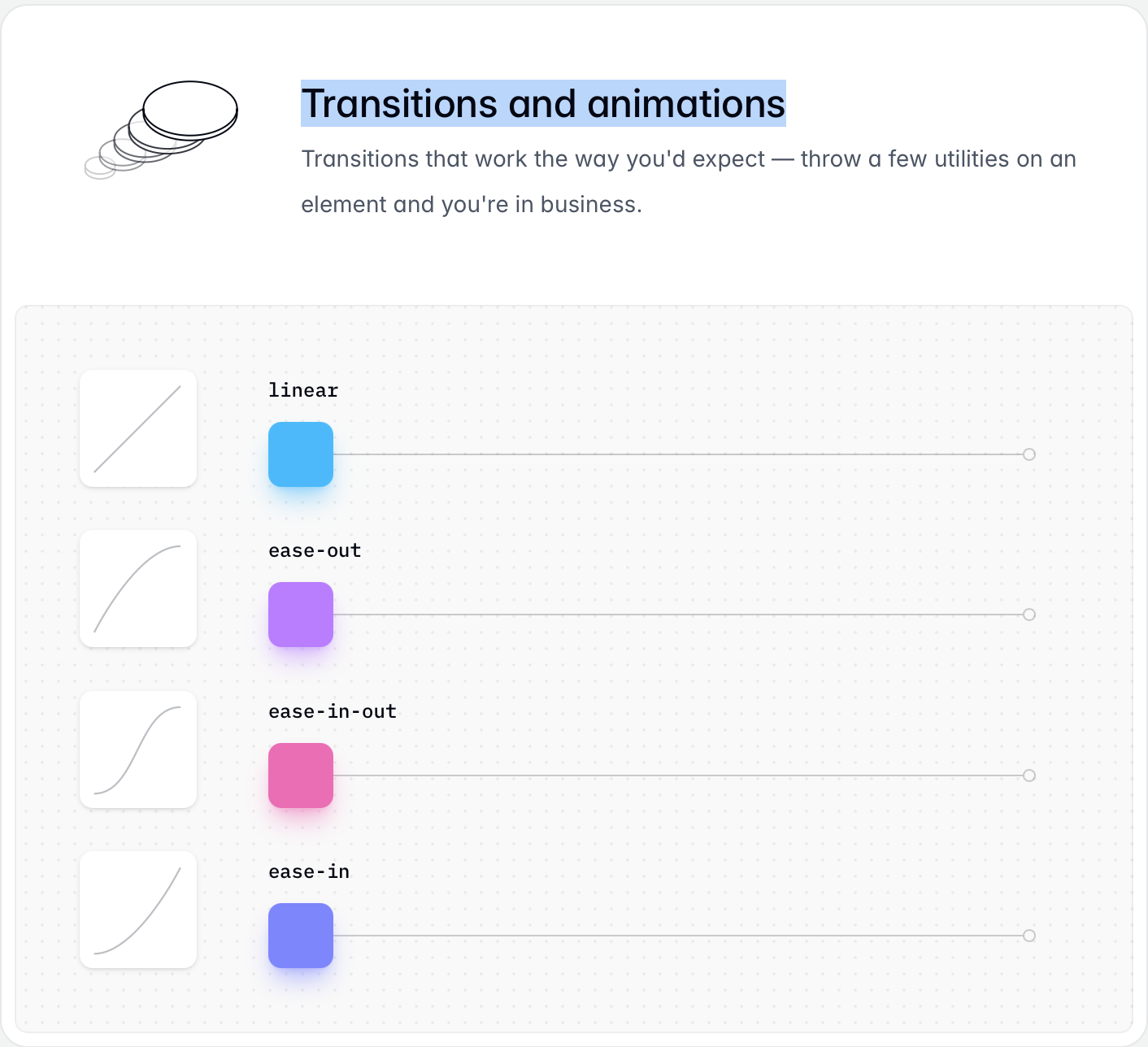
animations and transitions
micro-interactions
unusual ways of styling Vaadin components
UX improvements
things that seem difficult or awkward to achieve with Vaadin
or basically anything else that would make a Vaadin app look or feel better
Don’t worry about whether the idea is practical, sensible, or even possible. This is deliberately a very open question.
I’m hosting an office-hours session at Vaadin Create 2026 where I’ll be live-coding for a couple of hours—no slides, just working on a Vaadin app and trying to implement interesting stuff. I’d much rather use ideas and challenges from the community than invent all the examples myself.
So: what should I try to build?
Screenshots, links to examples, rough descriptions, and wild ideas are all welcome.
First thing that comes to mind would be a button that changes it’s stage (not just loading (you already know my preference here) but also it’s final look and feel, e.g.:
But with a configurable limit In my case i bet my useres would have tons of tabs open which would eat up memory (if there are a lot of views with elements)
When we did the Vaadin10+ migration we lost the mobile version of the vaadin widgetset.
It had a nice slide-in, slide-out animation of Views. Not sure I’d use it today, but I miss it.
I have my own drop-down replacement. I believe it works fine now, but it has been a pain to implement and maintain across Vaadin versions. It has always bugged me that Vaadin has 2 “drop-down” components themselves, but none of it reusable.
SplitLayout with more than 2 children. “SplitLayout(mainMenu, Splitlayout(viewArea, toolPanel)” is awkward. Also setting splitterPosition in percentage is awkward. I have my own vibe-coded replacement, but this strikes me as something that the native one should do too.
Yes, I almost feel this is the main thing in this discussion already: I’m very much a fan of small animations.
For splash screens I would go with more professional “full screen” animations e.g. with Lottie, but for transitions, the CSS should be enough to indicate where my focus as a user should be directed.
And mostly miss transition animations only mobile (maybe as latency compensation really?). On desktop, too much might be even distracting.
But the more generic thing pointed out earlier: I would also like loading animation to be more "in-place“ instead of the top progress bar. That is a good backup solution, but “a spinner on a button” would make more sense many times.
 This is deliberately a very open question.
 In my case i bet my useres would have tons of tabs open which would eat up memory (if there are a lot of views with elements)