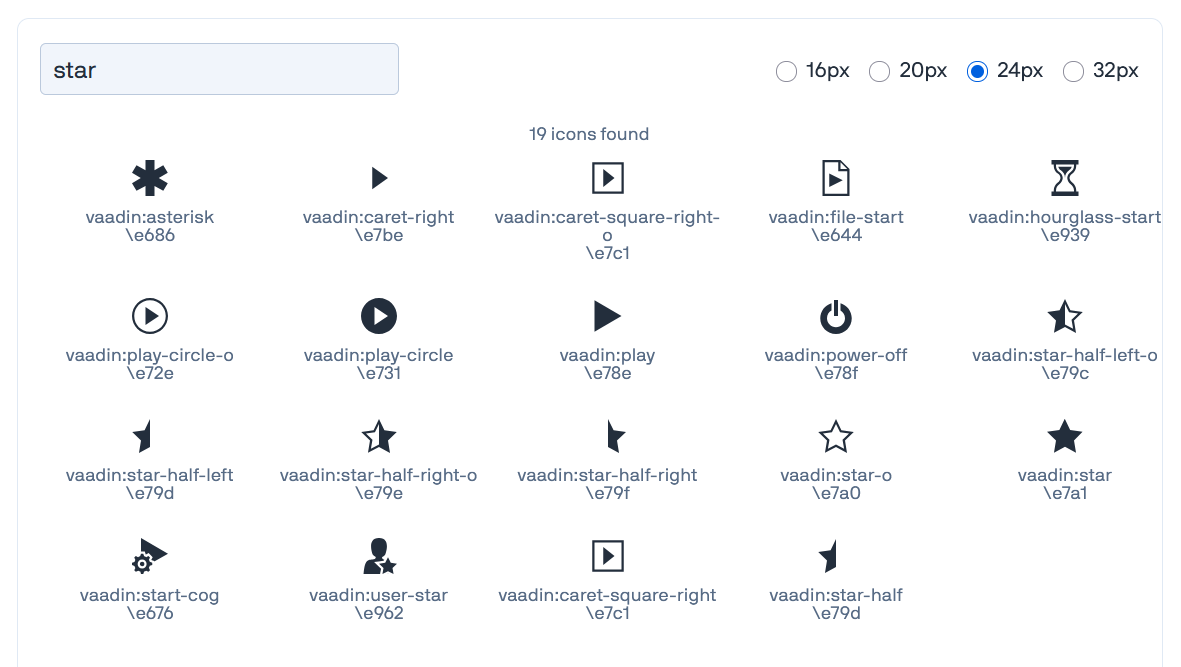
Option 2: Mimic an Outline using CSS (The Vaadin-Preferred Way)
If you want to stick strictly to VaadinIcon.STAR, Vaadin’s design team heavily favors manipulating a single icon’s styling via CSS rather than loading separate font glyphs. You can turn the filled star into an outline version using SVG masking properties: [1]
java
Icon outlineStar = VaadinIcon.STAR.create();

// Style it so only the borders show, mimicking the old STAR_O
outlineStar.getStyle().set("fill", "transparent");
outlineStar.getStyle().set("stroke", "var(--lumo-contrast-70pct)"); // Or your preferred color
outlineStar.getStyle().set("stroke-width", "2px");
That sounds a bit strange; You’re deprecating your own outlines in 25 but switching Lucide outlines in 26? Technically, it is STAR and not STAR_O that will disappear?
Yeah, it can seem strange. But the idea is that the icon set doesn’t contain both filled and outlined versions, and the name of the icon only describes the shape/idea of the icon, not its style. The style (filled, outlined, two-tone, etc) is separate from that.
Eventually, it would be great if you could change the icon style without updating your Java code, i.e., let a theme decide what the icon shapes are. Then the Java code only decides what icons to use, but the theme decides how those icons look like.
My issue was the star, which has been helpfully explained above. However, it is a different matter for the moon icons. MOON and MOON_O are completely different, and applying the styles mentioned above do not return the same shape.
Any suggestions on what to do there besides relying on another SVG library?
Thanks for pointing that out, Jordan. I don’t think I paid attention to this detail. I assumed all *_O icons are essentially just outlined versions of the same icon is the filled one. But for these two, the shapes are rather different.
I’m now considering that MOON will be replaced by the Lucide moon icon (which is basically the same shape as the deprecated MOON_O icon, confusingly) and MOON_O will be effectively renamed to ECLIPSE and use the eclipse shape from Lucide.
Lucide moon:
Lucide eclipse:
To get something close to the old MOON icon, I think we can tweak the Lucide eclipse shape a bit (make it follow the outer circle instead of being a straight line), and then you could fill the clipping circle:
Thanks for the feedback! We have reverted the deprecations for now and will adjust the plans based on your input before we proceed with the original vision. The revert was introduced in Vaadin 25.3.4.