I have a question how I put a logo in red squares I would greatly appreciate your help :

Hi,
You can better move this post to the Vaadin Flow section…
try this.
    private void addDrawerContent() {
        Span appName = new Span();
        final Image logo = new Image("frontend/images/logo/" + "logo.png", "logo");
        Tooltip.forComponent(logo).setText("http://google.com");
        logo.getStyle().setCursor("pointer");
        logo.setMaxWidth("75%");
        logo.setHeight("auto");
        logo.addClickListener(e -> {
            getUI().ifPresent(ui -> ui.getPage().open("http://google.com"));
        });
        appName.add(logo);
        appName.addClassNames(LumoUtility.FontWeight.SEMIBOLD, LumoUtility.FontSize.LARGE);

        Header header = new Header(appName);
        header.setId("header-logo");
        addToDrawer(header);
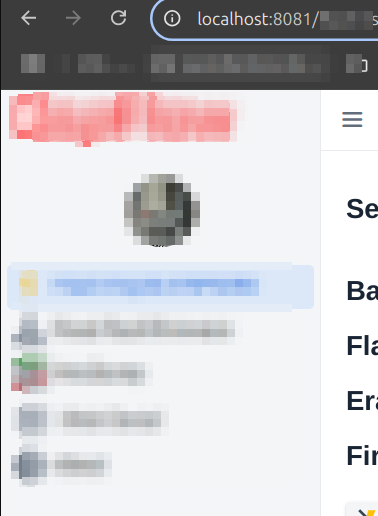
And to use the favicon I simply have this logo, with a size of 329x340px
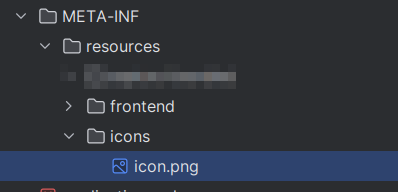
I code is this I want Logo with name in top on drawer and this logo in tab of browser, example on top not have this feature :
    private void addDrawerContent() {
        Span appName = new Span("MASVIC");
        appName.addClassNames(LumoUtility.FontWeight.BOLD, LumoUtility.FontSize.XLARGE);
        //Span appName1 = new Span("| Macro Portal del ICV");
        //appName1.addClassNames(LumoUtility.FontWeight.SEMIBOLD, LumoUtility.FontSize.SMALL);
        //Header header = new Header(appName,appName1);
        Header header = new Header(appName);

        Scroller scroller = new Scroller(createNavigation());

        addToDrawer(header, scroller, createFooter());
    }

    private SideNav createNavigation() {

        SideNav nav = new SideNav();

        List<MenuEntry> menuEntries = MenuConfiguration.getMenuEntries();
        menuEntries.forEach(entry -> {
            if (entry.icon() != null) {
                nav.addItem(new SideNavItem(entry.title(), entry.path(), new SvgIcon(entry.icon())));
            } else {
                nav.addItem(new SideNavItem(entry.title(), entry.path()));
            }
        });

        return nav;
    }
The text you see in the browser tab is set by the HTML <title> element in the DOM. You can modify that with the @PageTitle annotation or the HasDynamicTitle interface: How to set page titles dynamically in Vaadin
Thanks so much!!! It’s ready.