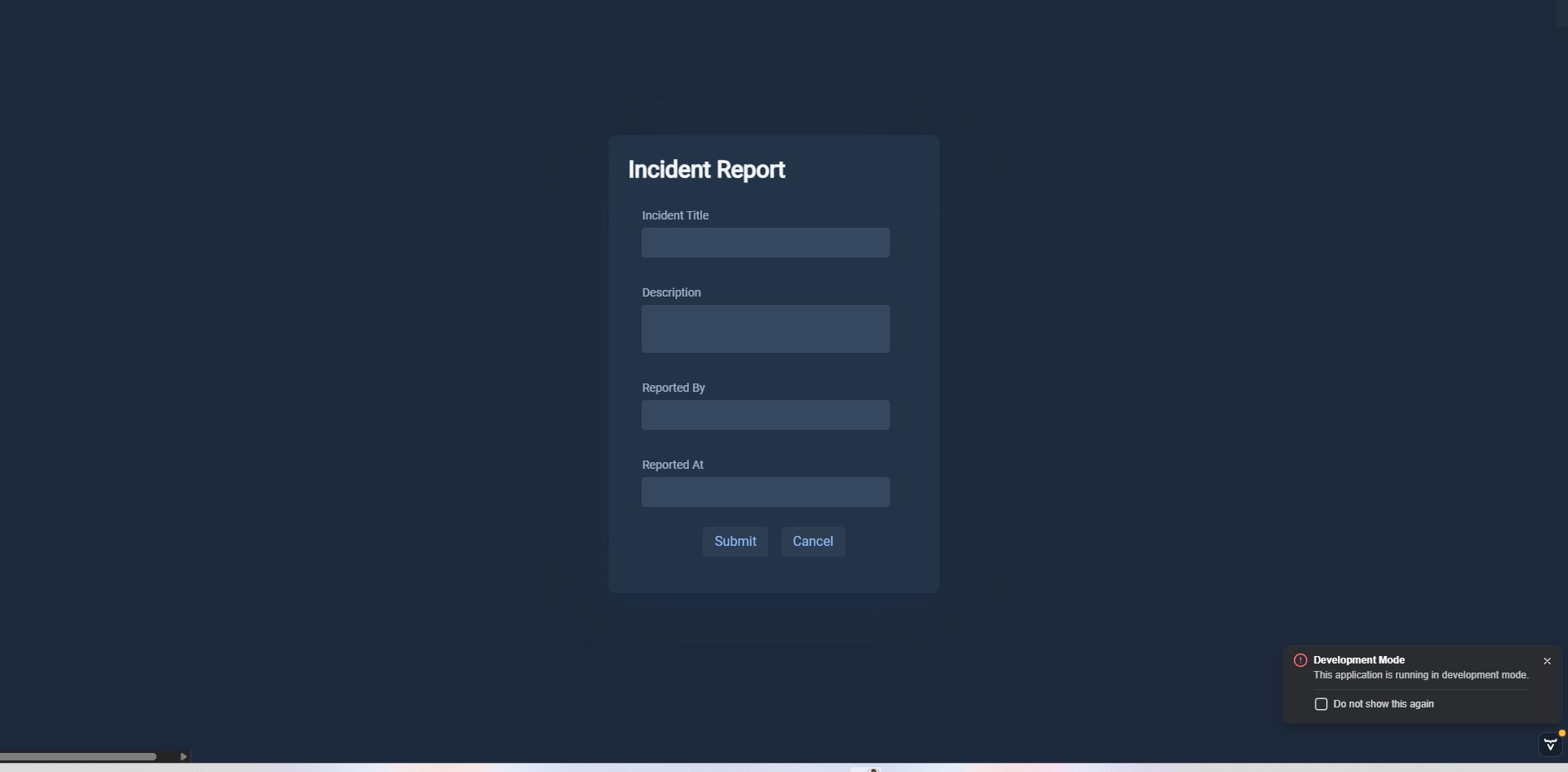
how can i override the background of vaadin Dialog and still the background page is visible? because if i use the Lumo theme it will make the back page dark too.
I’m not sure what you mean. Do you want to remove the backdrop, also known as the modality curtain, that makes the page behind the dialog slightly darker?
If yes, then here’s what you can add to your stylesheet:
vaadin-dialog-overlay::part(backdrop) {
  background: transparent;
}
In Vaadin 25 (available later this year), you’ll use this selector:
vaadin-dialog::part(backdrop) {
  background: transparent;
}
For a full reference of the CSS selectors for dialog, see How to style the Dialog component | Vaadin components
Yes sir and i want to make the Dialog sets its theme or background color into Lumo dark and not affecting the backdrop sir