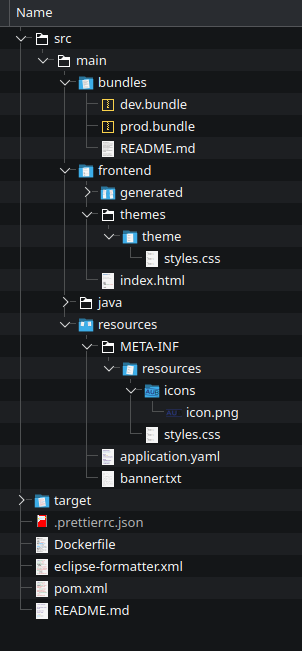
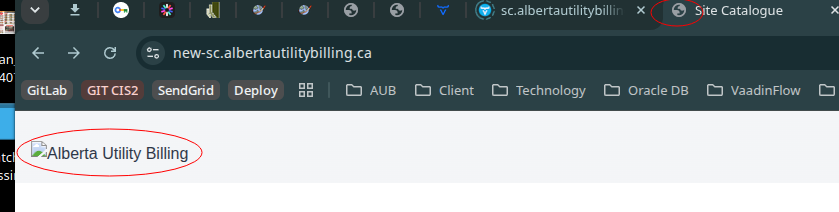
Vaadin 25.1.8: I have a custom stylesheet and static images in META-INF/resources (./styles.css, ./images/logo.png, ./icons/icon.png). None of these are loading in DEV or PROD mode.
This is an unsecured app, so it is not Spring Security causing the issues.
I have tried moving them to main/frontent and main/webapp with no success.
I have found that if I edit and save styles.css the stylesheet is applied.
Has anyone encountered this and had success in resolving the issue?
Use src/main/webapp if it is a WAR project, use META-INF/resources if it is a JAR/Spring Boot project
Try opening localhost:8080/styles.css directly in the browser to see if it works
It is a JAR project, but I tried webapp anyway. I cannot open /styles.css directly - vaadin tries to navigate and fails
If it is a jar project, then nobody will read what is in src/main/webapp. src/main/resources/META-INF resources is the place - the Maven/Gradle build copies it to target/classes/META-INF/resources and the servlet container automatically serves it from there
And yet, it is not doing so…
Try the position
META-INF/resources/{theme}/{files}
@Theme was deprecated, and I removed it from my projects. what is {theme}?
I did a quick test and src/main/resources/META-INF/resources works correctly for me. Can you share some additional information about your project? What do you see when you try to load the stylesheet? Is the path always handled by the Vaadin servlet or do you get e.g. a 404?
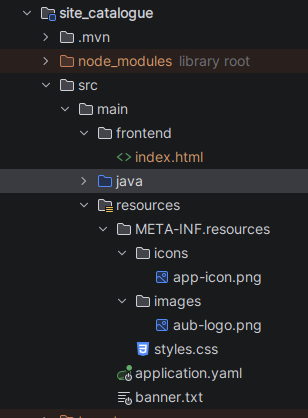
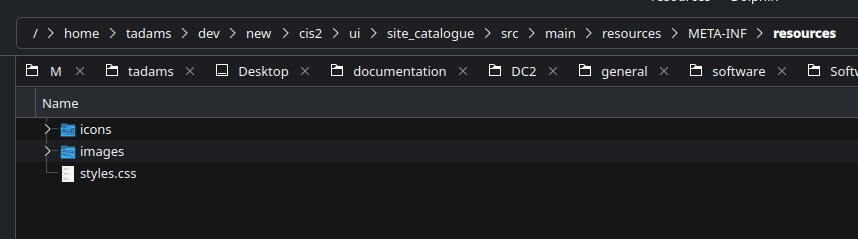
Here is an image of the project structure:
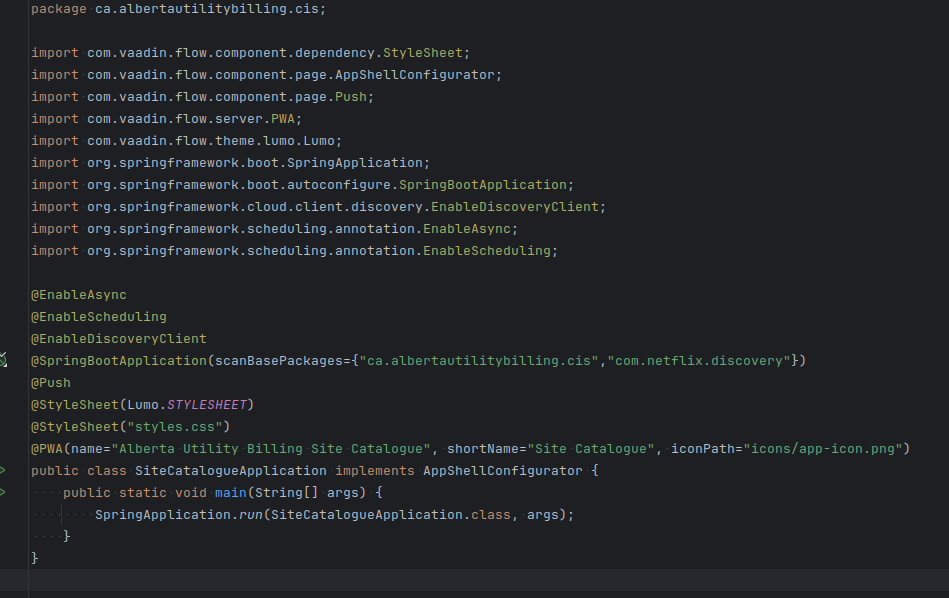
The application class:
And console output:
Let me know if there is more info I can provide
Once it happened to me that META-INF.resources was not the ide representation of META-INF/resources but the exact name of the folder.
Did you already check that?
I get styling back by reintroducing @Theme and putting styles.css back in frontend/themes/theme. Still no static images though.
Is there a possibility you can share a complete project that reproduces the problem?
I put it all together in a standalone project, but it works there. It is probably happening because my project is a modulith; the Vaadin applications are modules within the larger maven project.
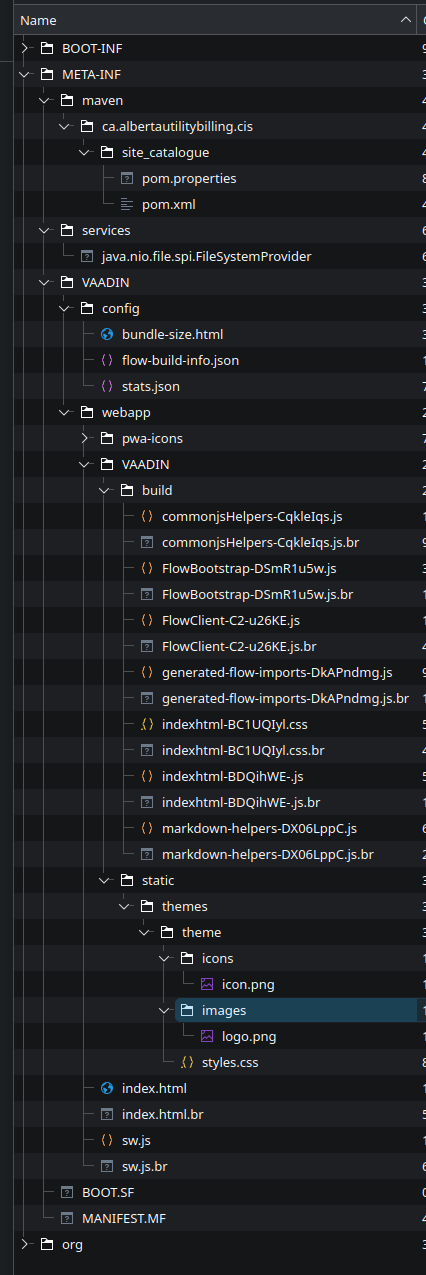
When you compile the project, where do the files end up in the JAR? They cannot be “namespaced” in any way or the servlet container won’t publish them
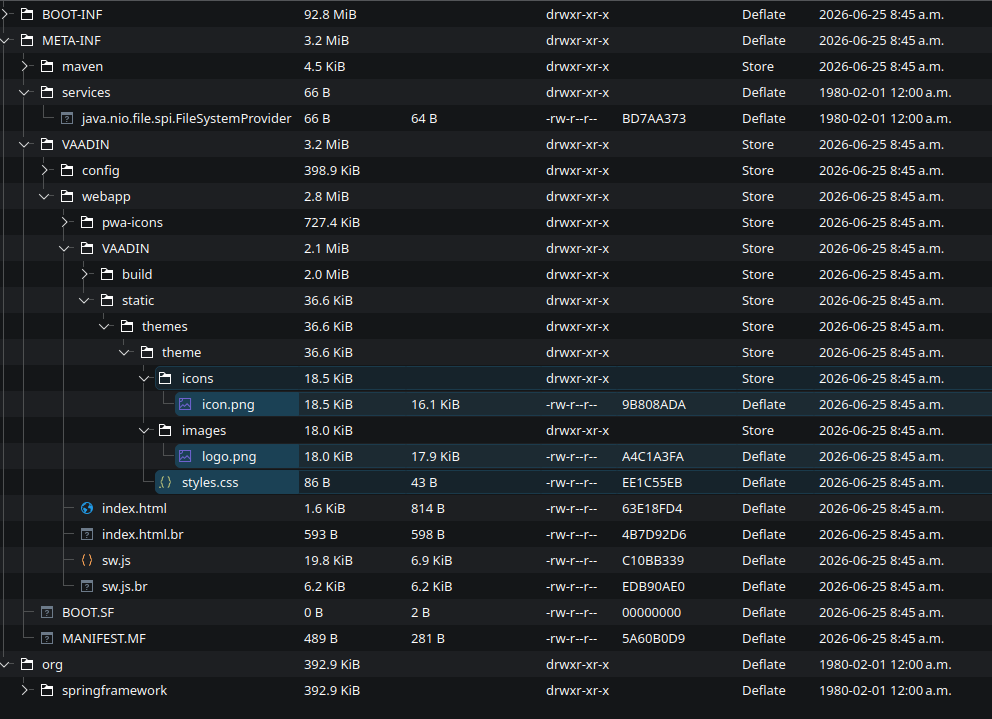
Those files are not from META-INF/resources but from a frontend/theme folder
You are correct, I had added those to the theme in an effort to get the static images working. It did not succeed, but I forgot to remove them.