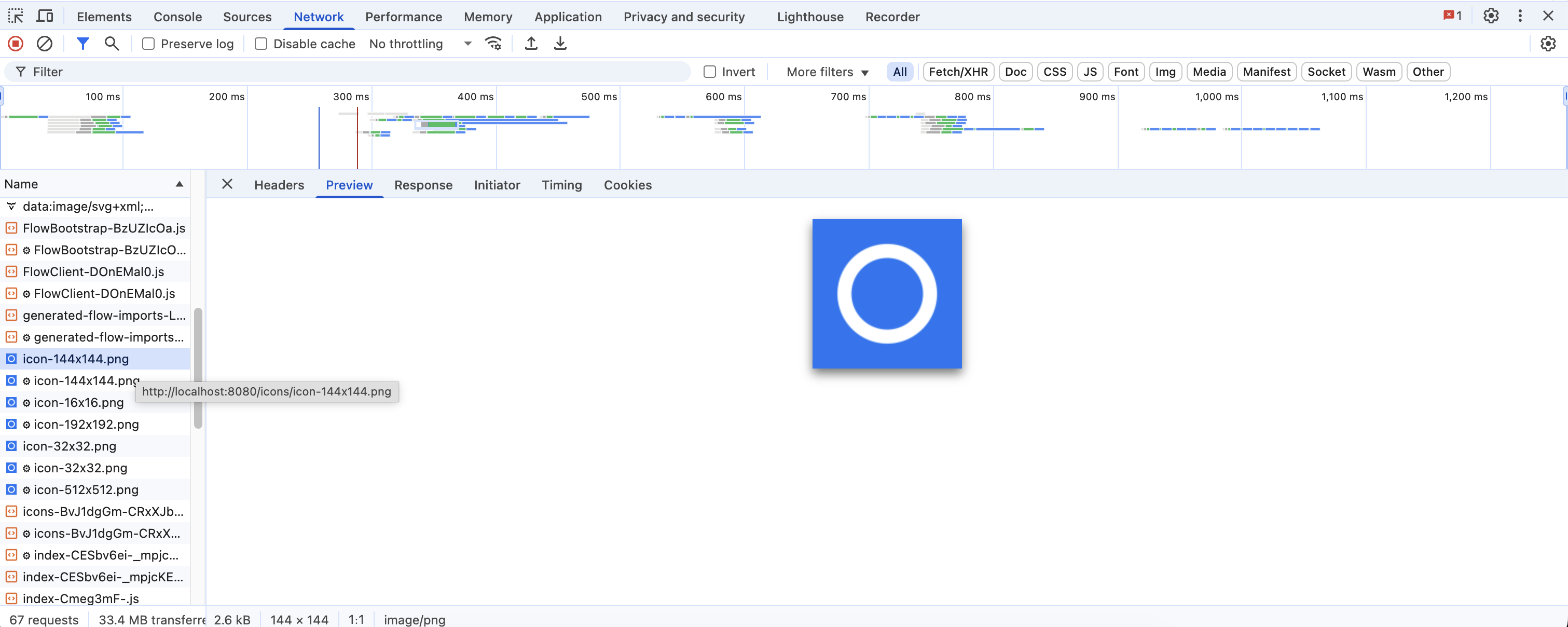
I end up with this strange favicon. This is not my custom icon. In fact I can’t even figure out where it came from.
However, if I delete the original default icon, and rename my custom_icon.png it to icon.png, everything works correctly.
This does not make sense.
Does it mean only a file named icon.png is acceptable?
If yes, why does the settings.addFavIcon exist?
Come to think of it even @PWA has iconPath which defaults to icon.png
Both these indicate a custom name should be possible.
What am I doing wrong?
Note: Just to be doubly sure, after every change, I rebooted my server, cleared my browser cache and then accessed localhost:8080
Hi,
I have just checked my example app with the following config, and it works:
@Override
public void configurePage(AppShellSettings settings) {
    settings.addFavIcon("icon", "icons/flex-layout.png", "16x16");
}
flex-layout.png is located in src/main/resources/META-INF/resources/icons/flex-layout.png
What I assume is happening for you is one of two things:
Browser is caching an old custom_icon.png that was presented through localhost at one point. It’s not enough clearing the browser cache (that would make too much sense), browsers have a different caching mechanism for favicons specifically. For example, it seems Chrome requires you to delete each entry of the site (localhost:8080) from Browser History and from bookmarks.
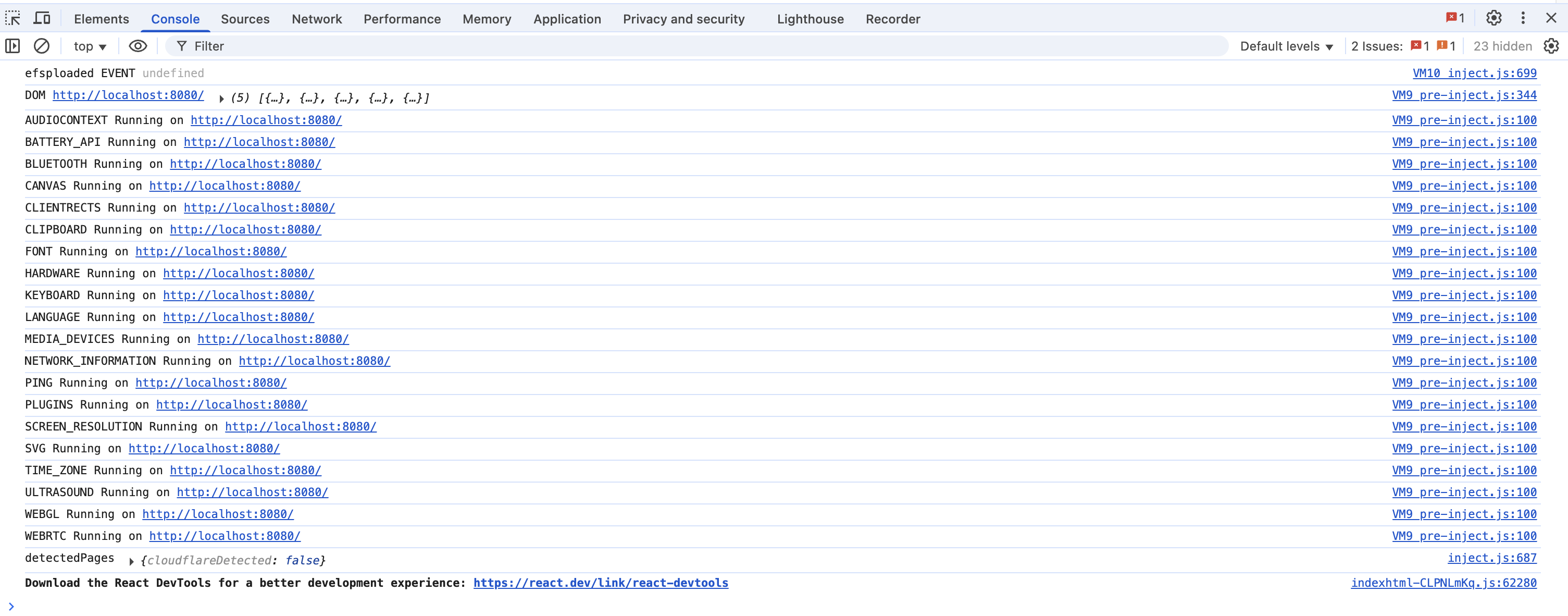
Your security settings might be blocking your favicon with custom name from loading. Check “console” tab in your browsers Dev Tools for something like GET http://localhost:8080/icons/custom_icon.png 403 (Forbidden) or similar in the Network tab.