I’m using Spring Boot Vaadin with Vaadin 23 in an application which generates a Jasper report as a PDF on the server based on our user’s entered criteria. The generated report appears and can be opened by clicking, or by setting an Anchor pointing to it. My team would like to display the report directly in a Dialog. In my view class, I’ve added the following method to display the report.
private void showReportDialog() {
    Dialog dialog = new Dialog();
    dialog.setWidth("80%");
    dialog.setHeight("80%");

    String pdfURL = "file:/" + jasperSvc.getPdfPath();
    Html iframe = new Html("<iframe src='" + pdfURL + "' width='100%' height='100%'></iframe>");
    dialog.add(iframe);

    Button closeButton = new Button("Close", event -> dialog.close());
    dialog.add(closeButton);

    dialog.open();
}
…so I’m populating pdfURL with “file:/” concatenated with the full path to the PDF file, and this is what the user sees.
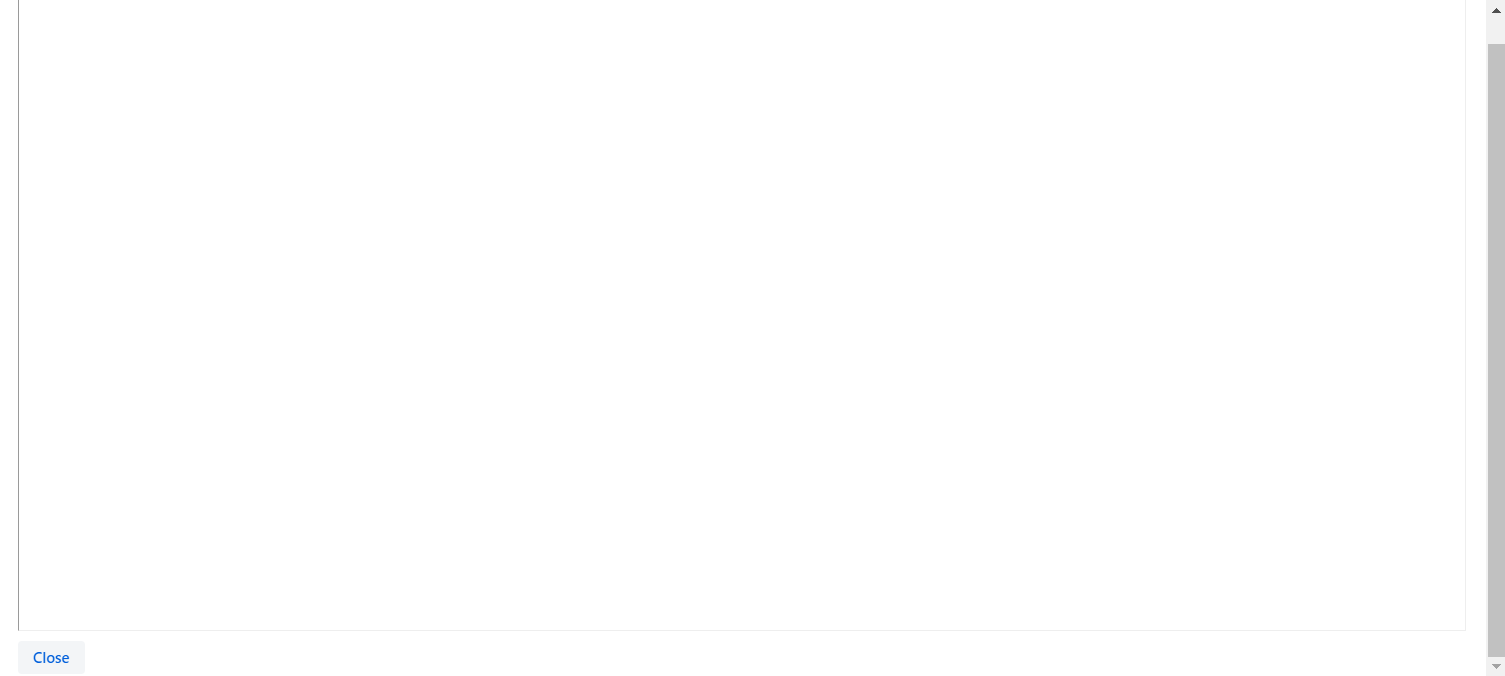
How do I successfully display the PDF file in this IFrame?