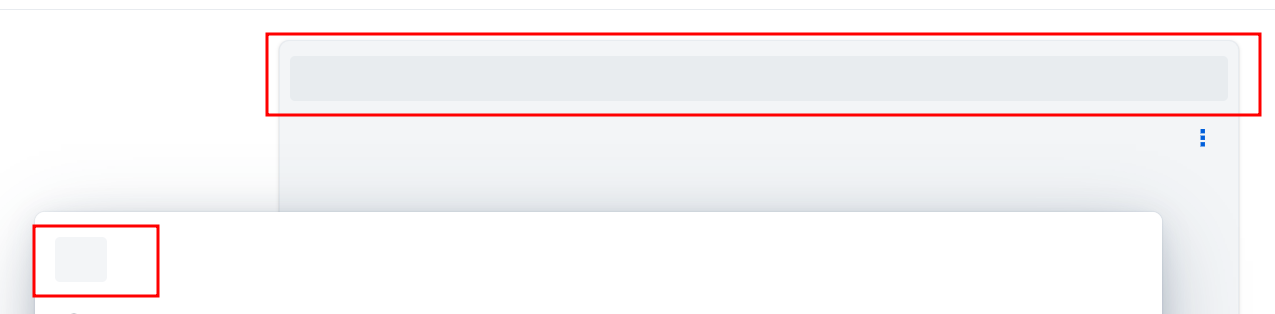
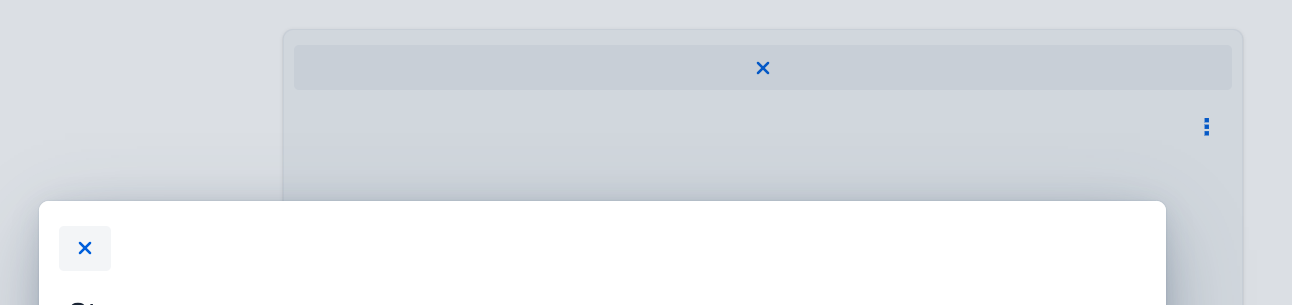
Good. I remember that there was some discussion about how to ensure Lumo Icons are loaded, now that Lumo itself is loaded as a stylesheet instead of jsmodules, while the icons are still in a jsmodule.
I’ll make some investigations, and probably create a ticket when I know more.
Right, so previously the Lumo class loaded the icon npm dependency, but in V25 that class is not necessarily used, as Lumo is loaded as a stylesheet (either explicitly with @StyleSheet or through the legacy @Theme annotation.
The LumoIcon class does load the dependency, however, so as long as you use that, you’ll get the icons.
Otherwise, you need to load the npm package manually:
@NpmPackage(value = "@vaadin/vaadin-lumo-styles", version = "25.0.0")
@JsModule("@vaadin/vaadin-lumo-styles/vaadin-iconset.js")
This needs to be mentioned in the documentation. We could also consider automatically loading the package when using @Theme or the Lumo class, which would be loaded when using the Lumo.STYLESHEET constant with @StyleSheet.
:D good to be predicable sometimes.
And I wanted to know because that means I need to check if the same problem is also with @Theme, or if the icon package is loaded automatically that way.
So it seems that loading Lumo via @Theme does load Lumo icons.
That leaves us with @StyleSheet, for which we could probably make the Lumo class load the package, since you’d typically load lumo through the Lumo.STYLESHEET constant in it. Unless there is some reason we can’t or shouldn’t do that.