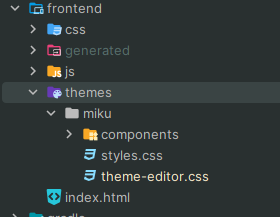
So I’m currently using Vaadin 24.3.2 and whenever I try to use Spring DevTools to live reload my application changes (adding a new classname to a element, changing text, etc.) it spits out an error from the Vaadin dev server.
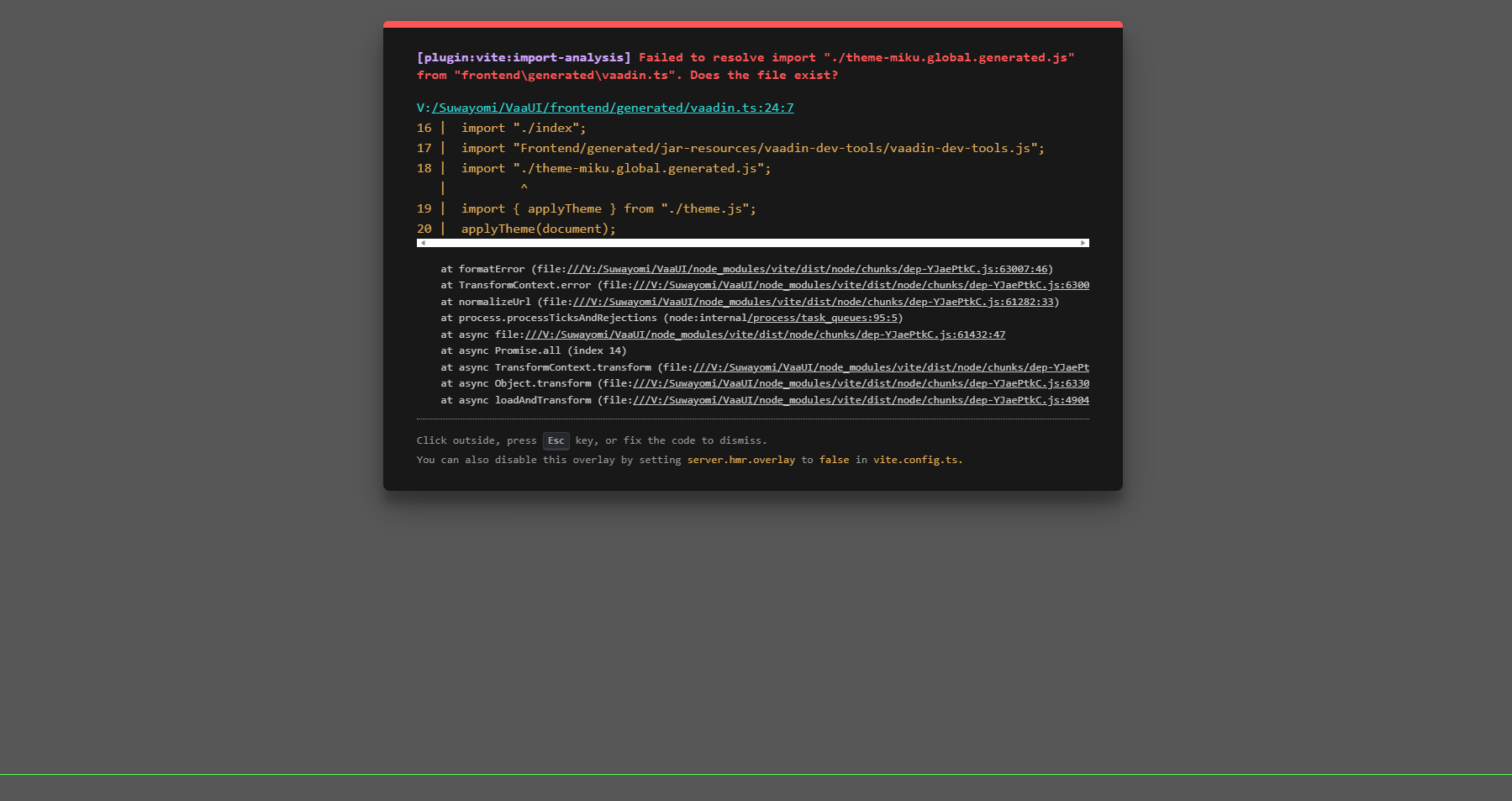
I’ve attached both a text file with the specific error parts I found, as well as an Image from the Page when the reload fails and the full debug log if it helps in any way.
Does anybody have an idea what could be the cause of this or where I should start investigating?
errors.txt (9.71 KB)
debug.log (546 KB)
How does your pom.xml look like?
Did you try a mvn vaadin:clean-frontend
I use gradle so here’s the build.gradle file
build.gradle (6.12 KB)
I did try to use the vaadinClean task, but it doesn’t seem to change anything
Did you check if FlowSwiper is compatible with Vaadin 24
Because the error comes from there
Hmm. I added it and it works
can you delete the frontend/generated folder and re-run the app
Wait for real? Where do you see that, cause that most definitely is my fault then
alright, I might be stupid, where? I read a bunch about the theme, but I seem to not see the reference to FlowSwiper, what am I missing
What’s the name of your theme? Mimi?
Ah ok. Does the file mentioned in the screenshot exists?
It doesn’t anymore after I recompile
sometimes it generates them after a bit (no always though) then the website itself will load but with the following pop up

the corresponding errors I see in such a case
message.txt (12.8 KB)
all files it mentions in this one are there though in this case, so not sure why it’s failing in this case :/