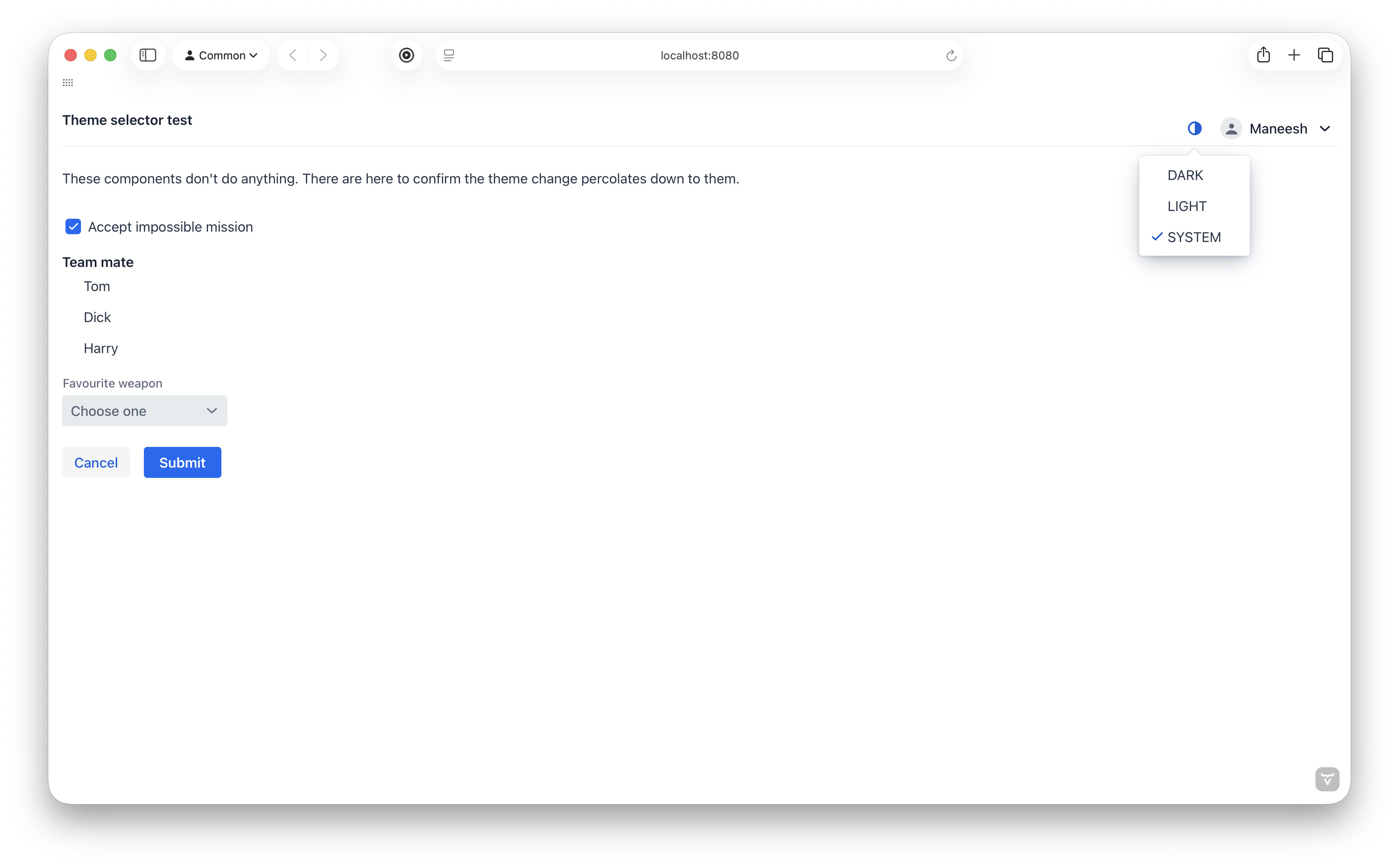
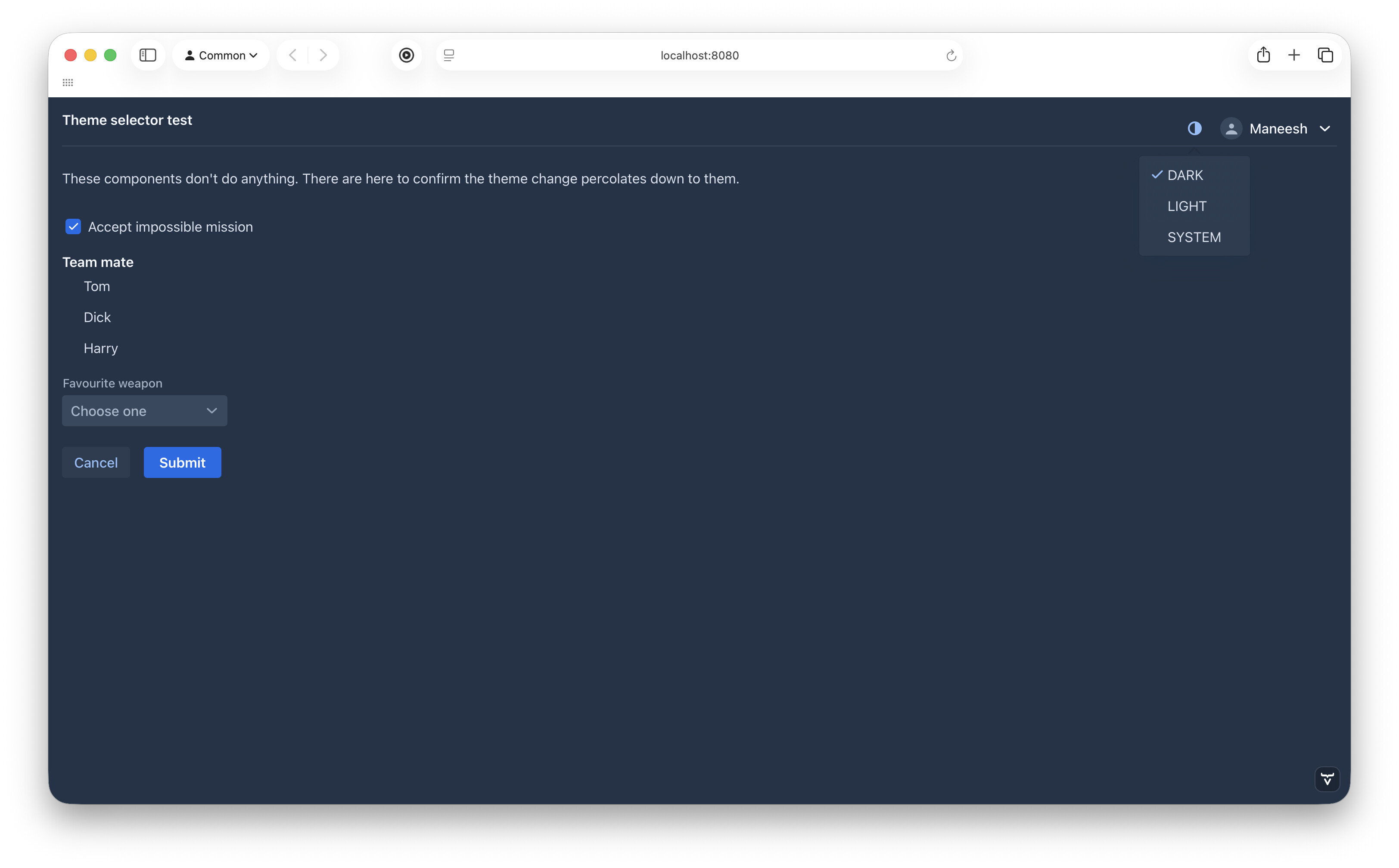
TLDR;
How do I programatically detect the OS display mode (dark/light??
Long version:
For a better UX, I am setting the DARK/LIGHT mode depending on the OS preference, with this js
let mm = window.matchMedia('(prefers-color-scheme: dark)');
mm.addListener(applySystemTheme);

function applySystemTheme() {
    document.documentElement.setAttribute("theme",mm.matches?"dark":"");
}

applySystemTheme();
which is injected via
@JsModule("./js/theme-selector.js")
public class Application implements AppShellConfigurator
So far so good, and everything works as expected.
Now I wish to give a manual selector to the user with a simple switch using
I’m fairly certain the problem is that UI.getCurrent().getElement() returns document.body (instead of document.documentElement). So you need to instead use a bit of JavaScript in your Java code to access that, with UI.getCurrent().getPage().executeJs().
The key thing thing realize here is that getThemeList() doesn’t do two-way synchronization. Changes applied from the server are propagated to the browser and applied there but there’s no built-in mechanism for going in the opposite direction in this case. And if the list doesn’t know that it contains a value, then nothing will happen if you try to remove the value through that list either.
Yes. Thank you so much for pointing me in the right direction.
I tried it (updated pom) but ended with a bunch of errors on the console at Application->Run !
However I did use your design style for my UI. Thank you again!
That is rather counter intuitive and disappointing. Ah well!
Yup. The problem I was facing was how to retrieve the value from the view.
Thank you everyone!
Here is how I finally got it to work
Make the js fire an event
// Fire event to inform the view
function notifyVaadin(prefersDark) {
  const event = new CustomEvent("theme-detected", {
    detail: prefersDark ? "dark" : "light",
  });
  window.dispatchEvent(event);
}

// Initial detection
const media = window.matchMedia("(prefers-color-scheme: dark)");
notifyVaadin(media.matches);

// Live updates when OS theme changes
media.addEventListener("change", (e) => notifyVaadin(e.matches));
Extract and cache the value so it can be used later on
@Override
    protected void onAttach(AttachEvent attachEvent) {
        UI ui = attachEvent.getUI();

        // Bridge JS custom event to this Vaadin element
        ui.getPage().executeJs("""
                    window.addEventListener('theme-detected', e => {
                        $0.dispatchEvent(new CustomEvent('theme-detected', { detail: e.detail }));
                    });
                """, getElement());

        // Listen for OS theme detection/changes
        getElement().addEventListener("theme-detected", event -> {
            // Remember the current system theme
            rememberedSystemTheme = event.getEventData().getString("event.detail");

            // Apply immediately if SYSTEM is selected
            if (selector.getValue() == ThemeOption.SYSTEM) {
                applySystemTheme(ui);
            }

            // Initial system theme application when app starts
            if (!themeInitialized) {
                themeInitialized = true;
                ui.access(() -> {
                    selector.setValue(ThemeOption.SYSTEM);
                    applySystemTheme(ui);
                });
            }
        }).addEventData("event.detail");
    }
I agree it’s disappointing but it becomes quite intuitive when looking at the big picture. The challenge is that there are so many things that may change in the browser. It’s not feasible to watch all of them and send all changes over the network. For a few of the most common cases, the framework has a way of defining specific things to synchronize back with specific triggers, e.g. DomListenerRegistration::synchronizeProperty. Anything else, such as theme attributes applied through the browser, need to be handled manually.