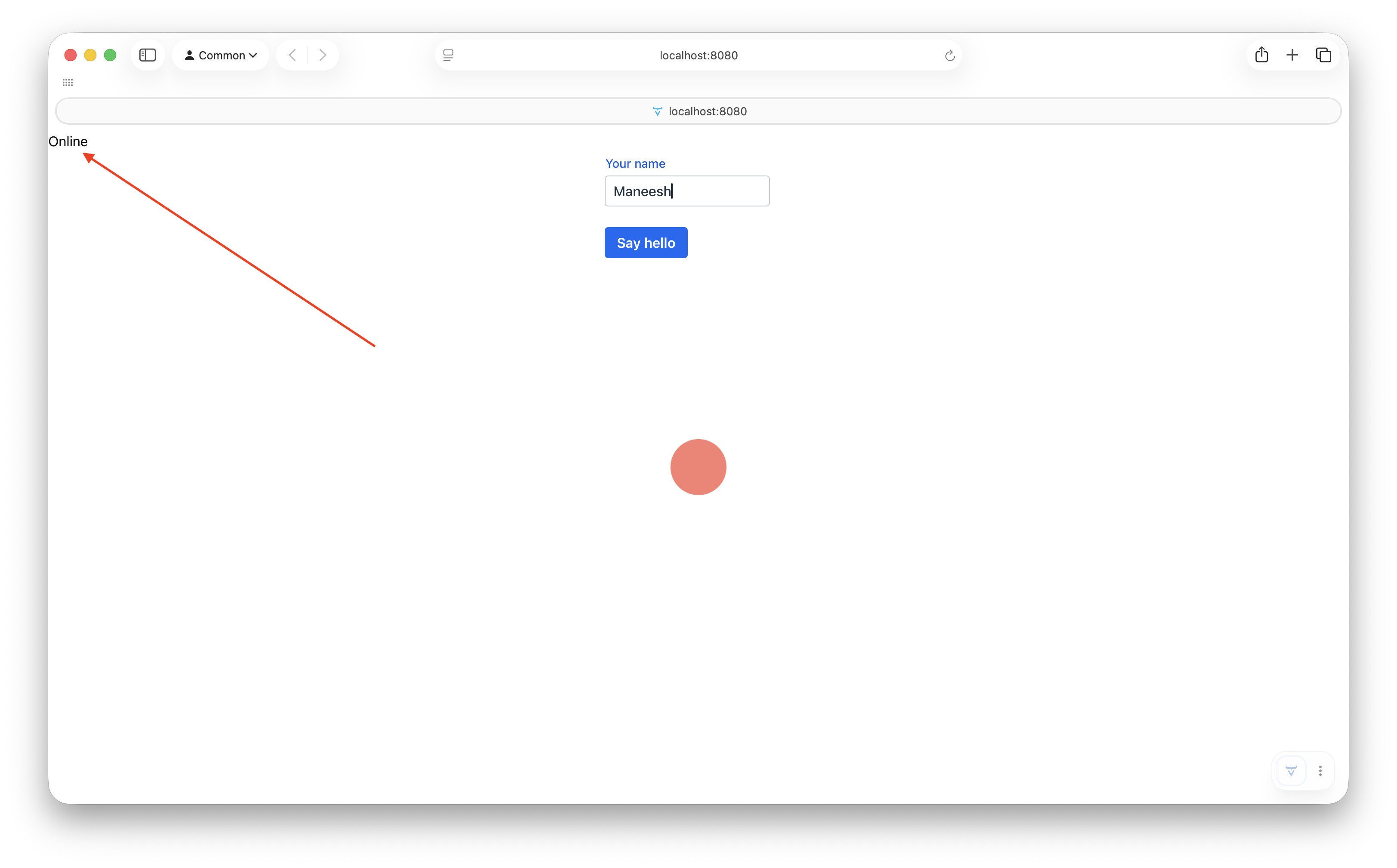
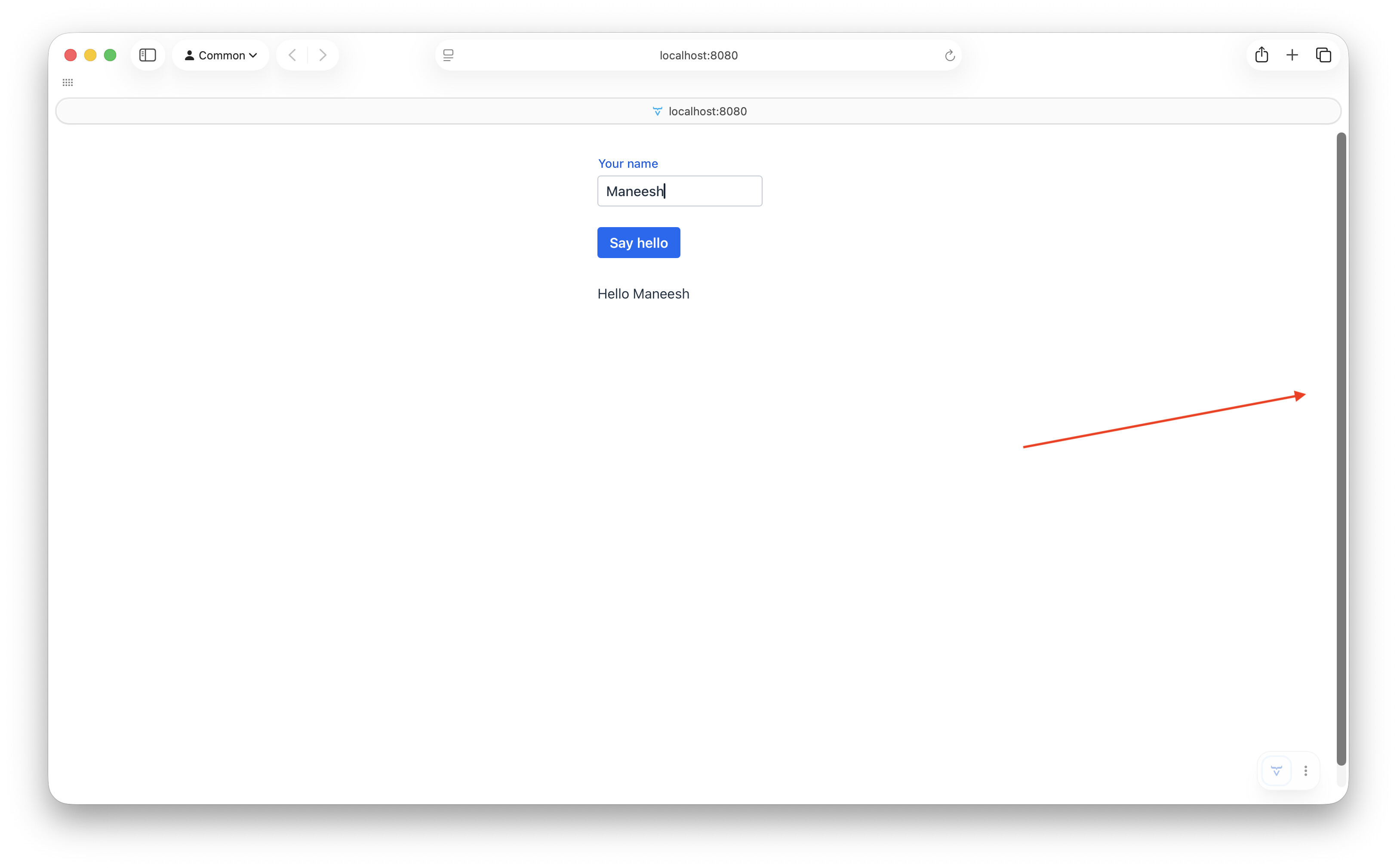
I created a fresh project via the IntelliJ Vaadin plugin and followed the instructions mentioned here to customize the loading indicator.
I also tweaked the greet service to respond after 10 seconds to force the loading indicator to appear.
It works but with caveats
- When I click the button for the first time, the custom indicator appears correctly. However a text saying “Online” also appears on the top left. It disappears after the method returns and the loading indicator is no longer visible
- The page now permanently displays a vertical scrollbar which refuses to go away, even if the page is refreshed. Some toying around has indicated
conf.setApplyDefaultTheme(false);is the root of the scrollbar.