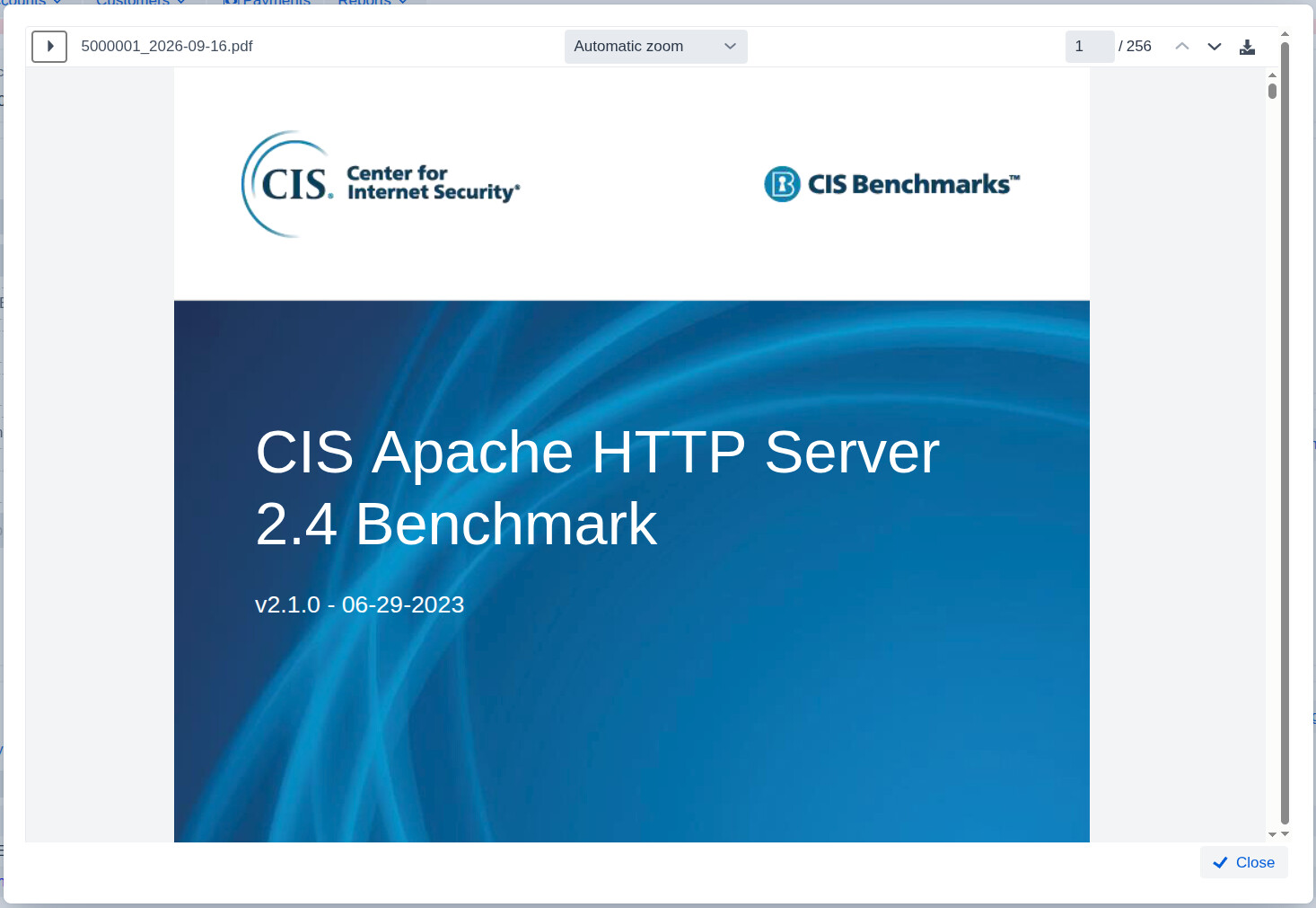
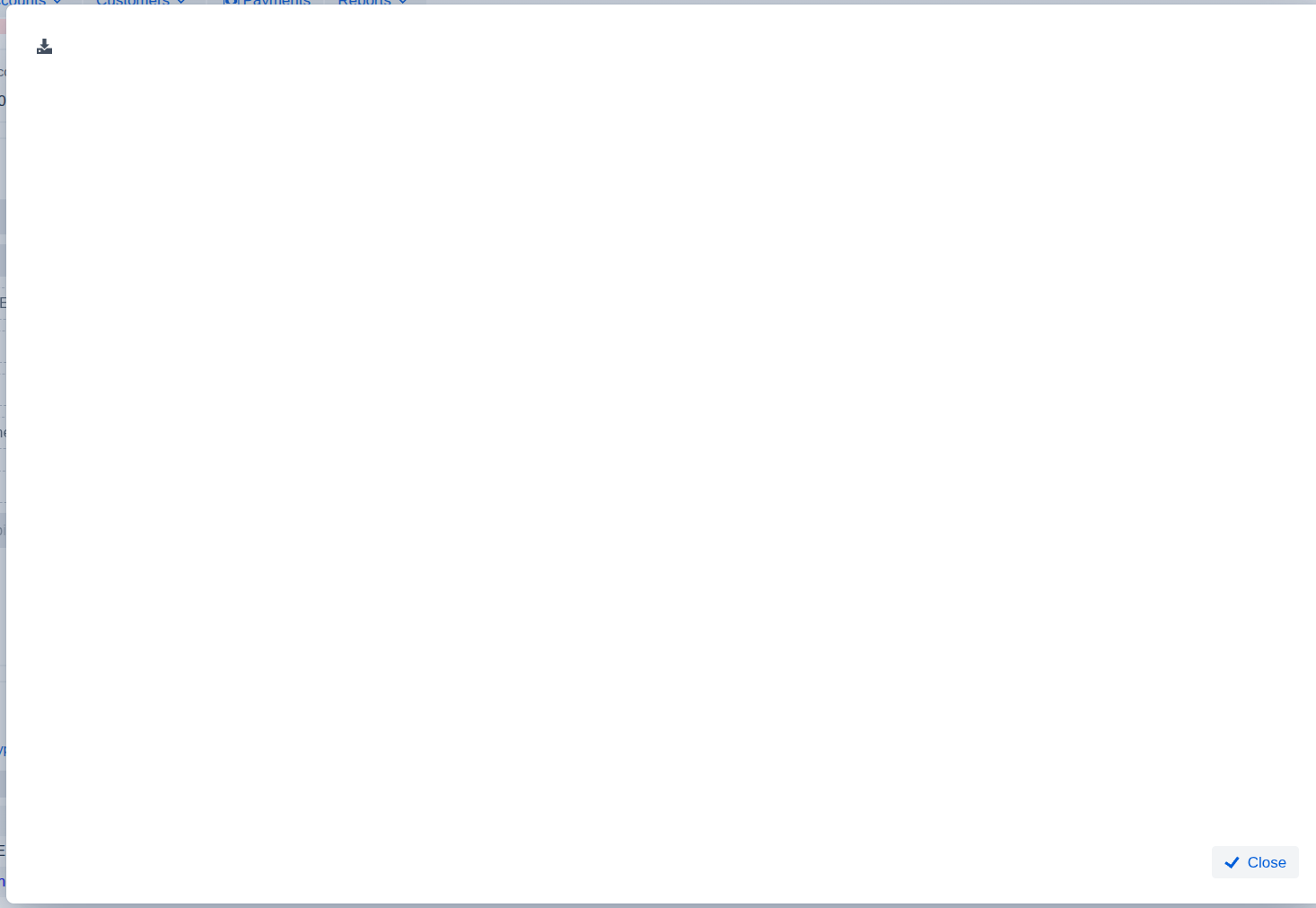
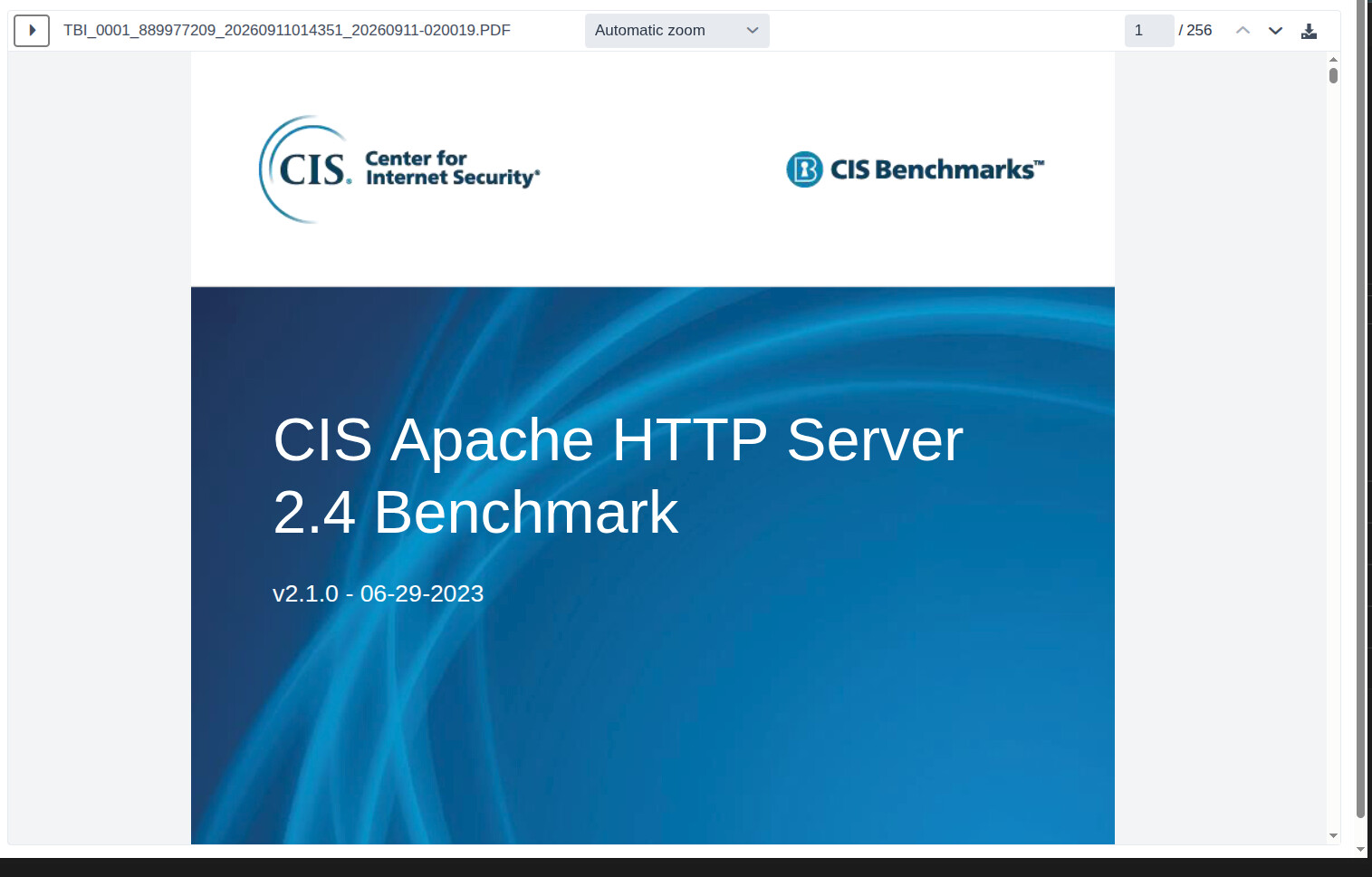
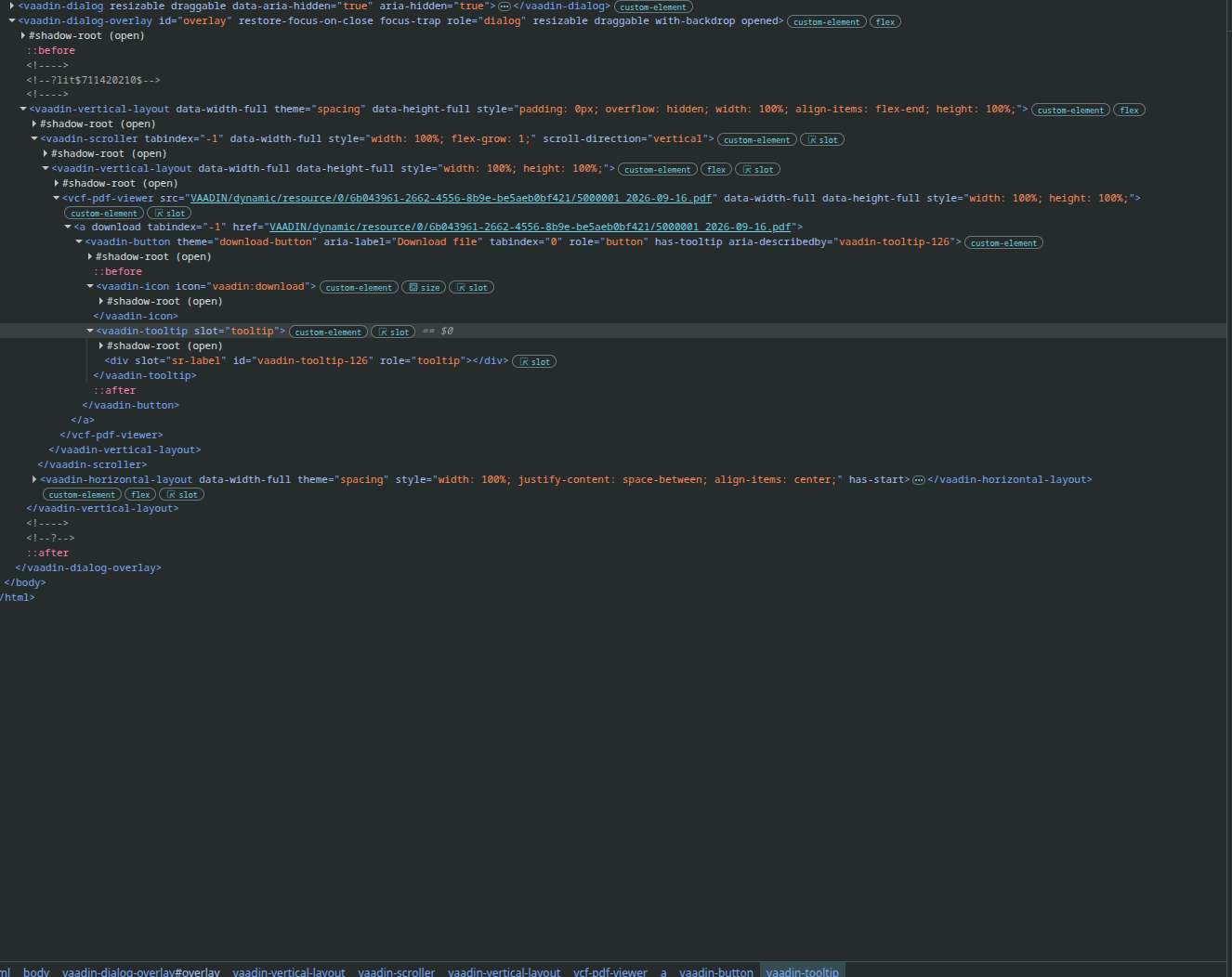
I have a panel that encapsulates PdfViewer. It is used in 2 places in the application, a page that shows file contents when the files is selected i a grid, and a dialog that displays a PDF when the appropriate control is clicked. Both locations work in DEV, but do not work when the applciation is compiled for production.
The first location works properly, but the second does not display the pdf. The download button still displays, and the downloaded pdf opens with no issues.
Dialog in DEV
One potential issue is if the production-mode optimization of JavaScript bundles doesn’t detect that the PDF viewer is used also from the view where the dialog is shown. To verify whether this is the case, you can try changing the optimizeBundle configuration to false in the Maven plugin configuration.
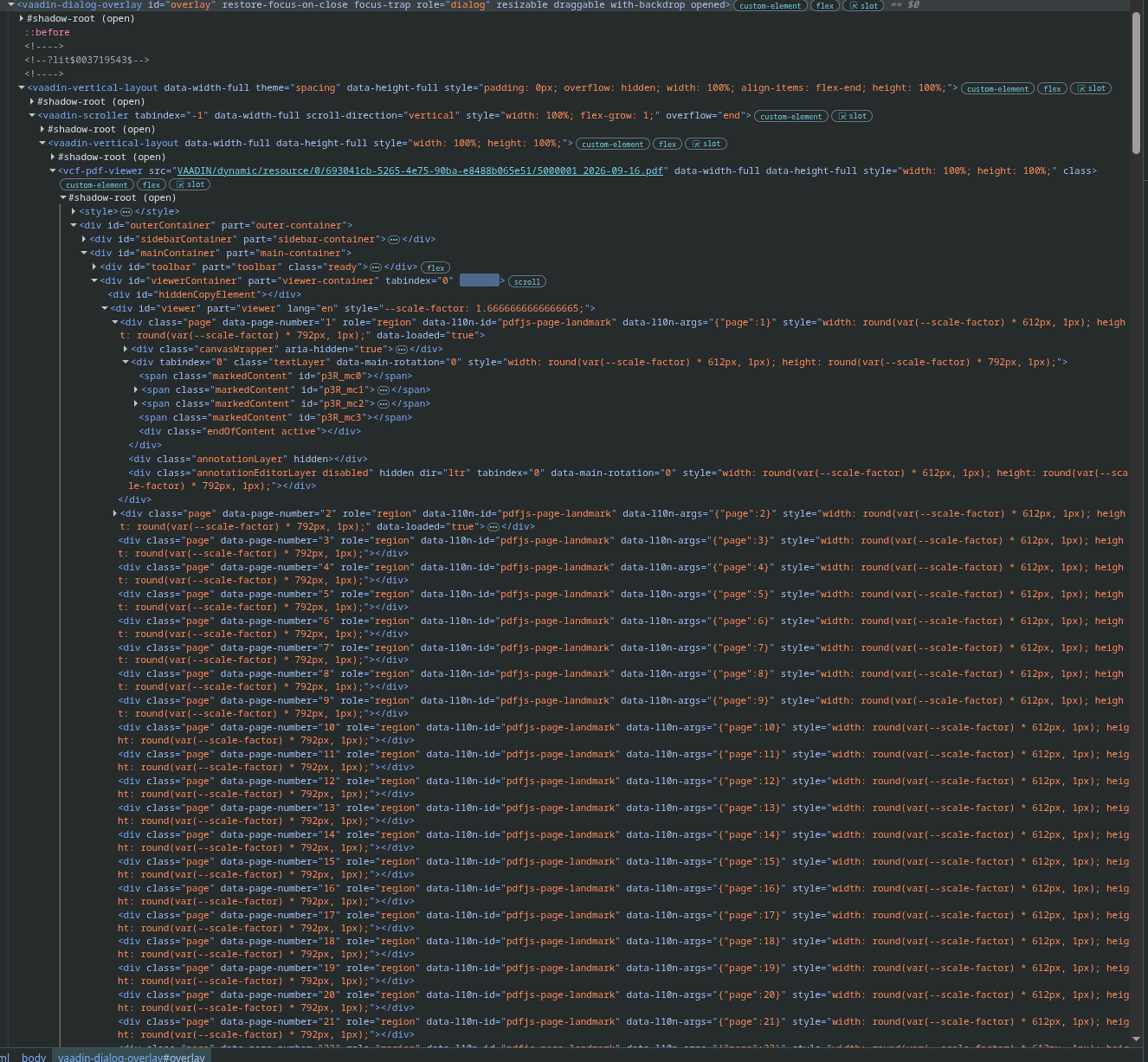
One final possibility that comes to mind is that it’s related to the way dialogs nowadays use a browser feature that forces them to be shown above anything else. There’s a risk that the PDF viewer for some reason ends up visually “behind” the actual dialog, even though I don’t see why this would happen only in production mode. You can check for this with the help of the DOM inspector in the browser by checking if the same DOM elements are still present but just for some reason invisible.
In that case, the most likely reason is that the logic that optimizes the logic doesn’t detect that the PDF viewer is used from the view that shows the dialog. This typically happens in case there’s some indirection using e.g. dependency injection or explicit reflection. You can fix this by adding e.g. @Uses(PdfViewer.class) to the class of the view that shows the dialog.
You can also use @LoadDependenciesOnStartup on the AppShellConfigurator.
That will create one optimizebundle for the entire application instead of trying to split it into multiple bundles that are loaded on demand.
It helps when a component is used in a Dialog that has been created dynamically.