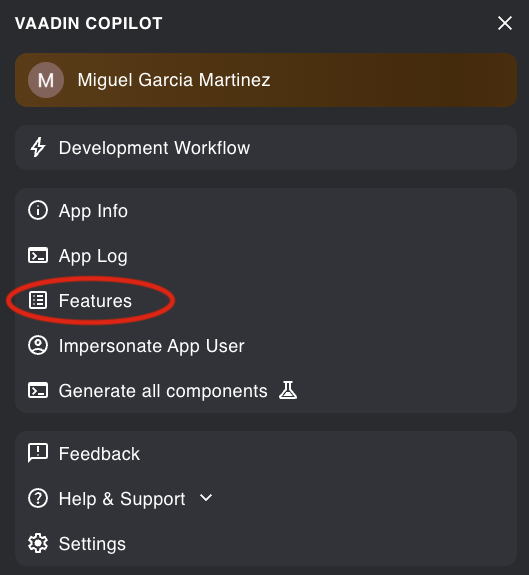
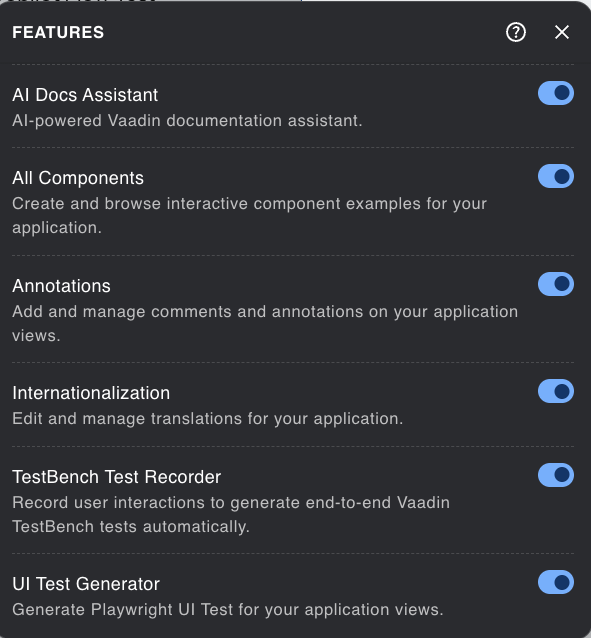
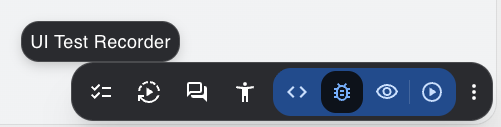
We are starting with integration tests and I’m wondering what’s now the best tool to use. Playwright is the new hype tool and the dev server has already integrated a simple test recorder with java code generation for it. Testbench is based on the “old” and slower Selenium, which seems harder to setup for CI.
I’m wondering what the playwright integration means in the longterm. Will Testbench move from selenium to playwright. If so I guess the migration will not be easy.
How do you implement integration tests on your vaadin applications?
If you refer to our Copilot, the test recorder actually produces TestBench tests. We have also AI based tool, that generates Playwright tests.
Selenium has improved too lately, recent competition from Playwright has been good in that sense. The difference in the speed between these two is not big. The both platform operates in similar fashion, i.e. using browser driver to puppeteer the real browser. So the CI/CD build time does not differ much depending whether you choose to use either one. Playwright might be better covered by AI models, it is slightly more popular nowadays, more ecosystem. I would in general think that side of the story is more important than the performance. Playwright has small edge, but not big.
There is no official “testbench” but Playwright yet, but there is project Drama Finder in the Directory. It practically does something very similar, i.e. has Component helper classes you can use in similar fashion. This means that migration should not be too difficult either as the programming model is the same.
In my opinion, the best way to write integration tests with Vaadin is to use UI Unit test.
You could use Vaadin browserless test or Karibu Testing.
I would recommend the official one if you’re writing your tests in Java: How to perform browserless testing in Vaadin
It’s faster to run, less flaky, then keep some integration tests with a browser for specific cases.
The logic between Selenium and Playwright is different (Playwright is using its own assertions and Locator) and that might create a big breaking change for Testbench.
That being said if you want to use Playwright to test, I will recommend to use Dramafinder instead of plain Playwright, it will help you a lot for the complex components, and basically that will avoid you to dig into the internal of our components (like how to fill a value for a date picker or a combobox).
It’s not an official component but the last version is out for Vaadin 25.3 (I’m the maintainer of Dramafinder).
Thanks for the replys. I think I will recomment Testbench to the team, as it’s a safe bet.
I meant the Copilot playwright recorder. I guess the Testbench recorder only shows up when a testbench dependency is added. I couldn’t find anything about it in the documentation.
While DramaFinder surely makes it easier to write playwright tests but I’m a little worried to base our integration tests on an experimental addon. Also we have a lot of Grids an Drama Finder doesn’t support Grids yet.
I’m using Dramfinder in all new applications. Many of them are in production.
No issues so far, and as AI writes the tests also no problems with Grids.
IMO Playwright is the new default for E2E tests.
It has a MCP and a CLI for AI and because it’s maintained by Microsoft way more traction than Selenium
I’ve released a version 2.0.0 and 2.0.1 which contains a different style to query the elements:
TextFieldElement name = find(page, TextFieldElement.class).withLabel(“Name”).single();
And there is one breaking change between version 1 and 2: in version 1 getbylabel was searching an element by accessible name containing.
Now it searched an exact label.
It’s documented here: Migrating to 2.0 - DramaFinder
In my opinion it was a wrong API to let getbylabel to search on accessible name containing and case insensitive, too hidden and would lead to false positive/error.
It also ( with the find query) reduces the API gap between testbench and dramafinder.
Any feedback is welcome.
The full release notes is here: 2.0.0 - DramaFinder