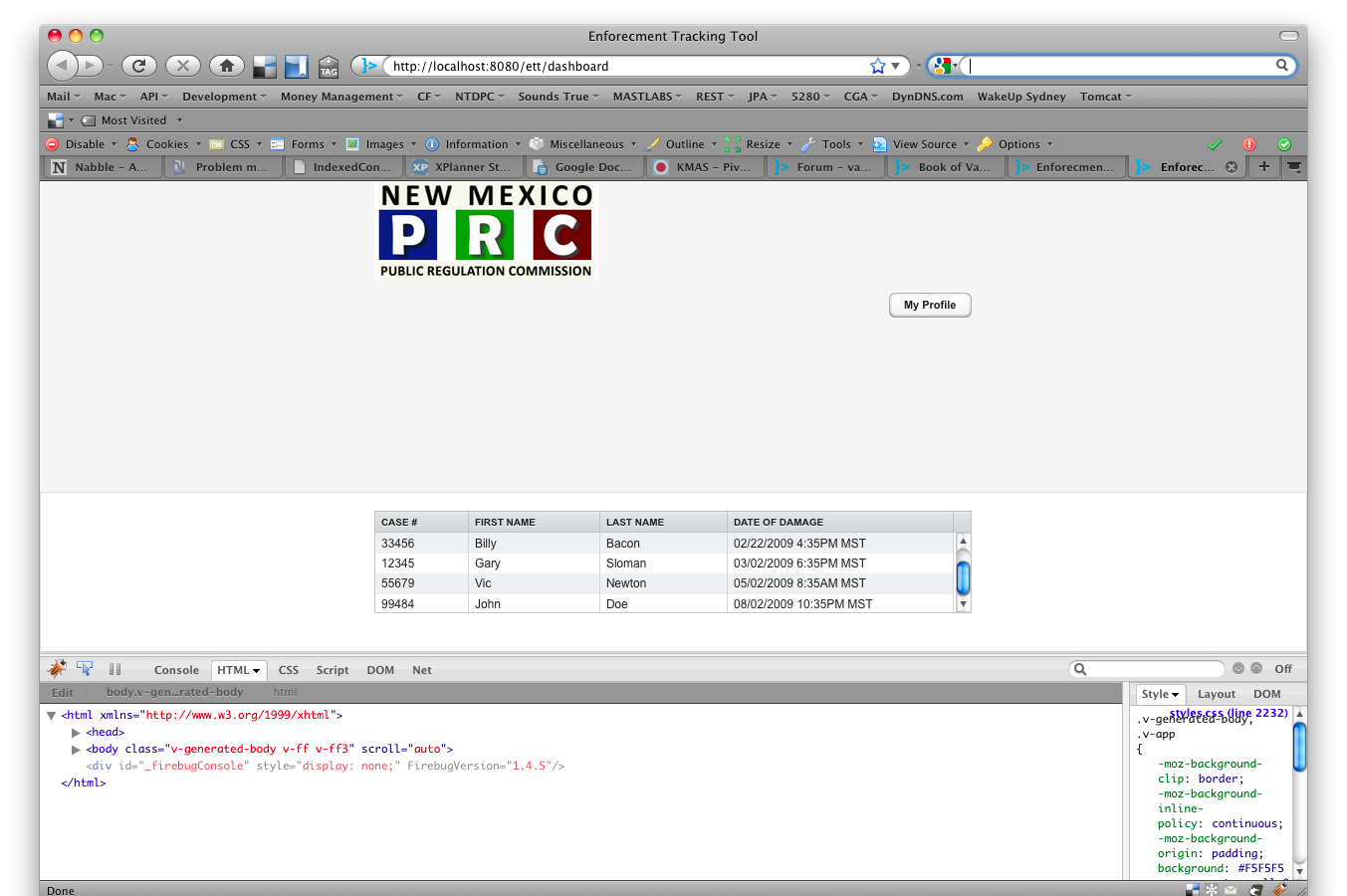
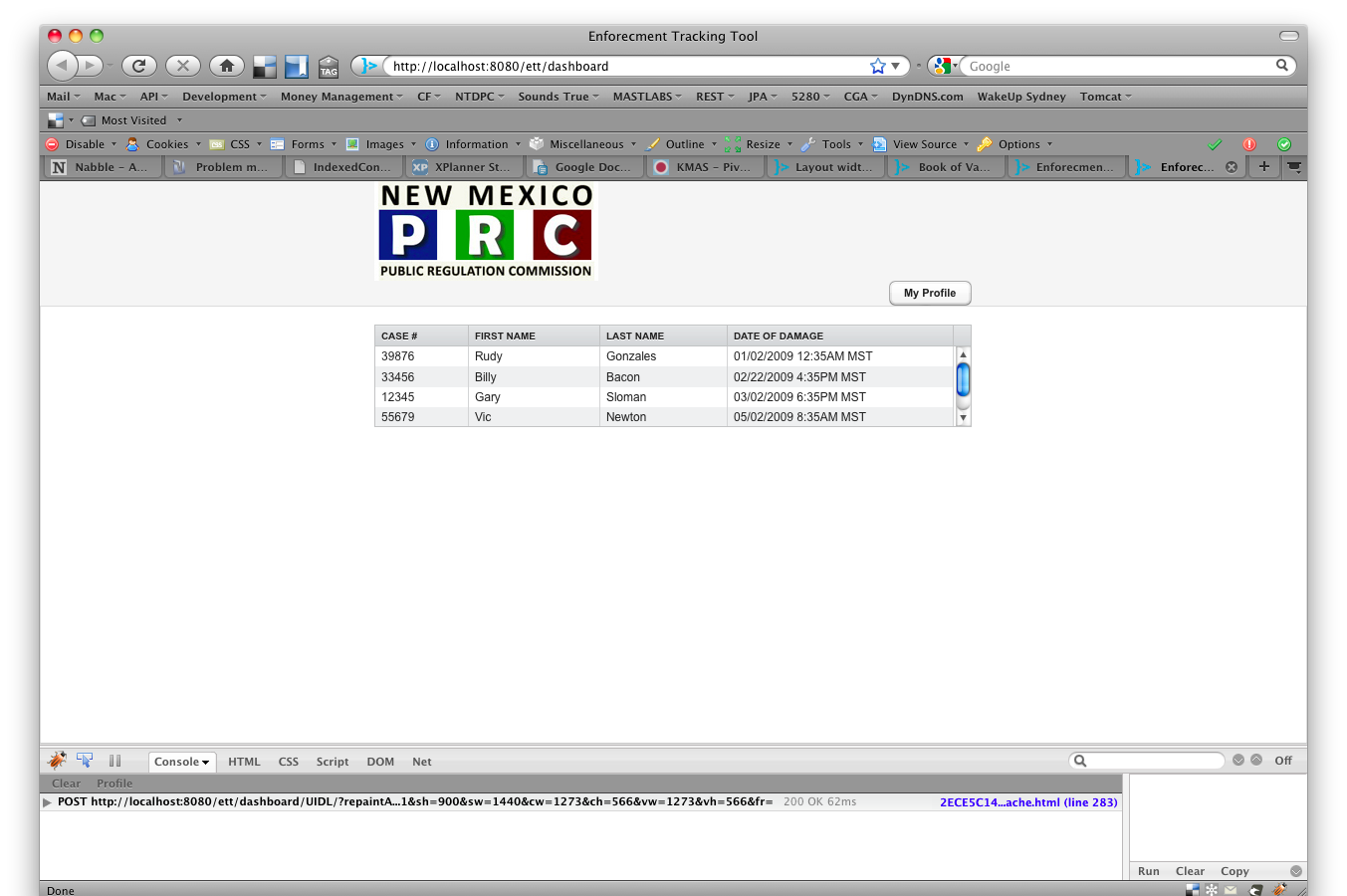
I’ve searched the forums trying to find an example of this and everything I’ve tried doesn’t seem to work so I apologize for the very ‘newbie’ question.
Vaadin Version: 6.6.2
OS: Mac Snow Leopard
Browser: Firefox 3.5.6
Java: 1.6
Tomcat: 6.0.20
My application has a header and main layout implemented with a Vertical layout. I’ve set the width and height for both of these layouts and I’m trying to make sure that the header layout is only 150 pixels in height. In the screenshot attached I think you’ll see my problem. I want the main (where the table resides) layout pushed upward, making the header layout smaller, about 150 pixels in height.
The width attribute seems to be working for me at 600 pixels and everything is center aligned which is great.
My other issue is that my ‘Profile’ button is not top_right aligned, it seems to be aligning to the bottom.
Please let me know what I’m doing wrong 
    private void initLayout() {
        VerticalLayout main = new VerticalLayout();
        VerticalLayout header = getHeaderLayout();
        CaseSelectorPanel panel = new CaseSelectorPanel(this);

        main.addComponent(header);
        main.addComponent(panel);

        main.setComponentAlignment(header, Alignment.TOP_CENTER);
        main.setComponentAlignment(panel, Alignment.BOTTOM_CENTER);
        main.setSizeFull();

        setMainWindow(new Window("Enforecment Tracking Tool", main));
    }


    private VerticalLayout getHeaderLayout() {
        VerticalLayout header = new VerticalLayout();
        header.setSizeFull();
        header.setWidth("600");
        header.setHeight("150");
        Embedded logo = new Embedded("", new ExternalResource("images/nmprc-logo.jpg"));
        Button profile = new Button("My Profile");

        header.addComponent(logo);
        header.addComponent(profile);

        header.setComponentAlignment(logo, Alignment.TOP_LEFT);
        header.setComponentAlignment(profile, Alignment.TOP_RIGHT);

        return header;
    }


    public CaseSelectorPanel(Application app) {
        setSizeFull();
        setHeight("100%");
        caseListTable.setWidth("600");

        caseListTable.setPageLength(4);

        caseListTable.setContainerDataSource(retrieveCases());
        caseListTable.setSelectable(true);
        caseListTable.setImmediate(true);
        layout.setSpacing(true);
        layout.addComponent(caseListTable);
        layout.setComponentAlignment(caseListTable, Alignment.BOTTOM_CENTER);
        layout.setSizeFull(); // need to call this to make the layout centered along with the line above

        addComponent(layout);
    }