Hello.
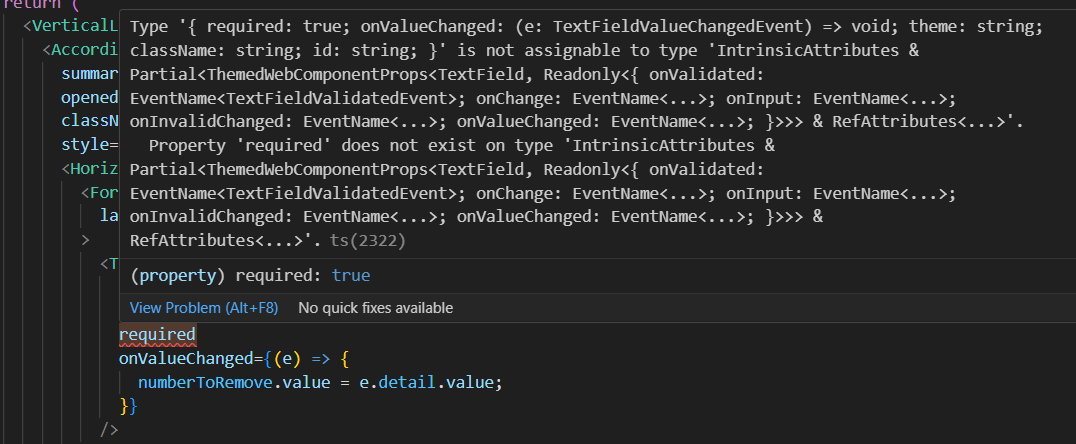
Just updated VSCode and some parameters became “red”.

Hilla 24.8.5, VSCode Version: 1.103.0
There was a surprising change in Typescript 5.9 which broke some of our type definitions. I assume after the VSCode update your IDE now uses that version for type-checking. What you can do is to make VSCode use the Typescript version of your Hilla project:
That should fix the errors in the IDE. With the next 24.8 patch release the issue should hopefully go away and you could switch back to using the IDE Typescript version. Though using the workspace one seems like a better default IMO.