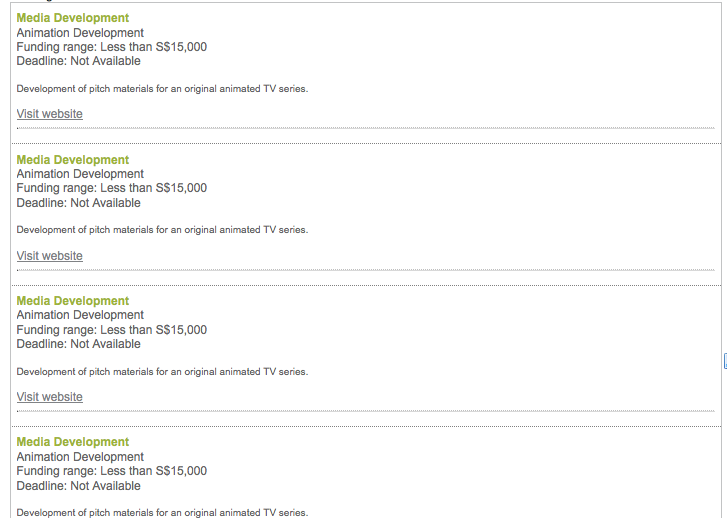
Hi everyone,
I am very new to vaadin.
I would like to know how to hide the table border.
I don’t want to effect to the other pages that use vaadin table also.
I want to hide border only in my file.
This is my sample code
	IndexedContainer container = new IndexedContainer();
        container.addContainerProperty("Funding List", CustomLayout.class, null);

		for(int i=0;i<15;i++) {
			csloFundingList = new CustomLayout(new FileInputStream(getApplication().getContext().getBaseDirectory()
					+"/layouts/"+this.communityName+"/kc/kcFundingListFunds.html"));

			linkListFunkdingLink = new Link("Visit website",new ExternalResource("www.google.com"));
			csloFundingList.addComponent(linkListFunkdingLink,"linkFundsLink");

			Item item = container.addItem(i);
             item.getItemProperty("Funding List").setValue(csloFundingList);
		}

			PagedTable table = new PagedTable();

	        table.setContainerDataSource(container);
	        table.setColumnHeaderMode(Table.COLUMN_HEADER_MODE_HIDDEN);
Thanks and Regards,
Yan