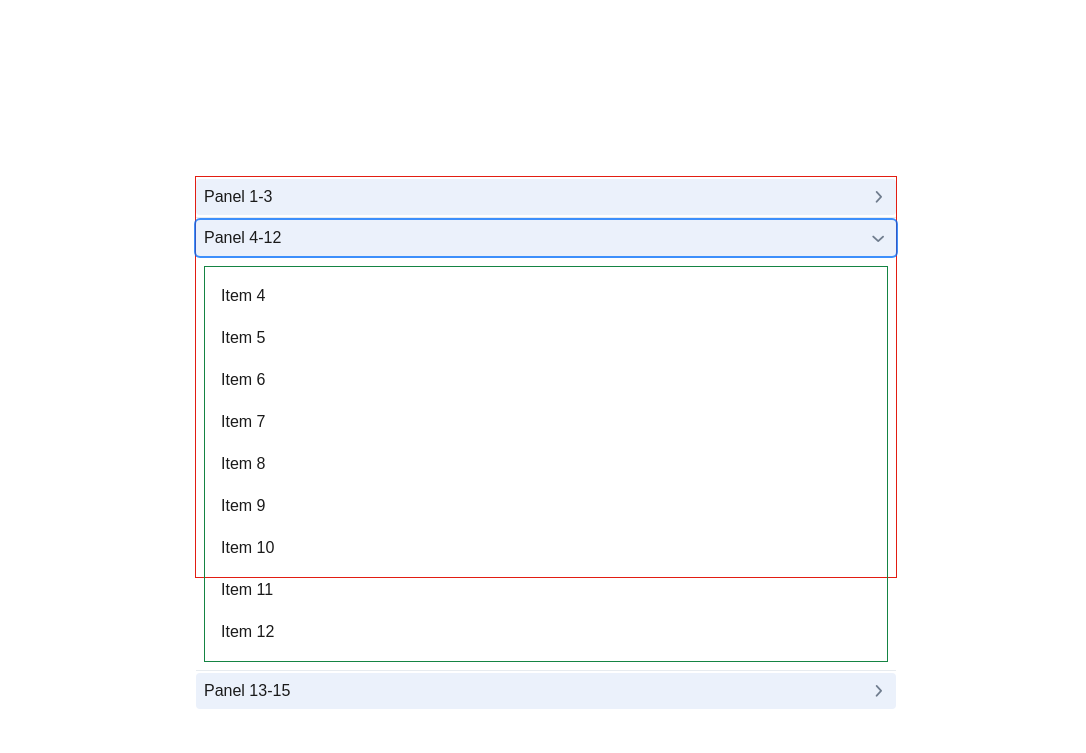
When expanded all the heading should be in the container pushed to the end on opening.
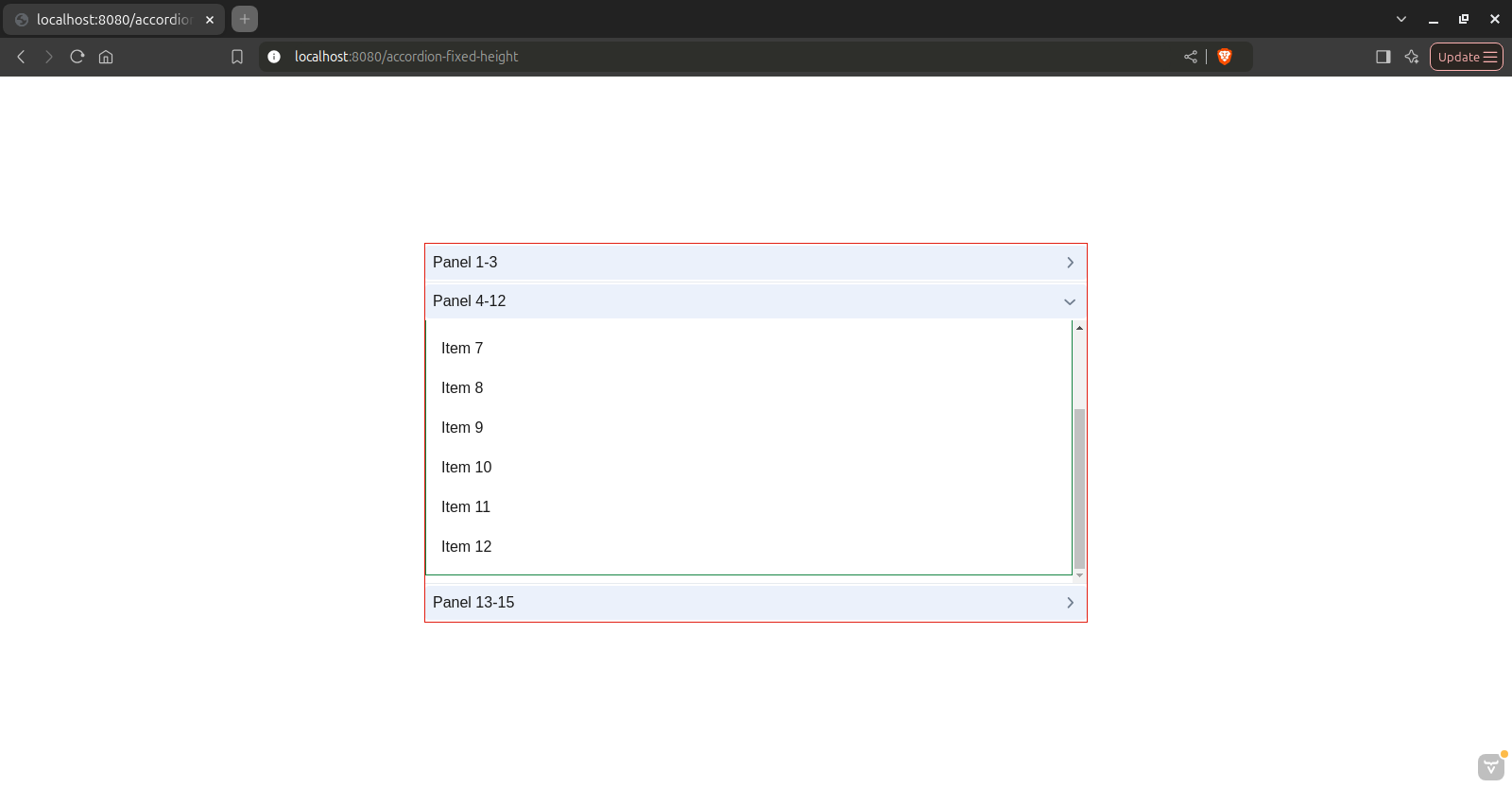
If the content overflows the scrolling should be within the opened panel not on the container.
I have managed to get something like this only problem is last item is hidden behind the heading of the next panel.
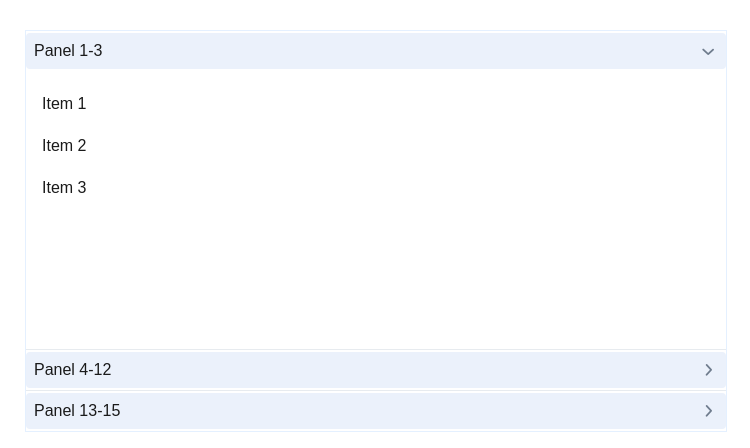
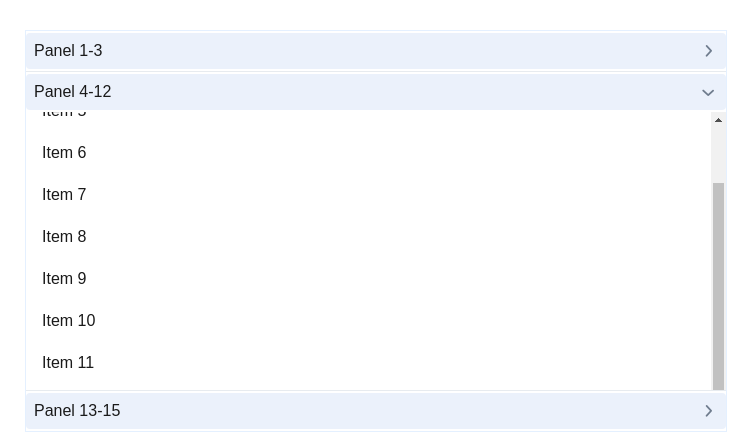
The accordion setup is as follows,
public AccordionFixedHeight() {
		setSizeFull();
		setJustifyContentMode(JustifyContentMode.CENTER);
		setAlignItems(Alignment.CENTER);

		// Container box with border
		Div container = new Div();
		container.addClassNames(LumoUtility.Border.ALL, LumoUtility.BorderColor.PRIMARY_10,"container");
		container.setHeight(400, Unit.PIXELS);
		container.setWidth(700, Unit.PIXELS);

		Accordion accordion = new Accordion();

        //createpanelcontent() returns default vertical layout with each item wrapped in a default span
		accordion.add("Panel 1-3", createPanelContent("Item 1", "Item 2", "Item 3"))
				.addThemeVariants(DetailsVariant.REVERSE);

		accordion.add("Panel 4-12", createPanelContent("Item 4", "Item 5", "Item 6", "Item 7", "Item 8", "Item 9",
				"Item 10", "Item 11", "Item 12")).addThemeVariants(DetailsVariant.REVERSE);

		accordion.add("Panel 13-15", createPanelContent("Item 13", "Item 14", "Item 15"))
				.addThemeVariants(DetailsVariant.REVERSE);

		container.add(accordion);
		add(container);
	}
the css
vaadin-accordion-heading {
	background-color: var(--accordion-bg);
	padding: 0 8px 0;
	margin: 2px 0 2px;
	font-size: 16px;
	color: var(--text);
}

vaadin-accordion {
	height: 100%;
	display: flex;
	flex-direction: column;
}

vaadin-accordion-panel[opened] {
	flex-grow: 1;
	max-height: 100%;
	overflow: hidden;
	width: 100%;
}

vaadin-accordion-panel::part(content) {
	color: var(--text);
	height: 100%;
	overflow-x: clip;
	overflow-y: auto;
}