Hi,
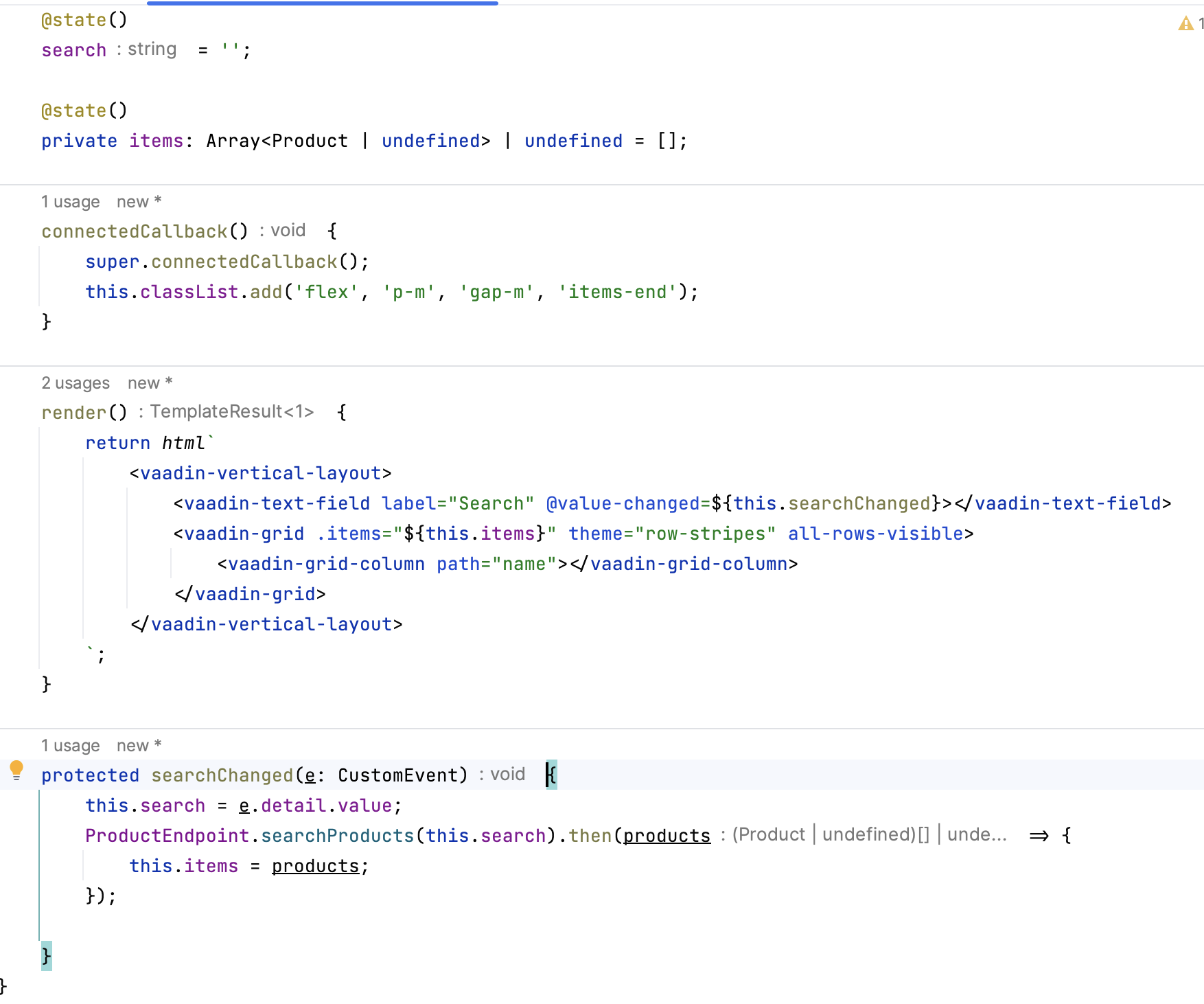
First time using Hilla (finally) and I’m running into an issue adding a Grid to the view. Trying to keep it as simple as possible for now, so no lazy loading yet or dataproviders yet. Just trying to use .items on vaadin-grid.
Endpoint is working, I see the data being returned, but it’s not showing in the grid.
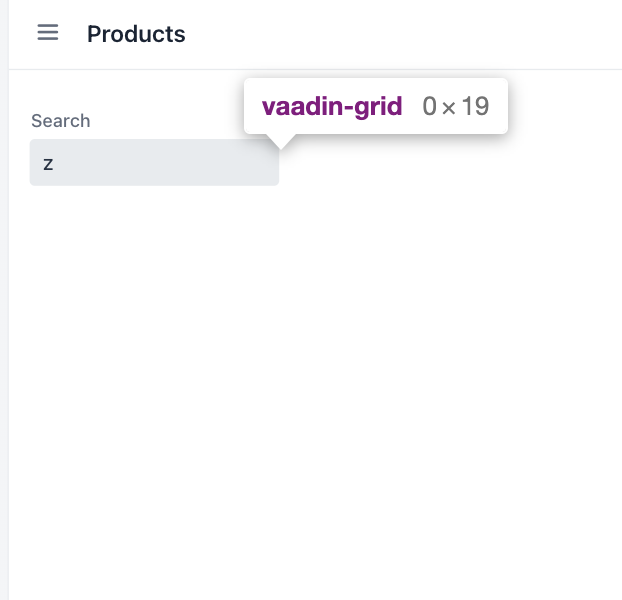
The grid is added but width remains at 0px.
When I look at the master-detail example generated on start.vaadin.com it is using .dataProvider. So that’s what I will try next, but following the docs, this should also work, no?
Thank you for your response Simon.
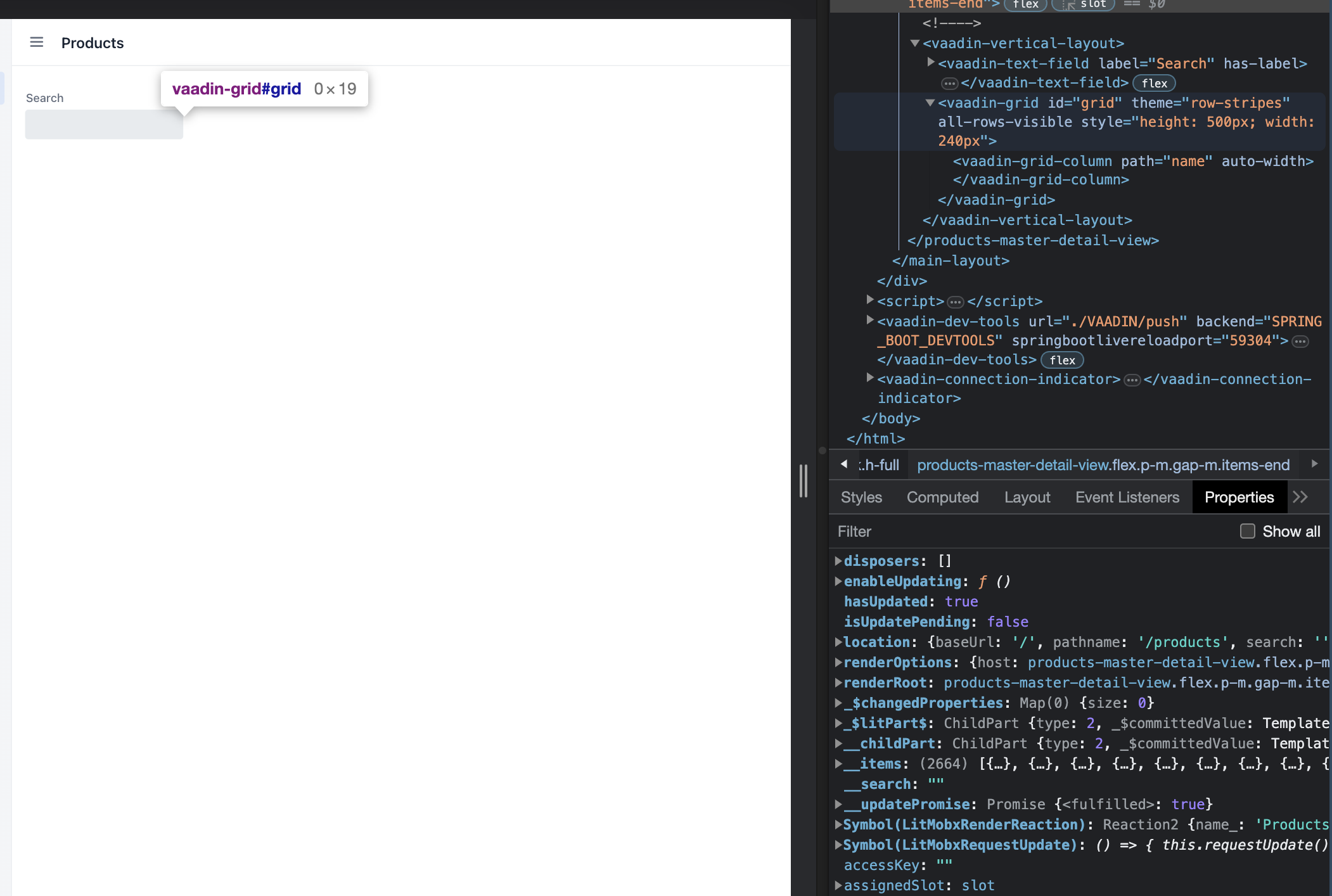
Even when I set the height to a fixed value, it is not reflected in the UI.
I would expect the all-rows-visible property to scale it up as well?
Also I see in the inspector that the items are set to the grid.
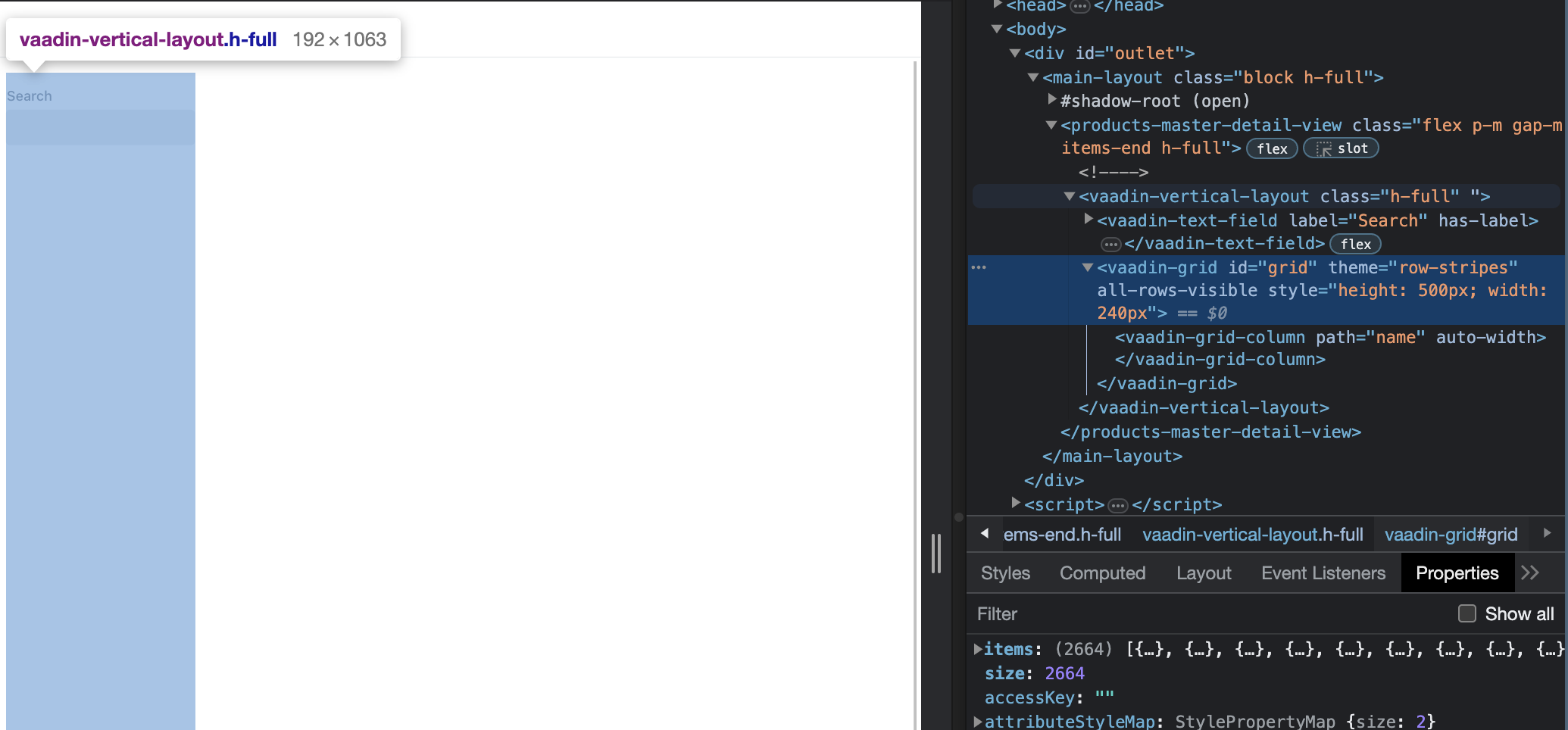
Then the component that contains the grid has no height
That was my initial thought as well. Sadly, adding class=“h-full” doesn’t help. The container stretches to full height, but still no grid.
I think I’ll delete what I have and just start from the sample from start.vaadin.com. I see there the grid is wrapped in a div with class"grid-wrapper"
ARGH!!! Found it!
Was missing “import ‘@vaadin/grid’;” 
Very annoying when that happens.
That’s one place where React is more helpful, as the JSX template is actually javascript and it will fail compilation if you are missing the import.