manually i create ‘status’ column only one row select
but i want header ‘status’ for option 1 and 2 or
Use e.g. HeaderRow topHeader = grid.prependHeaderRow(); to create additional header row and add your comobox in the header cell there
if possible header checkbox->‘status’ multiselect option work or ‘status’ column → show checkbox
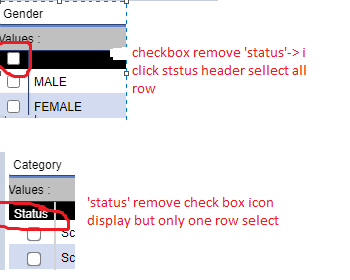
this manually edit in chrome affect ‘status’ column some image
but table have 2 column 2 column afftect
.metro .v-grid-column-header-content {content: url(img/noteWhitePaperSmall.png)! important;
height: 17px;
width: 17px;}
this affect all header of the grid table any idea for one column
i try two column icon i need one column icon any possible
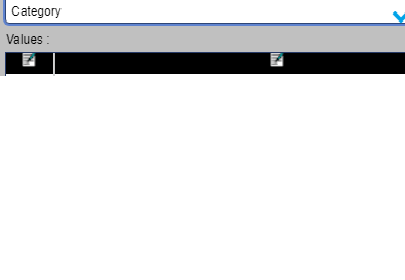
.v-grid-wgsgridstyle tr.v-grid-row.StatusGrid .v-grid-column-header-content{
content: url(img/noteWhitePaperSmall.png)! important;
color:red! important;
hight:17px! important;
width:17px! important;
}