I create vaadin 24 flow with https://start.vaadin.com/app/p .
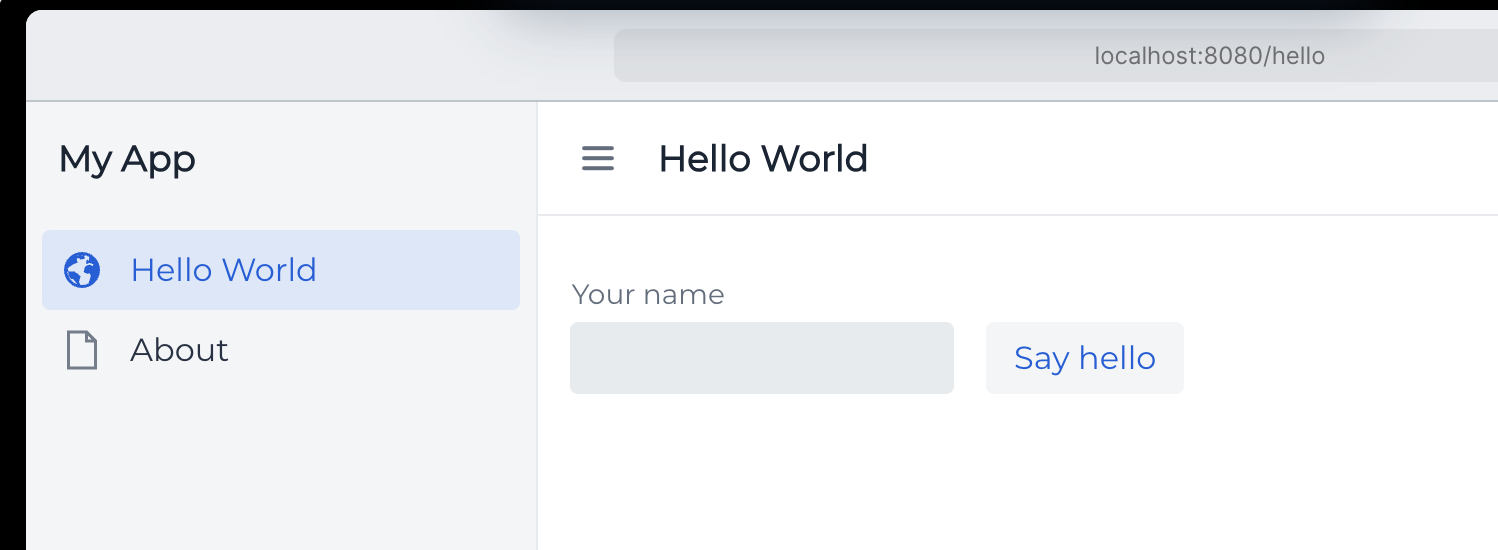
I chose Montserrat as font theme, Vaadin 24.x and Java 17. It is displayed in (pic1)
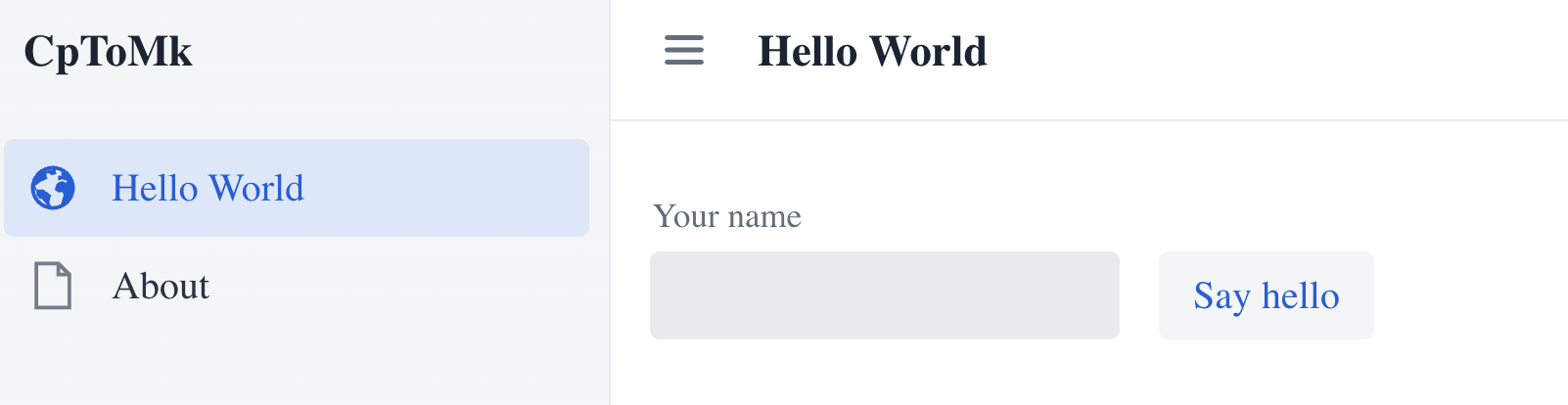
While apps is running, it doesn’t use Montserrat but default font. It is shown below (pic 2)
Montserrat is font from google font that should be downloaded automatically from google, if i am not mistaken.
How can I fix this problem?
Many thanks for any advice.
I try to install Montserrat using using npm
npm install @fontsource/montserrat and it is referenced in frontend/themes/my-app/style.css
`@import url(‘./main-layout.css’);
@import url(‘@fontsource/montserrat/index.css’); html {
–lumo-font-family: Montserrat;
}`
I click to index.css and it open a css with monserat information inside node_modules/@montserrat
Restart app but it doesnt use or show text in montserrat font.
actually i need to do this ./mvnw clean package -Pproduction
and run it using java -jar package.jar
and montserat will be loaded
Well, now i can run it as Spring Apps but i need to activate Production profile. Montseratt will be loaded.