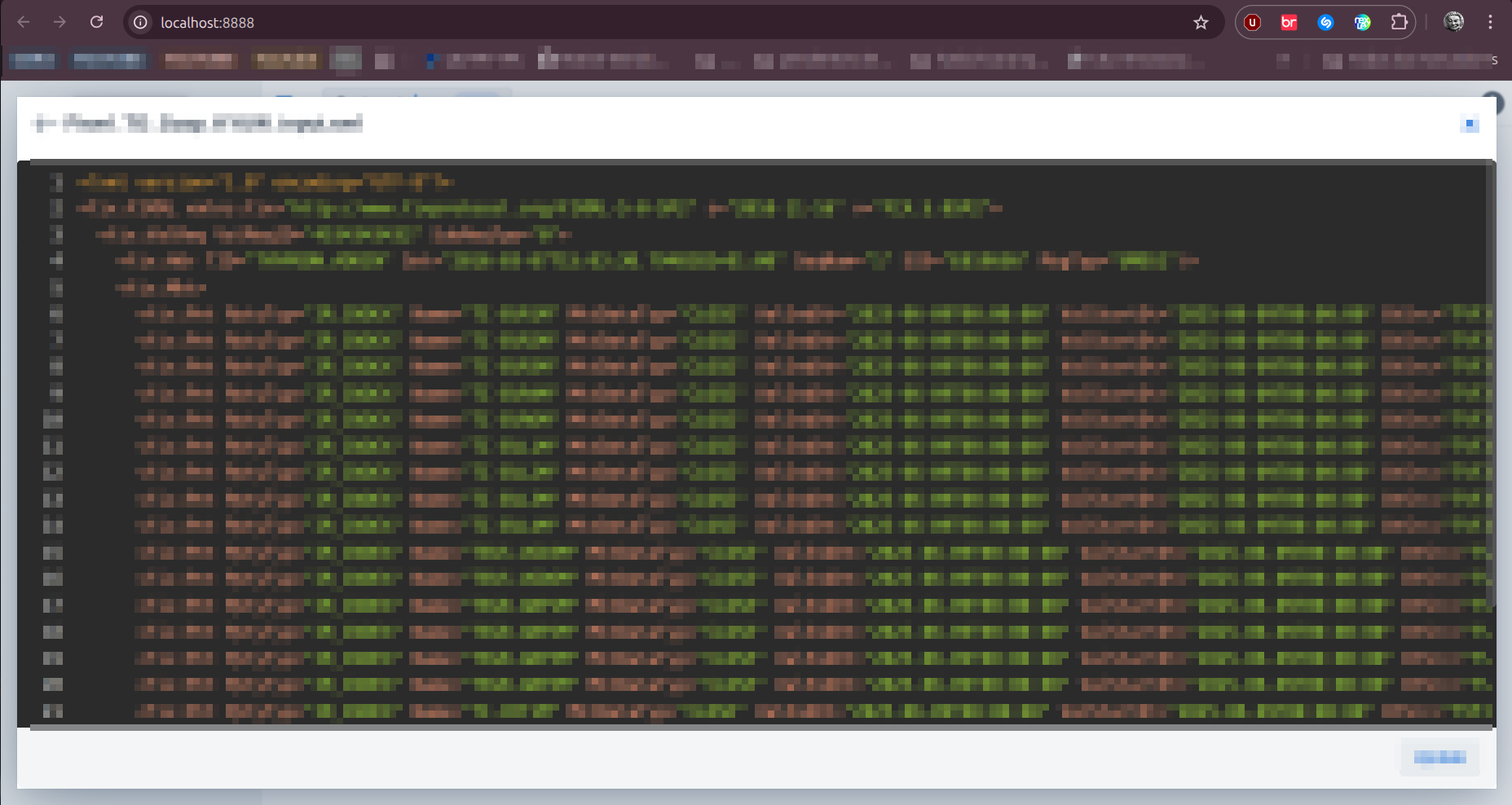
You need to set the dimension to the overlay part to make it 100% and also, if wanted, the inset to 0, to make it fully full size
vaadin-dialog::part(overlay) {
      border-radius: unset;
      width: 100vw;
      height: 100vh;

      /* for mobiles you need to take some more things into account, like keyboard and browser url, but this is optional and really just necessary for phones etc. */
      /* height: calc(100svh - env(keyboard-inset-height));*/
}

vaadin-dialog {
     /* also reduce the inset to 0, otherwise it is like 98% */
      --vaadin-overlay-viewport-inset: 0;
}
vaadin-dialog.visualizer-dialog::part(overlay) {
   border-radius: unset;
   width: 100vw;
   height: 100vh;
}

vaadin-dialog.visualizer-dialog {
   /* for mobiles you need to take some more things into account, like keyboard and browser url, but this is optional and really just necessary for phones etc. */
   /* height: calc(100svh - env(keyboard-inset-height));*/
   * also reduce the inset to 0, otherwise it is like 98% */
   --vaadin-overlay-viewport-inset: 0;
}