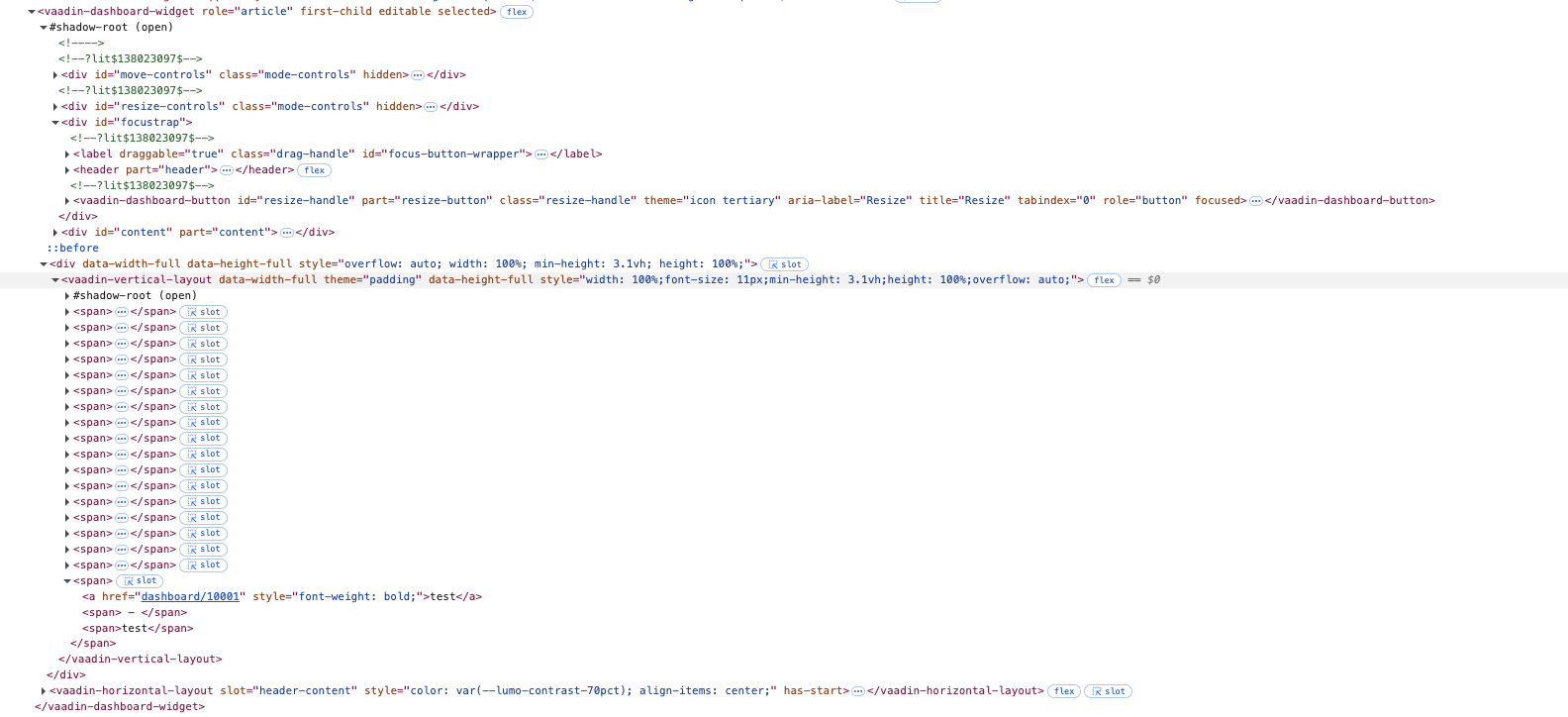
If there is more content than you want to display, then you need to make it scrollable using overflow. To limit the height of your content, you would then need to use max-height instead of min-height.
This seems to work:
Div content = new Div();
content.getStyle().setMaxHeight("300px");
content.getStyle().setOverflow(Style.Overflow.AUTO);
for (int i = 0; i < 100; i++) {
    content.add(new Paragraph("Item " + (i + 1)));
}

DashboardWidget widget = new DashboardWidget();
widget.setContent(content);

Dashboard dashboard = new Dashboard();
dashboard.add(widget);
add(dashboard);
Thanks for your answer, unfortunately this is not working for me, With max-height: 300px you can stil not resize the widget smaller than 300px and when trying to resize it bigger your div just stays 300px.
Expected result:
If i resize the height of my widget to something smaller than the content’s height i want a scrollbar to appear, when i resize the widget to something bigger than the content needs it just shows the content.
(In my project we want to show charts in the widget, showing them is working but resizing is not giving expected results)
Ah, well, you didn’t mention that you need this to be resizable by the user.
I’m not sure how to make it work then. It looks like it’s not possible to make the content collapse to a min-height while still allowing it to grow when the row-span is changed. Though maybe someone else might have an idea.
Well, I think maybe the problem here is that the widget resizing is not a “free-form” resizing, but a colspan / rowspan change: When you’re resizing you’re really just changing the number of columns and rows the widget spans.
The row height is determined by the MinimumRowHeight and the tallest widget content, whichever is greater.