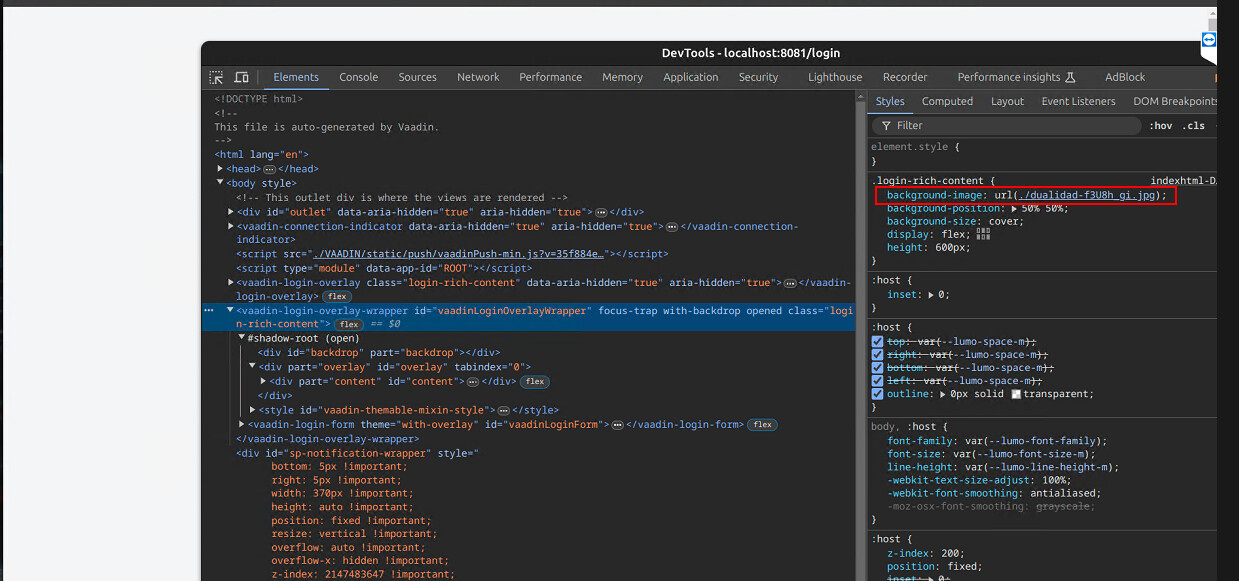
I can’t set a background image in login view
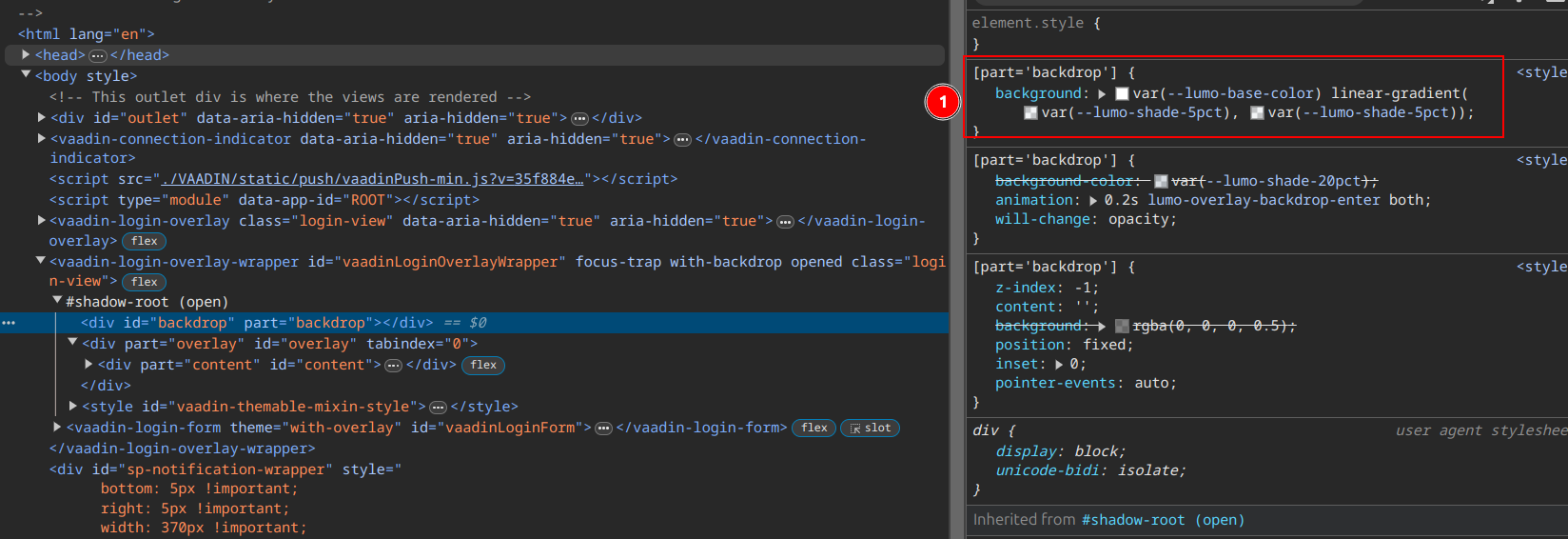
If I disable this in memory it only works in dev-tools memory.
Tested with Vaadin 24.4.4
source → GitHub - rucko24/EspFlow: Simple UI for esp32+, esp8266 utilities
I can’t set a background image in login view
If I disable this in memory it only works in dev-tools memory.
Tested with Vaadin 24.4.4
source → GitHub - rucko24/EspFlow: Simple UI for esp32+, esp8266 utilities
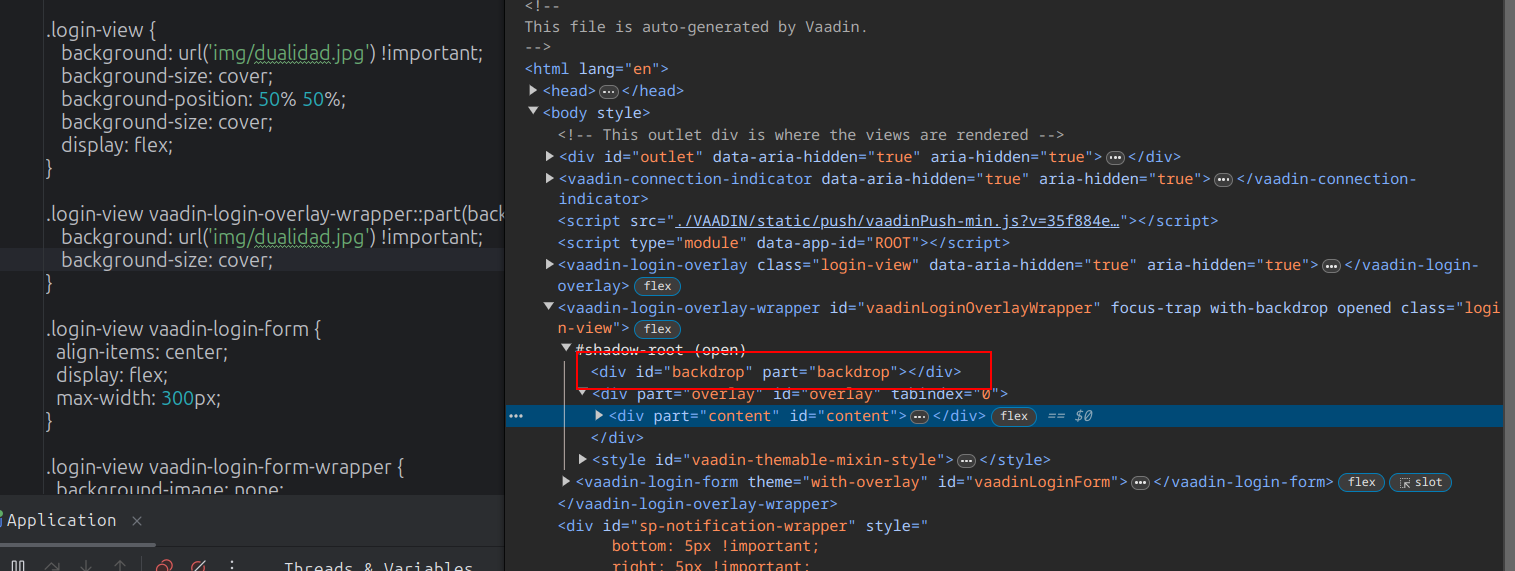
As you see in the dom inspector vaadin-login-overlay-wrapper is not a child of “.login-view”, thus selector “.login-view vaadin-login-overlay-wrapper” does evaluate to nothing.
Thanks Tatu, I’ll do another test and let you know.
The behavior is a bit strange when applying the steps in the documentation
The image appears when reloading the login but disappears.
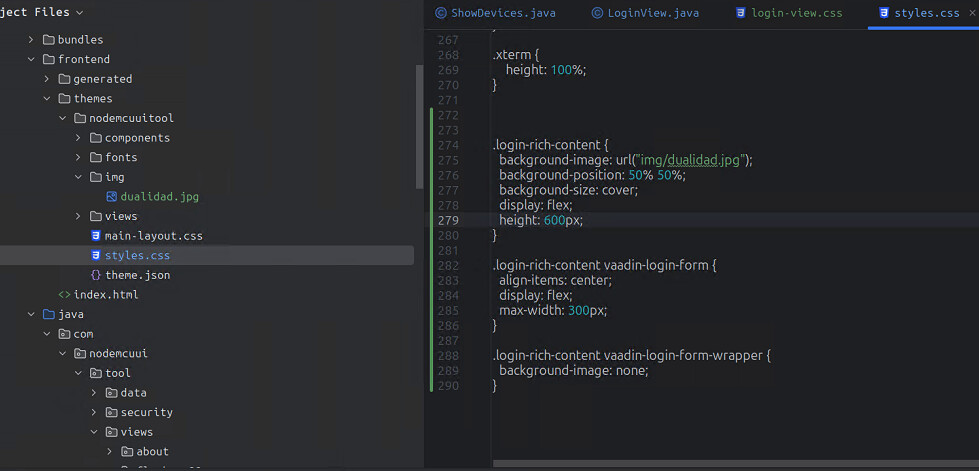
.login-rich-content {
  background-image: url("img/dualidad.jpg");
  background-position: center;
  background-size: cover;
  display: flex;
  height: 500px;
}
.login-rich-content vaadin-login-form {
  align-items: center;
  display: flex;
  max-width: 300px;
}
.login-rich-content vaadin-login-form-wrapper {
  background-image: none;
}
Also, when I try to add the image from the src/main/resources I can’t, the image is not built and in the dev-tools console I get TOO MANY Request error, when it doesn’t find the image, I don’t have this detailed error but that’s what it is.
I solved, but using @CssImport in the
LoginView EspFlow/src/main/java/com/esp/espflow/views/login/LoginView.java at main · rucko24/EspFlow · GitHubWith frontend folder inside resources dir
@Tatu2 With Vaadin 24 is it correct to do it this way? what do you think?