I am implementing a simple Web Application.
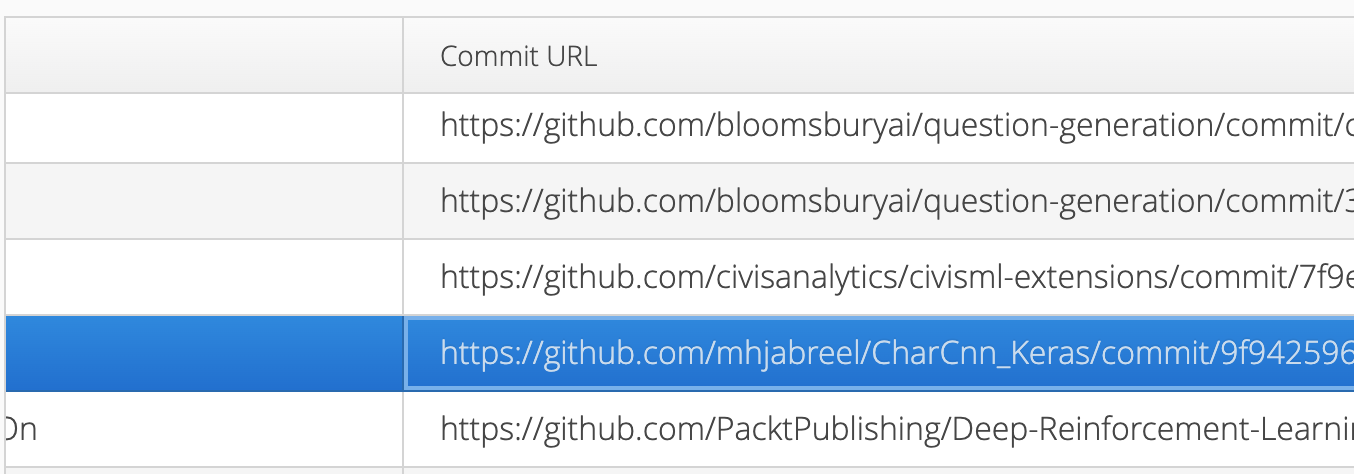
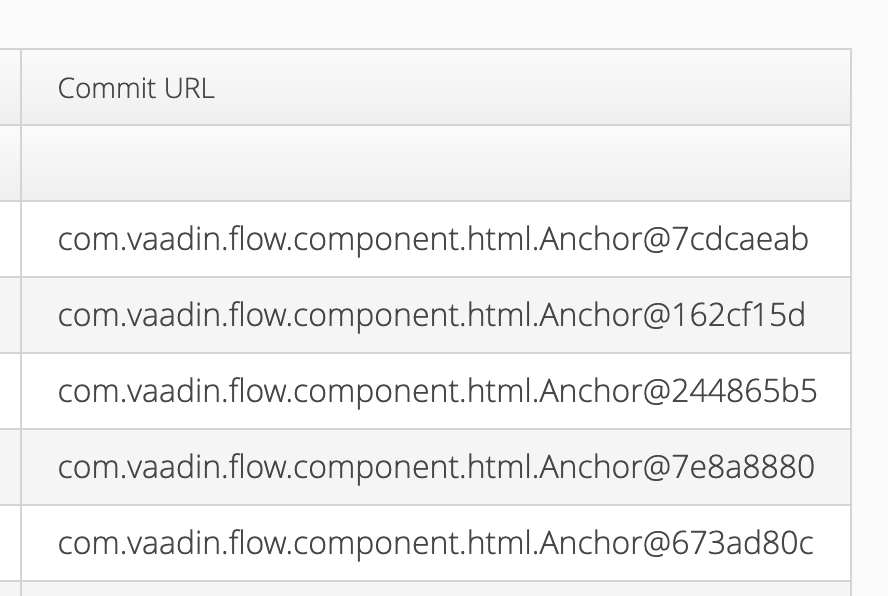
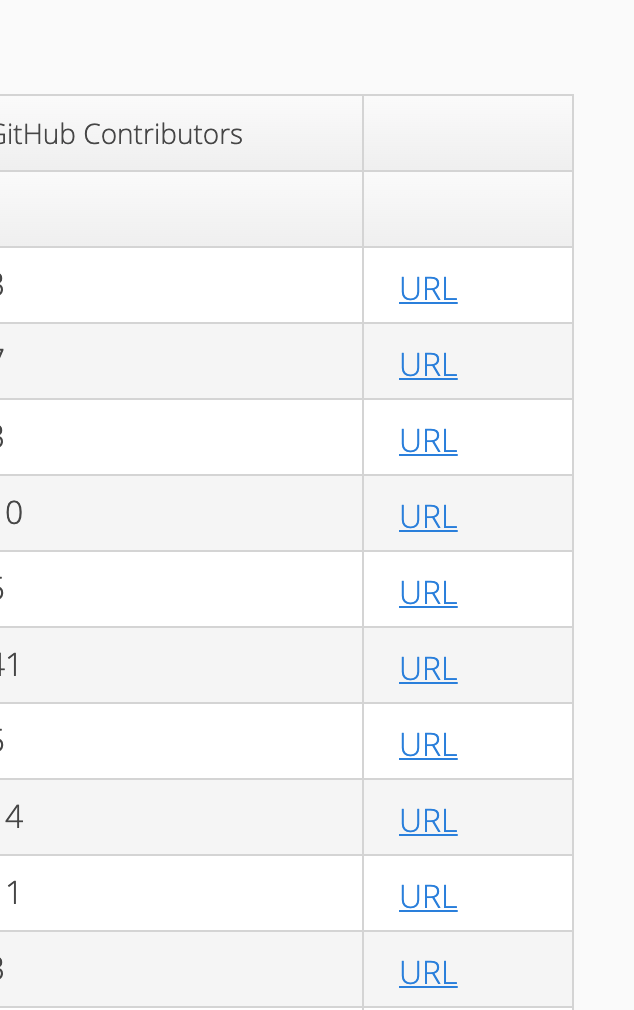
In my web application, I have a “com.vaadin.ui.Grid”. In the grid, I have a column with URLs. Currently, the URLs are not clickable and they are texts (attached).
Could anyone help me to convert this to URLs? So, the users can navigate to the relevant webpage.
the default renderer used to display a content inside a grid is TextRenderer so anything will be displayed as a text/String by default. There are multiple built-in renderers to display other content and you might want take advantage of the HTMLRenderer
When adding a column, instead of defining a simple ValueProvider that returns a String, you can use a ComponentRenderer that returns any Vaadin Component. In this case, you will want to have an Anchor in your column, which is a Link.
Grid<Foo> grid = new Grid<>(Foo.class, false);
grid.addComponentColumn(foo -> new Anchor(foo.getUrl(), foo.getUrlPresentation()));
I have a few clarification problems in both approaches.
Anastasia Smirnova:
Hi,
the default renderer used to display a content inside a grid is TextRenderer so anything will be displayed as a text/String by default. There are multiple built-in renderers to display other content and you might want take advantage of the HTMLRenderer
The grid is already created and I am unable to add another column. Instead, I want to change an existing column. Is there a way to add HtmlRenderer to an existing column? I can not see the ‘addRender’ method in grid.Column.
Kaspar Scherrer:
Hi Malinda
When adding a column, instead of defining a simple ValueProvider that returns a String, you can use a ComponentRenderer that returns any Vaadin Component. In this case, you will want to have an Anchor in your column, which is a Link.
Grid<Foo> grid = new Grid<>(Foo.class, false);
grid.addComponentColumn(foo -> new Anchor(foo.getUrl(), foo.getUrlPresentation()));
Malinda Malwala:
What should I return in foo.getUrlPresentation()?
A Link can show something different than the actual url that it links to. Just like in [this very link example]
(https://www.google.com), It shows some text but will link to google.com. Combining these examples, foo.getUrl() would return "https://www.google.com", and foo.getUrlPresentation() would return "this very link example".
You can of course put the actual url for both parameters (new Anchor(foo.getUrl(), foo.getUrl())), which will have this outcome: [https://www.google.com]
(https://www.google.com) .
Malinda Malwala:
Instead, I want to change an existing column.
You cannot change an existing column. You will have to remove the existing column, and add a new one.
grid.removeColumnByKey("url");
grid.addComponentColumn(foo -> new Anchor(foo.getUrl(), foo.getUrlPresentation())).setKey("url").setHeader("Commit URL");
It might also be good to know that you can prevent automatic creation of columns at initialisation of the Grid, using false as second parameter of Grid constructor. At some point, if you have enough columns that have custom configurations like this, it will pay off to define all the columns yourself. Because if I remember correctly, you will also run into the issue of reordering the re-added columns because they are added as last columns in the grid.
grid.removeColumnByKey("url");
grid.addComponentColumn(foo -> new Anchor(foo.getUrl(), foo.getUrlPresentation())).setKey("url").setHeader("Commit URL");
Thanks again for the help.
I am using grid.setItems(foo.boo()), Where foo is a JpaRepository and foo.boo() returns data from a database. If I remove the column “url”, I assume it will also remove the data in the grid column. Is there a way to migrate the data in the removed column to the new column?
The data is not stored in any column in the first place, but instead comes from the grids DataProvider (which is created when calling grid.setItems(...)). There is no need to “migrate” any data from old columns to new columns. Try it out
However, grid.addColumn(ComponentRenderer renderer) should exist, or even the short form grid.addComponentColumn(valueProvider). It probably acted as if it doesn’t exist because the usage of the unknown class Anchor.
grid.removeColumn("URL");
grid.addComponentColumn((item) -> new Link("URL", new ExternalResource(item.getURL())))
	.setId("URL")
	.setCaption("Commit URL");