I’m looking at various alternatives for adding a panel/menu to a grid where I can do column hiding and other meta-stuff.
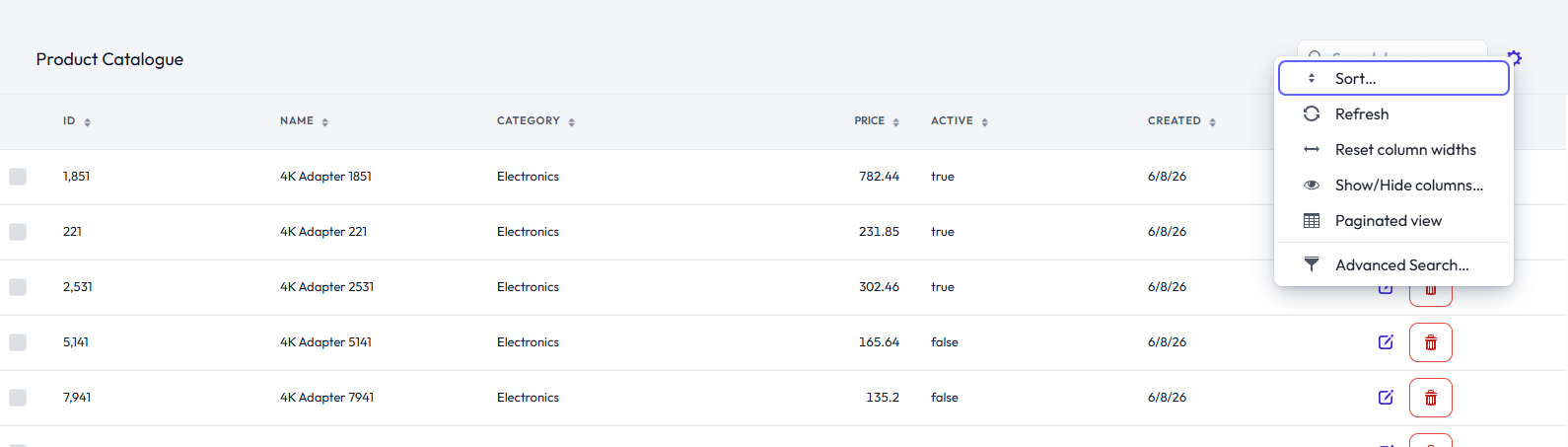
Today it is in a “Configure ->” submenu on the regular grid menu, but users think it is too hidden.
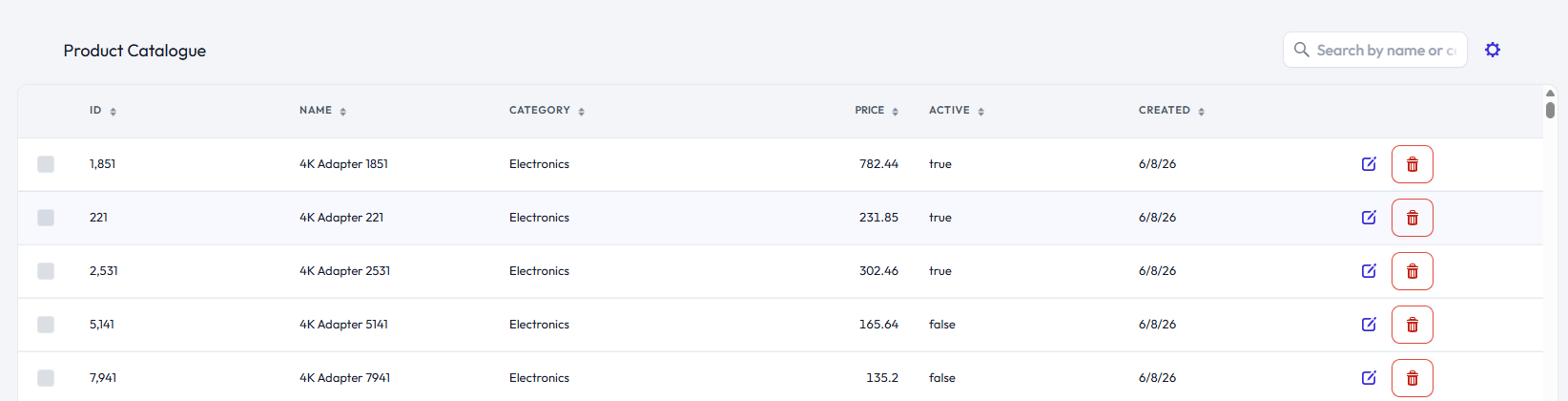
I can place it outside the Grid, in a toolbar. That is trivial, but will always waste some space:
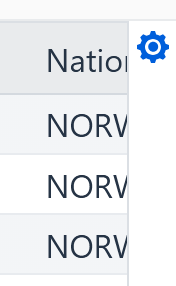
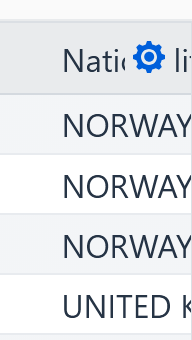
I can use an overlay, but that comes with its own problems:
It has to be inset a bit to not overlap the scrollbar
That means the text will be split, which looks a bit naff
I’ll go with the toolbar for now, but wanted to know what you guys think.
Thought of that, but it is in the same category as my first example;
It is a column, so it will take vertical space.
It will also be outside visible area for many of our grids, but I guess that can be fixed by freezing it.
One benefit of having a button in a toolbar is that I can have more buttons, and if the grid has a title, I can place the buttons there
Yeah no, didn’t expect so, just meant that as the solution that the Vaadin design system is most likely going to go with, so you might want to do the same (which then probably makes it easier to migrate to it once it ships).
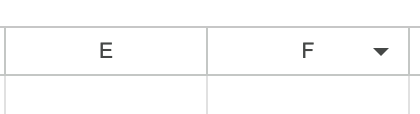
I would go for an additional right aligned indicator in every column header, which pops up a relevant menu.
Menu can contain common functionality (e.g. show/hide column as well as column specific functionality e.g. Switch currency to € / $ /₹).
User is already aware the headers are interactive (due to the sort icons), so no problems with UX.
This way everything neatly fits in with the existing Grid and no screen space wasted.