I try to change the background color of my selected line in a grid. In 23 that was ok but since the upgrade in vaadin v24, that doesn’t work. I have a css file “grid-style.css” with the line :
:host([theme~=“gridsteel-theme”]) [part~=“row”][selected] [part~=“body-cell”]:not([part~=“details-cell”]) {
background-color: red;
}
And in my style.css I’ve added the import of this file.
What is wrong ?
After read information in the doc you can impact the style of a line selected with this code
vaadin-grid::part(selected-row){
background-color: red;
color : red;
}
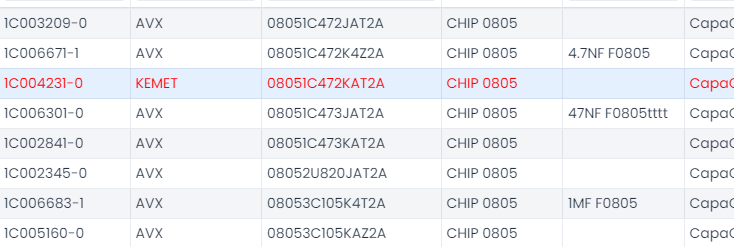
now the text is in red when i select a line but the background don’t change ?!
Someone can Help me ? Thank you in advance.
can you post some pictures how it is looking now? I think there is an example for setting the background in Vaadin doc page
somewhere I read V23 styling is also supported in V24. Not sure where it is
You probably need to set the background on the cell not the row:
vaadin-grid::part(selected-row-cell)
 . Thank you