smart-input: # Smart Input Element





<smart-input>
Live Demos 
|
Documentation
|
Installation
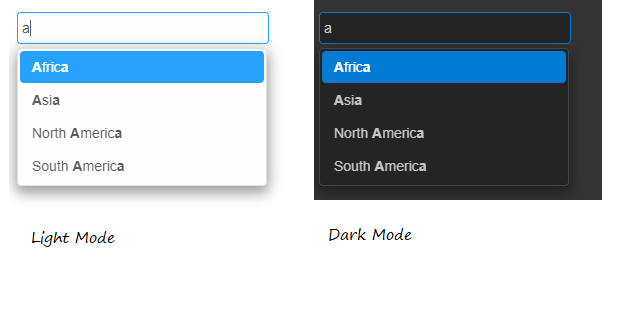
<smart-input> is a Custom HTML Element providing an alternative of the standard Input Auto Complete, part of the Smart HTML Elements.
<smart-input data-source="[South America, North America, Asia, Africa, Europe]"></smart-input>
Getting Started
Smart HTML Elements components documentation includes getting started, customization and api documentation topics.
Getting Started Documentation
|
The file structure for Smart HTML Elements
-
source/Javascript files.
-
source/styles/Component CSS Files.
-
demos/Demo files
Running demos in browser
-
Fork the
Smart-HTML-Elements-Corerepository and clone it locally. -
Make sure you have npm installed.
-
When in the
Smart-HTML-Elements-Coredirectory, runnpm installand thenbower installto install dependencies. -
Run a localhost or upload the demo on a web server. Then run:
- /demos/smart-input/overview/
Following the coding style
We are using ESLint for linting JavaScript code.
Creating a pull request
- Make sure your code is compliant with ESLint
- Submit a pull request with detailed title and description
- Wait for response from one of our team members
License
Apache License 2.0