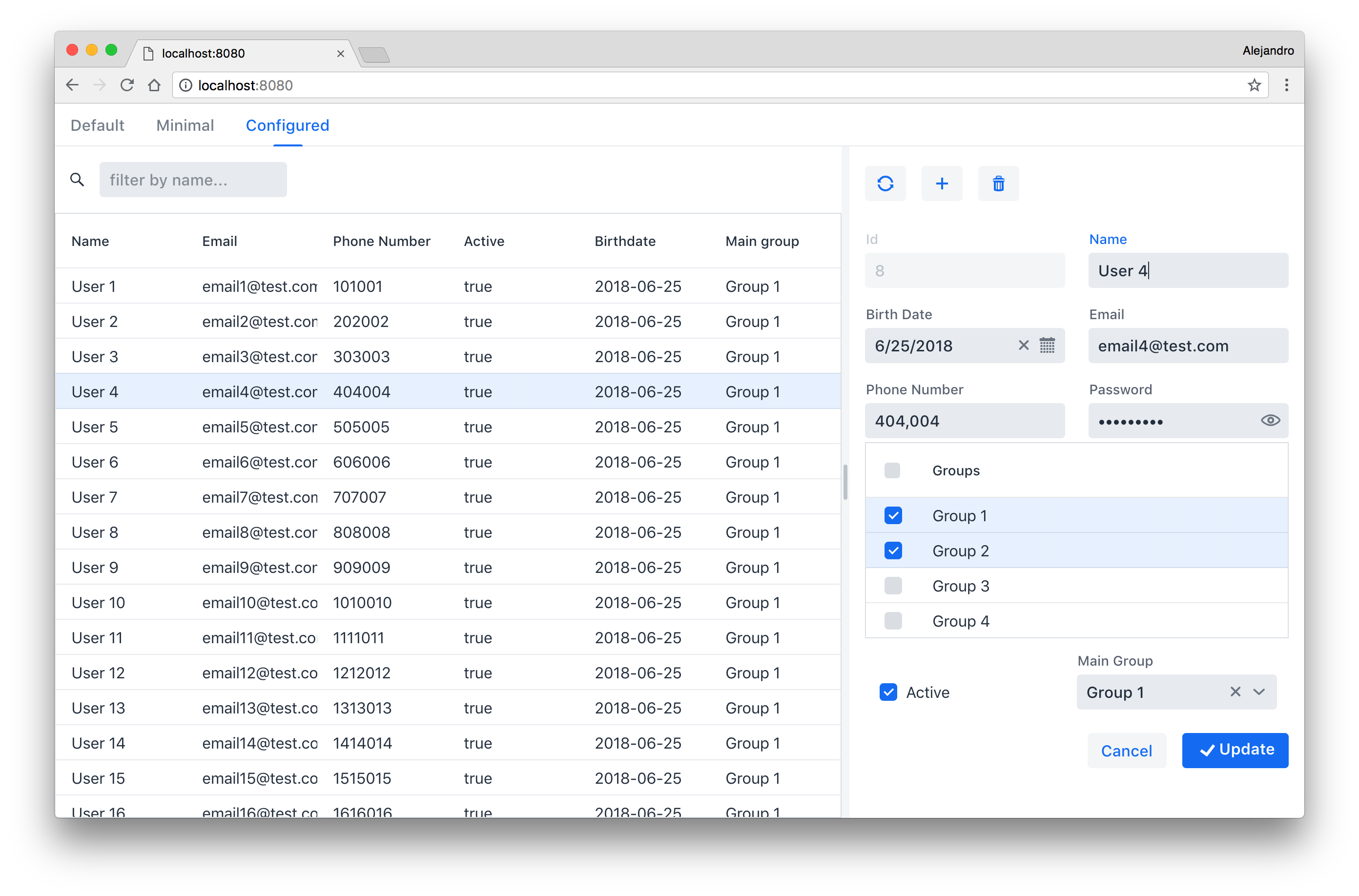
I’ve started using your addon. It’s very helpful especially for someone who just jumped into Vaadin not long ago. So far I’ve encountered a problem especially on handling values for a combobox drop down value.
formFactory.setFieldProvider("groupId", new ComboBoxProvider<>("Group Access" userDAO.findAllGroups(), GroupAccess::getId));
Using that line above, it throws the error “Cannot infer type arguments”. For clarity, “groupId” is from the main object of User, while GroupAccess is the object that holds the values and description, which is Area, Outlet, Audit and HQ. The findAllGroups() returns distinct objects from GroupAccess. I am not sure if a nested property is required in order for that to work.
Since it didn’t work, I tried on the following:
formFactory.setFieldProvider("groupId", () -> new ComboBox("groupId",userDAO.findAllGroupsString()));

        /**************************/
        //This piece of code needs to be experimented.

        //formFactory.setFieldProvider("groupId", new ComboBox<>("Group Access",userDAO.findAllGroupsString()));

        formFactory.setFieldCreationListener("groupId", (HasValue field) -> {
            ComboBox comboBox = (ComboBox) field;
            List<String> items = userDAO.findAllGroupsString();
            comboBox.setPlaceholder("Group Access");
            comboBox.setRequiredIndicatorVisible(true);
            comboBox.setEmptySelectionAllowed(false);
            comboBox.setTextInputAllowed(false);
            comboBox.setItems(items);
            windowLog.debug("Combobox value: " + comboBox.getValue());
            //new Binder<User>().forField(comboBox).bind(User::getGroupId, User::setGroupId);
        });
In that instance, I moved back from ComboBoxProvider to ComboBox. Running that thing, the value returns null when adding a new record although a value has been selected. During updating, the value keeps setting to ‘Outlet’.
UPDATE: Sorry, I’ve forgotten about the User class. The groupId is declared as a String in User. The excerpt is below. The Group Access object merely holds the group and description values as to store the values and description as it used for the combo boxes for other forms that do not use the crudui-addon:
private String groupId;

	public String getGroupId() {
        return groupId;
	}

    public void setGroupId(String groupId) {
        this.groupId = groupId;
    }
BTW, “A method signature is the method name and the number, type and order of its parameters. Return types and thrown exceptions are not considered to be a part of the method signature” - https://en.wikipedia.org/wiki/Type_signature
Sorry, I’ve omitted the User class in my previous reply. I’ve updated the previous reply with a brief description of the signatures at the User class. For further clarity and convenience, I’ve attached the two class files below that are being used currently.
If a nested property is the suggested solution as with the example you’ve shown, what are the other alternatives that I can consider for the meantime?
Current userId signature at User:
private String groupId;

	public String getGroupId() {
        return groupId;
	}

    public void setGroupId(String groupId) {
        this.groupId = groupId;
    }
Just an update. I’ve managed to come out with a workaround for that problem. I’ve switched that dropdown box to a radio button, which it is easier to implement, as of now until the big revamp comes.
Also, there’s two more questions that I’ve forgotten to ask you earlier:
As according to the example that is shown in the sample code, are nested properties encouraged or preferred while inserting values into dropdown?
For custom messages (e.g, to check against existing records prior to adding a new record), where would be the appropriate place those messages in your addon so that there will not be a message overlaps against the default “Item saved”?
I’m not sure I understand what you mean but I guess the answers is: It depends. You can use the approach that fits your requirements and design better.
I guess you mean validation. You can do it in your CrudListener implementation.
Hi Alejandro,
I have created a custom field that generates a text link to an image url, so when the user selects the row which has the column value with the file name in it, it will put the filename in the text link address. I have everything in place, but I am unable to retrieve the file name from the column when the row is selected. Any help would be appreciated in regards tot this.
Alejandro,
This is the code that is being used for the CRUD page. Where you see the value K-3760239.png is where I would like to pass the value from the selected row column. I hope this makes sense.
Thank you Alejandro, that help resolve the issue. I was wondering, is there any thoughts or plans in adding filtering to the columns in the grid similar to what GridUtil does? Just wondering?
Added suport for lazy loading in [version 3.2.0]
(https://vaadin.com/directory/component/crud-ui-add-on/3.2.0). You can use the overloaded Crud.setFindAllOperation(CallbackDataProvider.FetchCallback<T, Void> fetchCallback, CallbackDataProvider.CountCallback<T, Void> countCallback) method or implement the LazyCrudListener interface to specify fetch and count callbacks similarly to how you do [lazy loading]
(https://vaadin.com/blog/lazy-loading-with-vaadin-8) with DataProvider.
Алексей Злобин:
Hey. I’m using Vaadin 8.4. Can I do searching by fields in Crud like Vaadin 10?
Yes. In the same way as in crudui 3+: crud.getCrudLayout().addFilterComponent(component);. You have to use the value in the filter component in the findAll operation.
Алексей Злобин:
Hey. I’m using Vaadin 8.4. Can I do searching by fields in Crud like Vaadin 10?
Yes. In the same way as in crudui 3+: crud.getCrudLayout().addFilterComponent(component);. You have to use the value in the filter component in the findAll operation.
I know but I don’t understand component.Code ver.3+ not working in ver 2…I have not vaadin.flow …