Grid Deadzone Style - Vaadin Add-on Directory
Fixes the visual "dead zone" in Vaadin Grid — the rendering gap to the right of the last column where row borders, row stripes, and selection highlights do not extend.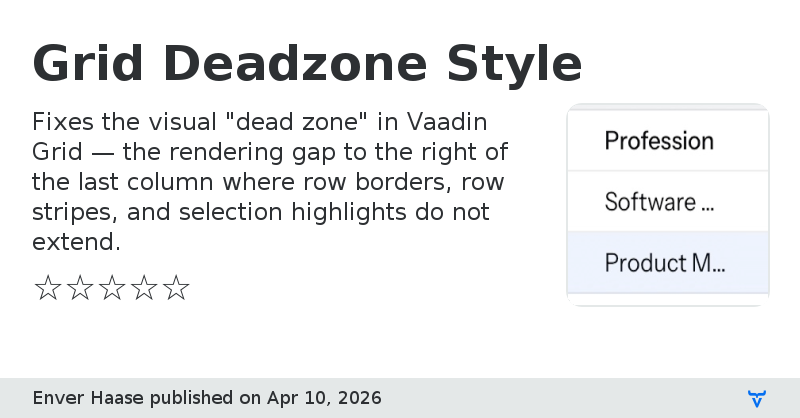
## The Problem
Vaadin Grid leaves an undecorated area to the right of the last column. Row separators, alternating row stripes, and selection highlights all stop at the column boundary, producing an inconsistent appearance that is especially noticeable with wide grids or resizable columns. This is a known upstream issue: [vaadin/web-components#7413](https://github.com/vaadin/web-components/issues/7413).
## What This Add-on Does
Grid Deadzone Style injects a single CSS file that extends all visual row decorations across the full grid width, including the dead zone:
- **Row borders** — separator lines span the entire row, not just the column area
- **Row stripes** — the alternating background tint fills the full row width
- **Selection highlight** — the selected-row background covers the dead zone
The fix works for both the **Lumo** and **Aura** themes in **light and dark** colour modes, and handles all grid variants (`row-stripes`, `column-borders`, `no-row-borders`).
## Zero-Configuration
Add the dependency and you are done. The add-on registers itself via `VaadinServiceInitListener` (Java SPI) and injects the CSS into every UI automatically — no annotations, no manual stylesheet imports, no theme configuration required.
## Compatibility
- Vaadin 25 (tested against 25.1)
- Lumo and Aura themes
- Light and dark colour modes
- All standard Grid theme variants
## Maven Dependency
```xml
org.vaadin.addons.infraleap
grid-deadzone-style
1.0
```
## License
Apache License 2.0
View on GitHubGrid Deadzone Style version 1.0.0
Initial version
Grid Deadzone Style version 1.0.1
Fixed a problem. Won't tell you which.